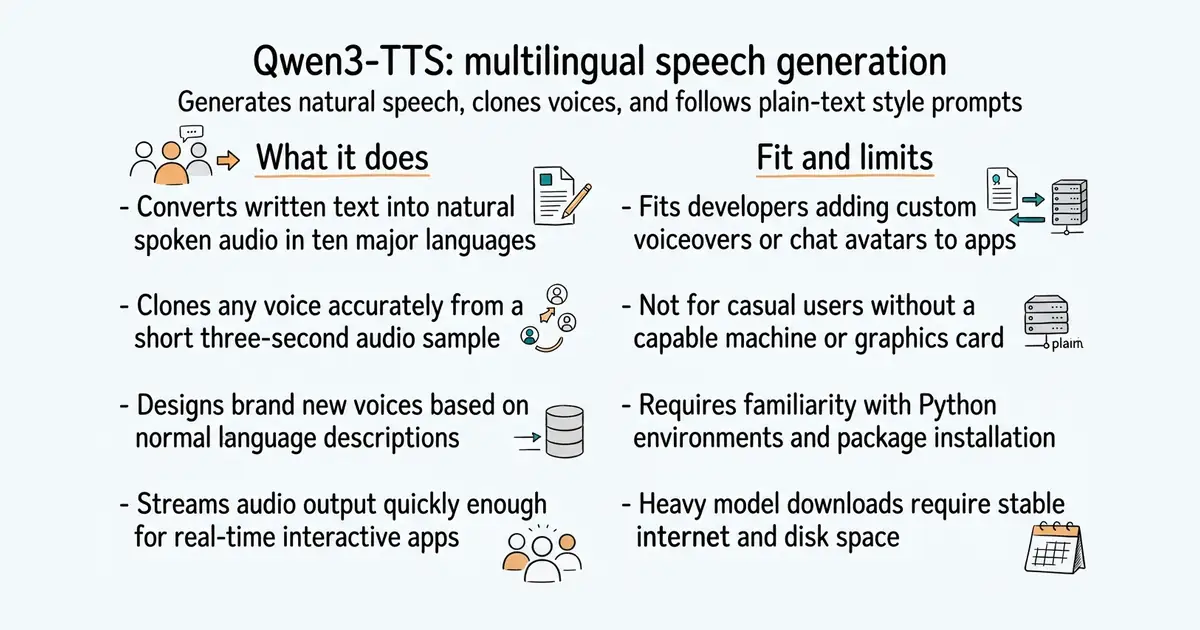
In simple English
This system creates realistic spoken audio from written text. You can pick from built-in voices, copy someone's voice from a three-second clip, or describe a brand new voice using normal sentences. It supports ten major languages and runs locally on your own computer or server. It needs a powerful graphics card to run smoothly, and setting it up requires some Python knowledge.
What it is
Qwen3-TTS is an open-source series of text-to-speech models developed by Alibaba Cloud. It uses a discrete multi-codebook architecture to generate high-quality audio with low latency.
What it is good for
Solo builders who want to add lifelike voiceovers, interactive character voices, or real-time speech generation to their applications without paying for a cloud speech API.
- Clones any voice from a short three-second reference audio clip.
- Supports ten major languages including Chinese, English, Japanese, and German.
- Generates speech quickly enough for real-time interactive applications.
- Requires a dedicated graphics card with enough memory to run the models.
- Setting up Python environments and FlashAttention dependencies can be tricky.
- Large model weights take up significant disk space during download.
Paid cloud text-to-speech APIs and rigid traditional voice synthesizers.
vLLM for high-throughput model serving and audio playback libraries.
- QwenAudio/CosyVoice24k stars
Another prominent multilingual voice generation toolkit offering zero-shot cloning and cross-lingual synthesis.
- SWivid/F5-TTS15k stars
A diffusion-based text-to-speech system focused on zero-shot voice cloning with minimal setup.


- snapcast/snapcast8.0k stars
A server and clients that play one audio stream in several rooms, kept in time with each other.
- MusicPlayerDaemon/MPD2.8k stars
A background music player with no interface of its own, controlled over a network by separate client programs.
- AcademySoftwareFoundation/OpenTimelineIO2.0k stars
An interchange format and library for editing timelines: the order and length of cuts, and references to the media, but not the media.
conda create -n qwen3-tts python=3.12 -y
conda activate qwen3-tts
pip install -U qwen-tts