In simple English
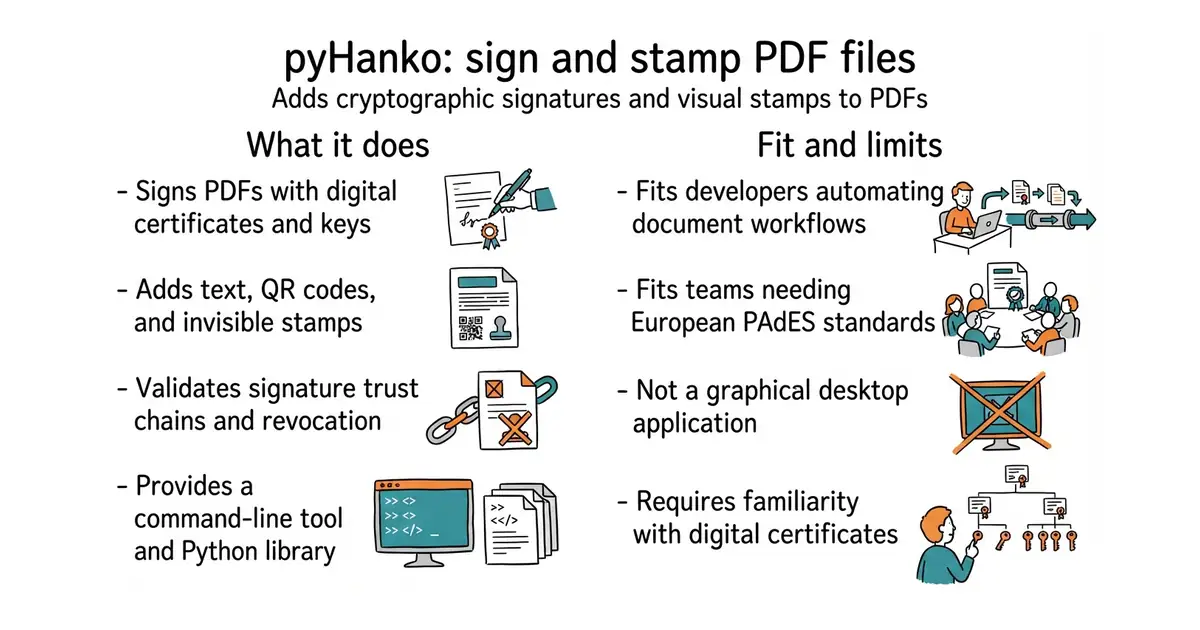
This tool adds cryptographic signatures and visual stamps to PDF files. It helps you prove that a document is real and has not been changed. You can run it from your terminal or build it into your own programs. It is free to use under an MIT licence. You need some knowledge of Python and digital certificates to set it up.
What it is
pyHanko is a command-line tool and Python library for digital signatures in PDF documents. It supports advanced European standards for long-term signature validation.
What it is good for
Solo builders and developers who need to programmatically sign invoices, legal documents, or certificates without paying for proprietary software.
- Supports advanced PAdES signature profiles for long-term validation.
- Works with hardware security tokens and smart cards using PKCS#11.
- Includes a command-line interface for quick script automation.
- Requires Python 3.11 or later and manual dependency management.
- Needs familiarity with cryptographic certificates and keys.
- The project is in beta and not yet fully production-ready.
manual PDF signing in desktop applications or expensive commercial signing software
cryptography (a Python library for recipes and cryptographic primitives)
- Future-Scholars/paperlib2.3k stars
A desktop library for research papers that looks up the title, authors and year of a dropped document itself, and leaves the files in an ordinary folder.
- mozilla/pdf.js54k stars
A PDF reader written in JavaScript that renders documents inside a web page with no plugin.
- Hack-with-Github/Awesome-Hacking123k stars
An index of 81 curated security reading lists, with one line on each.
python3 -m venv venv
source venv/bin/activate
pip install 'pyHanko[pkcs11,image-support,opentype,qr]' pyhanko-cli