In simple English
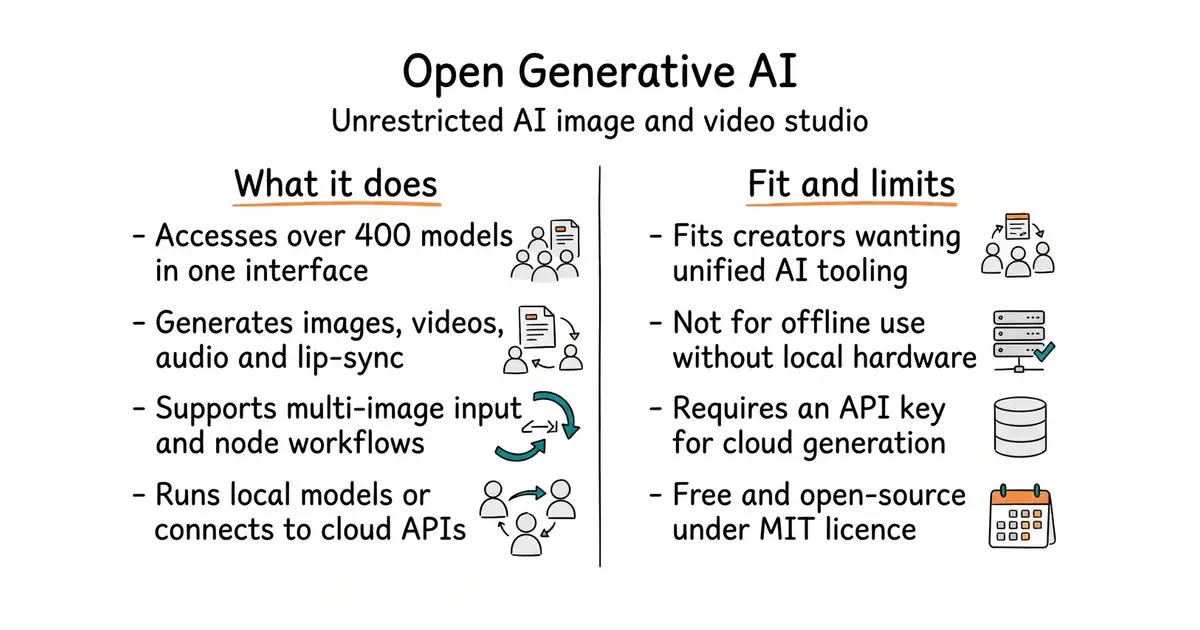
This program lets you create images, videos, and audio clips using artificial intelligence models. It brings together hundreds of different generators in one place. You do not need a paid monthly subscription to use it. There are no content filters to block your prompts. You can run it on your own computer or use the online version.
What it is
Open Generative AI (an open-source studio interface for running generative artificial intelligence models) is a desktop and web application that connects to hundreds of commercial and open image, video, and audio generators. It provides a unified dashboard for text-to-image, video creation, lip-syncing, and multi-step workflows.
What it is good for
Solo creators and builders who want to experiment with multiple AI models through a single interface without paying separate subscription fees to different platforms.
- Access over four hundred AI models from a single interface.
- No content filters or prompt restrictions.
- Available as a prebuilt desktop app for macOS, Windows, and Linux.
- Requires an external API key (from Muapi.ai) for cloud models, which incurs usage costs.
- Local video inference demands a powerful computer with a dedicated NVIDIA or AMD graphics card.
- Large auxiliary model weights require significant free disk space.
Paid subscriptions to multiple closed AI generation platforms
Node.js
- AUTOMATIC1111/stable-diffusion-webui165k stars
A popular browser interface for running Stable Diffusion locally, but focused primarily on local image generation rather than a multi-model cloud gateway.

- snapcast/snapcast8.0k stars
A server and clients that play one audio stream in several rooms, kept in time with each other.
- MusicPlayerDaemon/MPD2.8k stars
A background music player with no interface of its own, controlled over a network by separate client programs.
- AcademySoftwareFoundation/OpenTimelineIO2.0k stars
An interchange format and library for editing timelines: the order and length of cuts, and references to the media, but not the media.
Download the prebuilt installer for your operating system from the GitHub releases page, or clone the repository and run `npm run setup` followed by `npm run electron:dev` to build from source.