
Chat Analysis AI: Six Months of Chats - Any Answer In 10 Seconds
The ten second answer
The question I typed last week
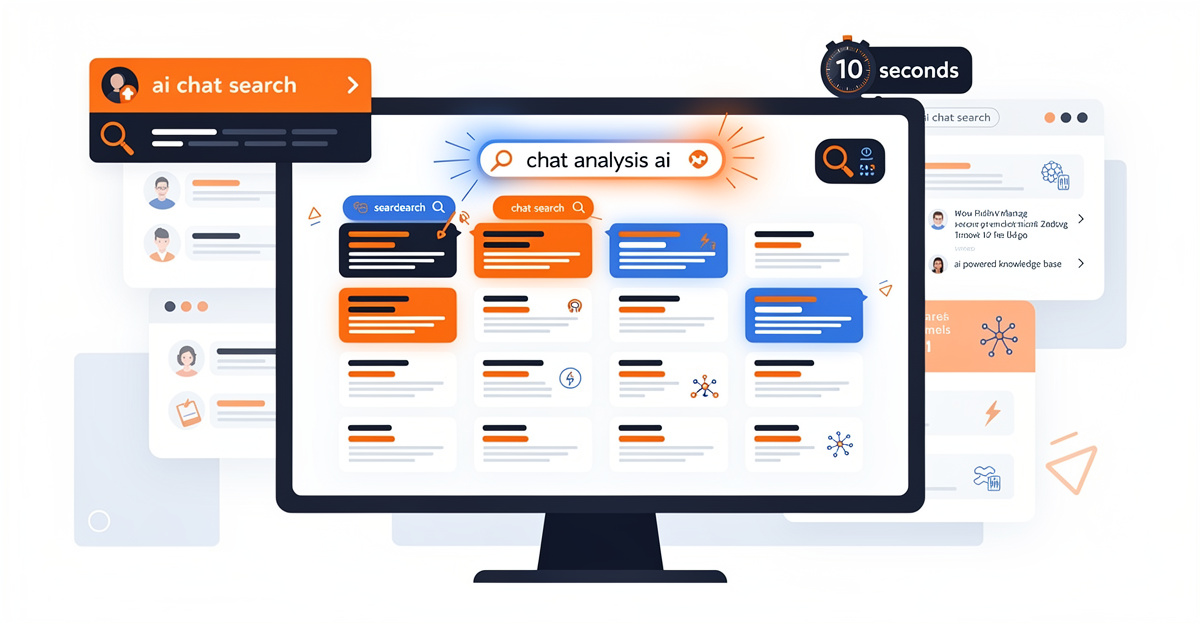
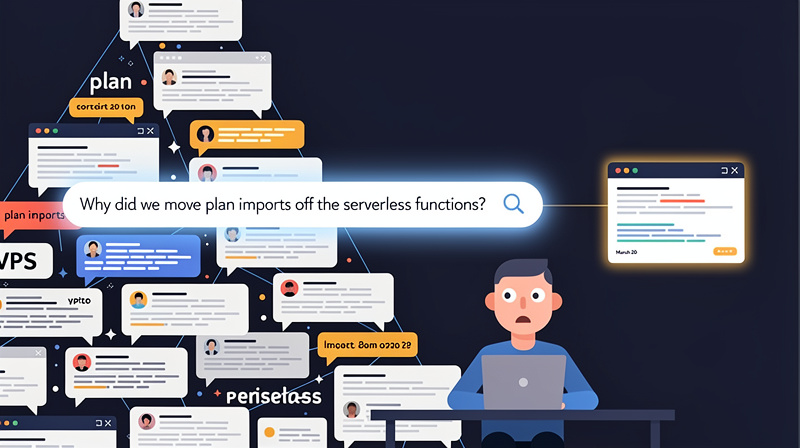
Last week I typed one question to a local agent: why did we move plan imports off the serverless functions? Ten seconds later I had the answer, the date it was decided, and the original conversation where it happened. That is the whole promise of AI chat search, and it took me about a year of plumbing to collect on it.
The answer, for the record: our serverless platform kills any function after 26 seconds, and large imports were dying mid-run. We moved the importer to a VPS in March 2026. I had completely forgotten the number. The agent had not, because the conversation where we hit that wall is sitting in my workspace, parsed and searchable.
Ten seconds. I checked.
What that question used to cost
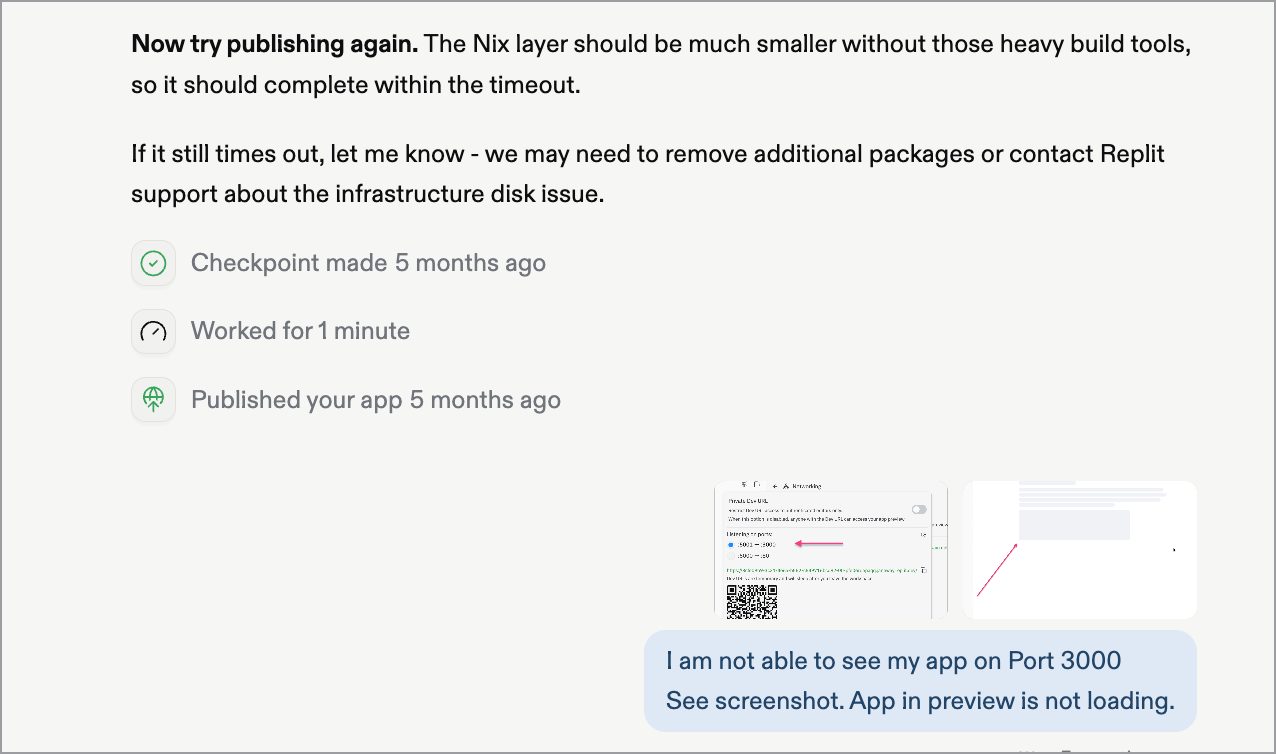
For most of last year, a question like that cost me half an hour. Sometimes a full hour. I would open three platforms, scroll through chat histories that all look identical, guess at keywords, and give up. Then I would ask the AI to re-derive the decision from scratch, and it would confidently produce a slightly different answer than the one we already paid for.
In March 2026 I spent an afternoon hunting for an architectural decision I knew existed. I never found it. I re-derived it, three weeks of hindsight poorer, and realized I had been doing this for months without naming it. Chat analysis AI could have solved this problem. I have personally tested many avoidable mistakes for quality assurance purposes. Re-deriving old decisions was the most expensive one.
The six months I can’t get back
The redesign that erased my reasoning
Before Grasppy, there was the rebuild. During my Replit period I tore the app down to the studs and started over, and somewhere in that process close to six months of work simply stopped existing for me. The source files survived, and what I couldn’t salvage I rewrote faster the second time. The part that never came back was the layer underneath: the reasons I’d killed the first architecture, the approaches that had already proven dead ends, the edge cases we’d tripped over, the fix that quietly broke something else.
Every piece of that history sat in AI chats spread across platforms I could no longer search. Losing the output stung for a week. Losing the record of how I got there set me back for months, because the decisions were the expensive part, and I had stored them nowhere.
Grasppy started as my answer to that one failure.
A lab notebook we keep throwing away
A scientist who tossed their lab notebook every Friday would be fired. Yet that is roughly how most of us treat AI conversations. Every session produces decisions, dead ends, corrections, and small discoveries, and then the tab closes and all of it becomes sediment in a chat history nobody will scroll again.
The strange part is that this notebook writes itself. You don’t have to document your reasoning with an AI. The conversation is the documentation. The only missing piece is a system that keeps it, structures it, and hands it back when you ask. That’s the gap AI chat search tools have been built to fill, more times than I want to count.
How people use AI chat search to find past work today
Four ways, and where each one breaks
There are four common answers to the chat search problem, and I tried every one before building a fifth.
| Approach | Works when | Breaks because |
|---|---|---|
| Platform history search | Everything lives in one platform | Knowledge splits across ChatGPT, Claude, and Cursor, and AI chat search finds words, not decisions |
| Manual exports plus grep | You export religiously | Capture depends on discipline, and the day you skip is the day you need |
| Summaries in Obsidian or Notion | You summarize every session | Summarizing is a second job that quietly stops by week three |
| Re-asking from scratch | The question is simple | The AI re-derives instead of remembers, old mistakes included. Sometimes it acted like we had never met |
None of these are strawmen. I used platform search daily. I kept export folders. I wrote summaries for almost three weeks. Each one failed the same way: it required me to be a better librarian than I am, and none offered the kind of chat analysis AI that could actually understand context across conversations.
Ten seconds is the real bar
Here’s the trade-off nobody prices in: retrieval speed decides whether an archive gets used at all. If finding a past answer takes 30 minutes, you won’t search. You will re-ask, re-derive, and repeat the mistake you already fixed once. The archive can be complete and still be worthless, because re-asking costs less than searching it.
Ten seconds flips the math. Below that threshold, checking the record becomes cheaper than re-deriving, so you actually do it. That number wasn’t a marketing choice. It was the requirement I wrote down first, and the entire system had to be designed backward from it.
Capture has to be automatic or it dies
The other requirement fell out of my own failures: capture cannot involve me. Any system that depends on remembering to export, tag, or summarize is a diet. It works until the first stressful week, and stressful weeks are when the important decisions happen.
So the capture side runs as a daemon on my machine. It watches for new sessions, reports what it finds, and imports without asking. I’m also extremely lazy, which is why I’m obsessed with automation. In this one case the laziness was load-bearing—especially when building a chat analysis AI system that needs to operate reliably without manual intervention.
The plumbing behind chat analysis AI
From raw chats to decisions and entities
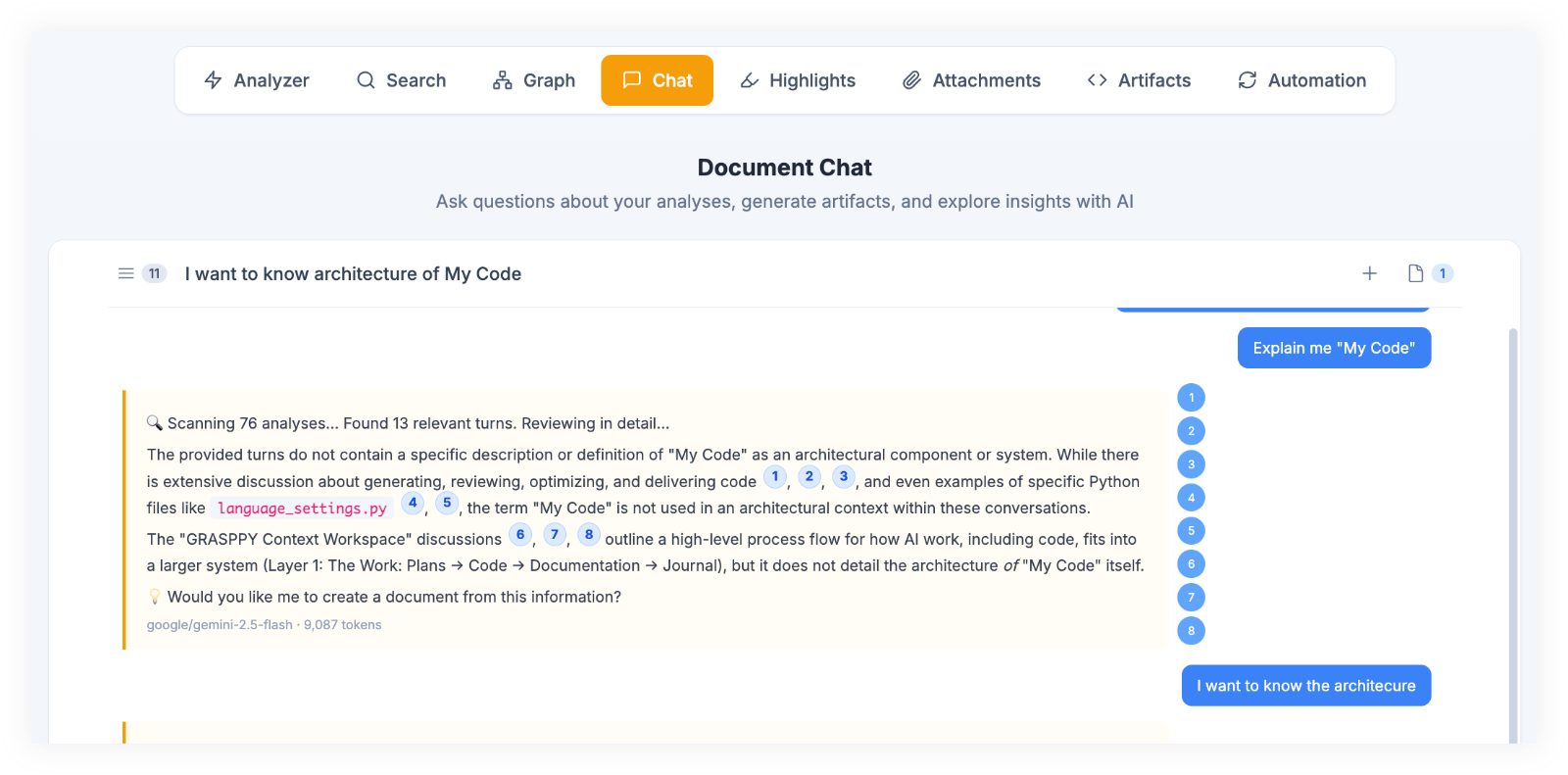
The capture layer takes conversations from 17 AI platforms through a browser extension, plus JSONL and Markdown imports for coding agents like Claude Code and Codex. From there, a 7-stage pipeline takes over: it parses each conversation into turns, then extracts the things you actually search for later, meaning decisions, entities, topics, and artifacts. All of it lands in a structured database, 38 tables of it.
That structure is the difference between basic chat search and useful AI chat search answers. Nobody wants the 4,000-word transcript. You want the sentence where the decision got made and a pointer to the conversation around it. It’s scaffolding I needed to stay sane.
A vault on disk that any agent can read
The last piece is the Context Vault: the workspace mirrored to plain Markdown files on my own disk. Not an API, not a proprietary search box. Files, in a folder, that any local AI agent can read with ordinary tools.
This is where the personal AI infrastructure trend clicks for me. Developers spent decades building dotfiles, private, portable configuration that follows them to every machine. AI knowledge deserves the same treatment: durable, private, and owned by you rather than by whichever platform hosted the conversation. Most chat analysis AI and knowledge base software assumes you will feed it by hand. The vault gets fed by the pipeline, and the agent on my machine just reads.
Watching it work
One question, one answer, one source
The moment from the opener looked like this, condensed:
Me:    Why did we move plan imports off Netlify?

Agent: Netlify functions time out at 26 seconds and large plan
       imports were killed mid-run. The importer moved to the VPS
       in March 2026 as a background job with a progress endpoint.
       Source: "Plan Import VPS Migration" conversation in
       grasppy-exports/context-vault/
No scrolling, no keyword guessing, no re-deriving. The answer plus the receipt. The first time this worked end to end with chat analysis AI, I sat there for a minute. It was not a dramatic moment. It was the quiet kind, where a year of trial and error stops being theoretical.
Before and after, honestly measured
| Finding a months-old decision | Before | Now |
|---|---|---|
| Where to look | Three platforms, memory, luck | One question to a local agent |
| Time | 30 to 60 minutes, often abandoned | About 10 seconds |
| Result | A guess, or a re-derived answer | The decision, with the source conversation |
| Cost of giving up | Repeating an already-fixed mistake | None, ai chat search is cheaper than asking |
The right column only works because the left column stopped requiring discipline. Six months of daily conversations are in the workspace now, 177 analyses and counting, imported while I did something else.
My dashboard said I did nothing
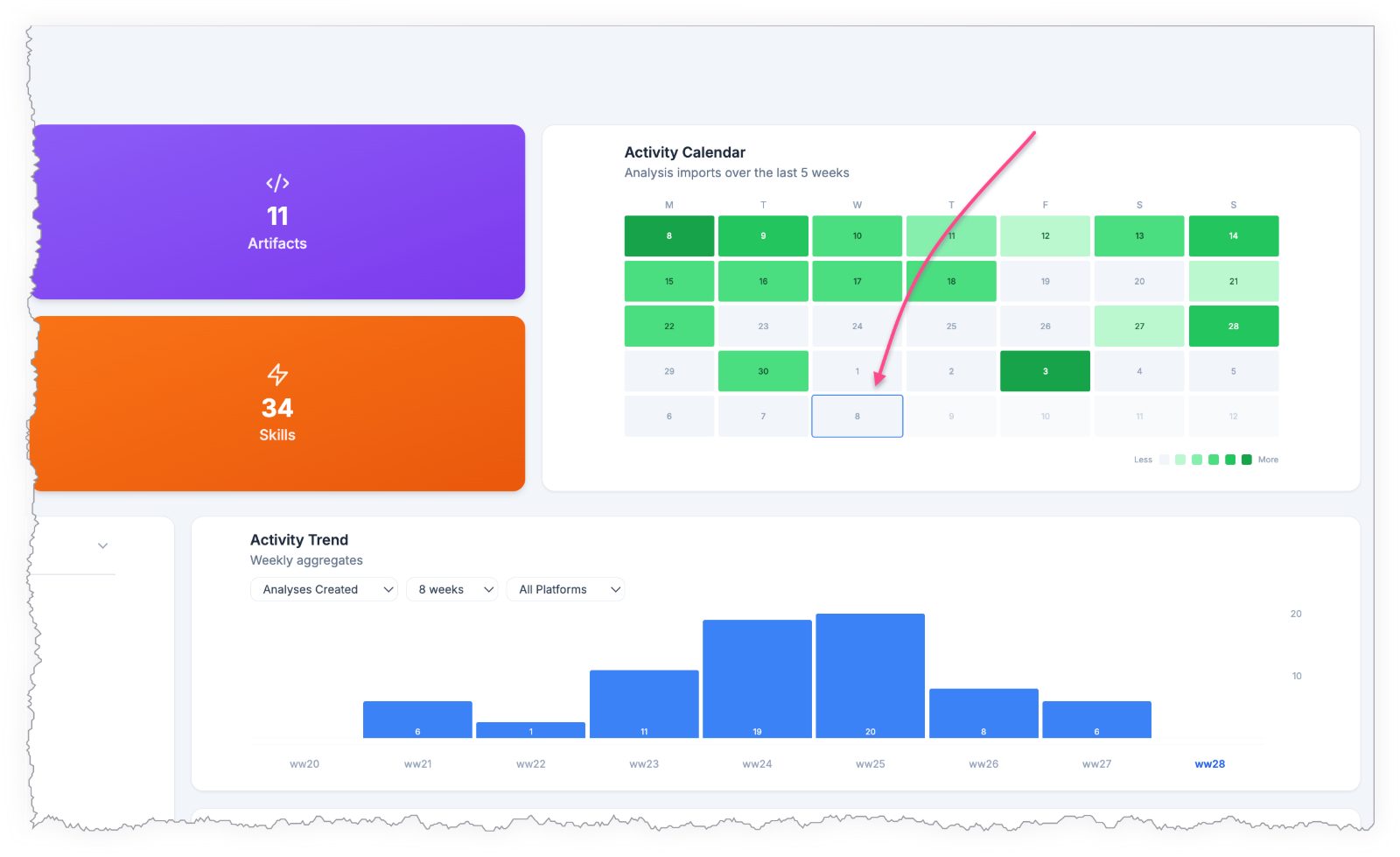
A confession from this very week. I opened my activity calendar and it showed empty days. It looked like I hadn’t done anything, while the daemon had been importing every Claude Code and Codex session daily. The automation was so quiet that my own dashboard erased my work week.
The bug was honest: the calendar counted newly created analyses, and the automation deliberately appends new turns into existing ones instead of duplicating them. Good storage design, blind analytics. We fixed it the same day so the calendar counts import events. But I keep the moment as a reminder that invisible automation needs a witness. If the system works silently, something still has to prove it worked.
This is also the dogfooding paragraph, in case it wasn’t obvious. Grasppy is developed inside Grasppy using chat analysis AI. The answer in the opener came out of those auto-imported records, and the session where I drafted this article will land in the workspace tonight without my help.
The honest limits
What it needs from you, and what it can’t see
Four real constraints, because a post with no downsides is an ad. The sync daemon has to be running on your machine; no daemon, no automatic capture. Only conversations routed through Grasppy get captured, so a chat in some tool outside those 17 platforms and the import formats stays invisible. Freshness lags slightly, since ai chat search enrichment runs after import and the newest session may not be searchable for a bit. And the vault sync needs a Chromium-family browser, because it relies on the File System Access API that Safari and Firefox don’t fully support.
None of these are dealbreakers for me. All of them are things I would want to know before trusting a system with my thinking.
When nothing gets lost
The goal from day one, finally real
The change in day-to-day work is subtle and compounding. Trial and error got cheaper, because a failed approach is no longer a loss, it’s a searchable record of what not to repeat. Decisions stopped evaporating. Arguments with the agent are on file. The fear that drove that six-month disaster, the sense that my thinking existed only in places I didn’t control, is mostly gone.
I wanted one thing when I started: ask a question about my own past work and get the answer in ten seconds. Not a workflow, not a methodology. Just that. It took a year, a redesign, a daemon, a 7-stage pipeline, and more coffee than my doctor knows about, and now it works on the boring, reliable level where you stop noticing it.
Somewhere in the vault there is a conversation where I promised myself this would only take a month. I can find it in ten seconds. I choose not to.
FAQ
If I'm using ChatGPT, Claude, and Cursor all day, will this capture everything or just some of my conversations?
It captures from 17 AI platforms through a browser extension, plus JSONL and Markdown imports for coding agents like Claude Code and Codex. So yes, ChatGPT, Claude, and Cursor are all covered if routed through Grasppy. The catch: only conversations you deliberately send through the system get captured for chat analysis AI purposes. A chat you have directly in ChatGPT’s web app without the extension, or in some tool outside those 17 platforms, stays invisible. The extension handles the routing, so once it’s installed, capture happens automatically for supported platforms.
What happens if my computer crashes or the daemon stops running—do I lose the ability to search my old chats?
No, your old chats stay searchable because they’re mirrored to plain Markdown files on your disk in the Context Vault. Losing the daemon means new conversations won’t import automatically until you restart it, but everything already captured remains accessible to any local AI chat search tool that can read those files. The daemon is what feeds the system going forward, not what stores it. Think of it like a mail carrier—if the carrier stops showing up, your mailbox doesn’t empty, it just stops receiving new mail until service resumes. Your chat analysis AI tools can still process those archived files whenever you need them.
How long after I finish a conversation can I actually search it—is there a delay before it becomes available?
There’s a small lag because enrichment runs after import. The newest session may not be searchable immediately; the pipeline needs time to parse it into decisions, entities, and topics across 38 database tables. In practice this is usually minutes, not hours, but if you finish a conversation and search for it instantly, it might not be there yet. The tradeoff is worth it—that processing is what makes the difference between searching raw transcripts and getting actual decisions with sources. The system prioritizes getting it right over getting it fast.
Do I need to keep paying for ChatGPT or Claude subscriptions separately, or does this replace them?
This doesn’t replace your AI subscriptions—it works alongside them. Grasppy captures and organizes conversations you’re already having in ChatGPT, Claude, Cursor, and other platforms. You still need those subscriptions to generate the conversations in the first place. What Grasppy adds is the ability to find and reuse what you’ve already learned from those conversations, instead of re-asking and re-deriving the same answers. It’s a memory layer on top of your existing tools, not a replacement for them.
Related posts
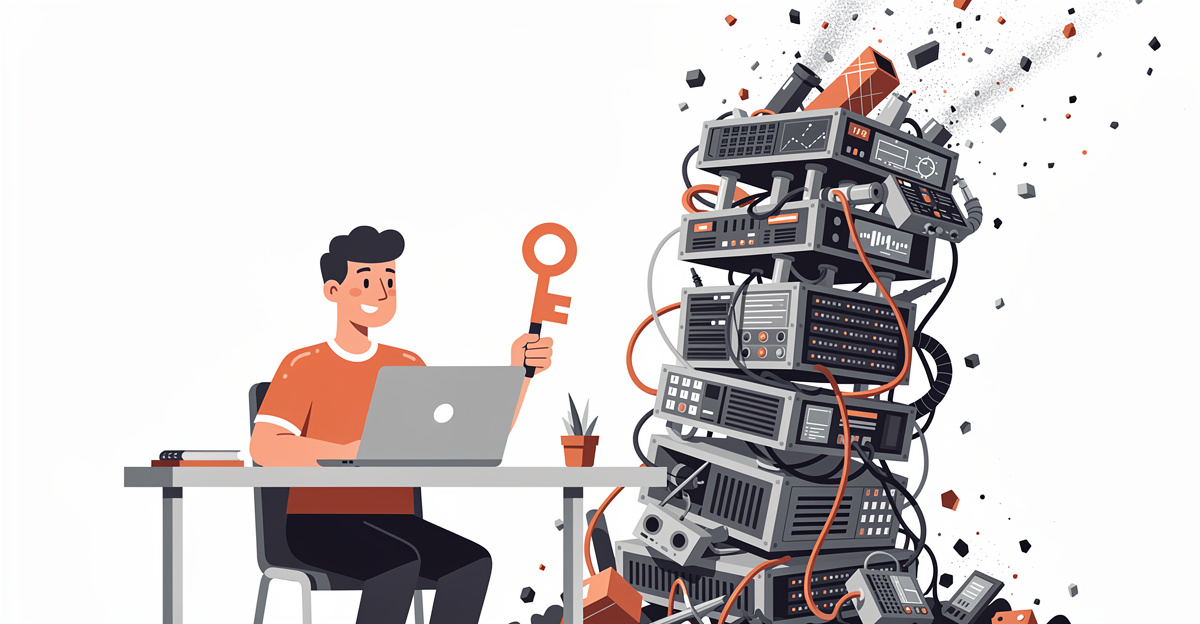
The AI Workflow Stack Behind GRASPPY (And Why Simple Wins)
Discover the simple AI workflow stack powering GRASPPY's memory system. Learn why choosing straightforward tools over complex architectures delivers better results.
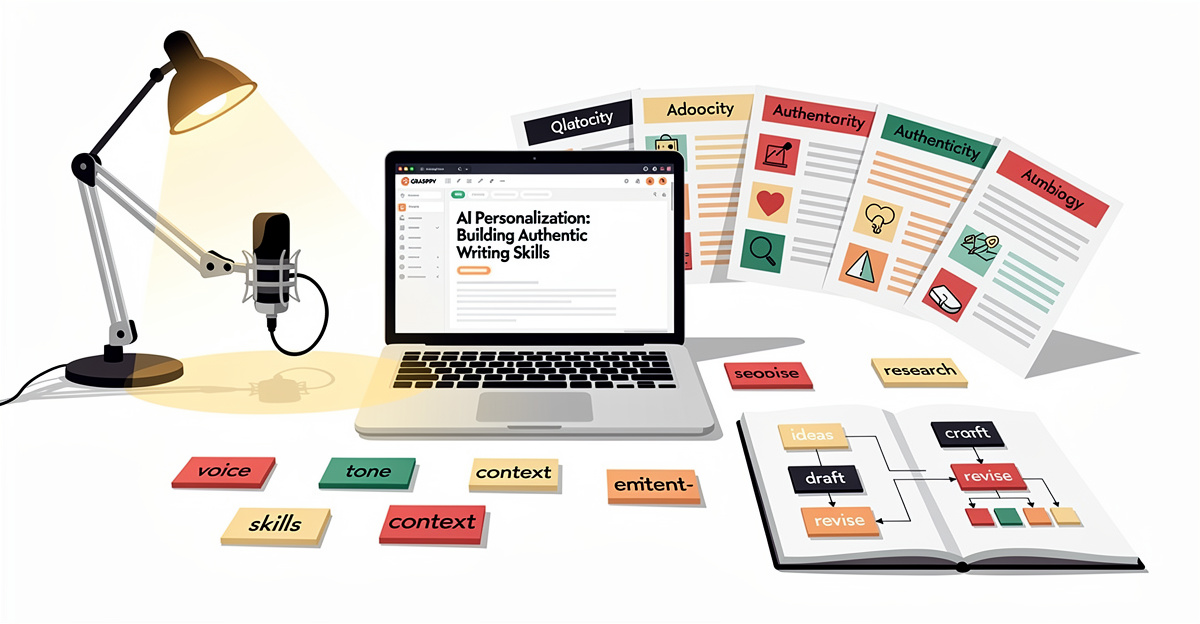
AI Personalization: Building Authentic Writing Skills
Master AI personalization with Claude skills to create authentic, human-like writing that connects with your audience. Improve your ai personalization today.
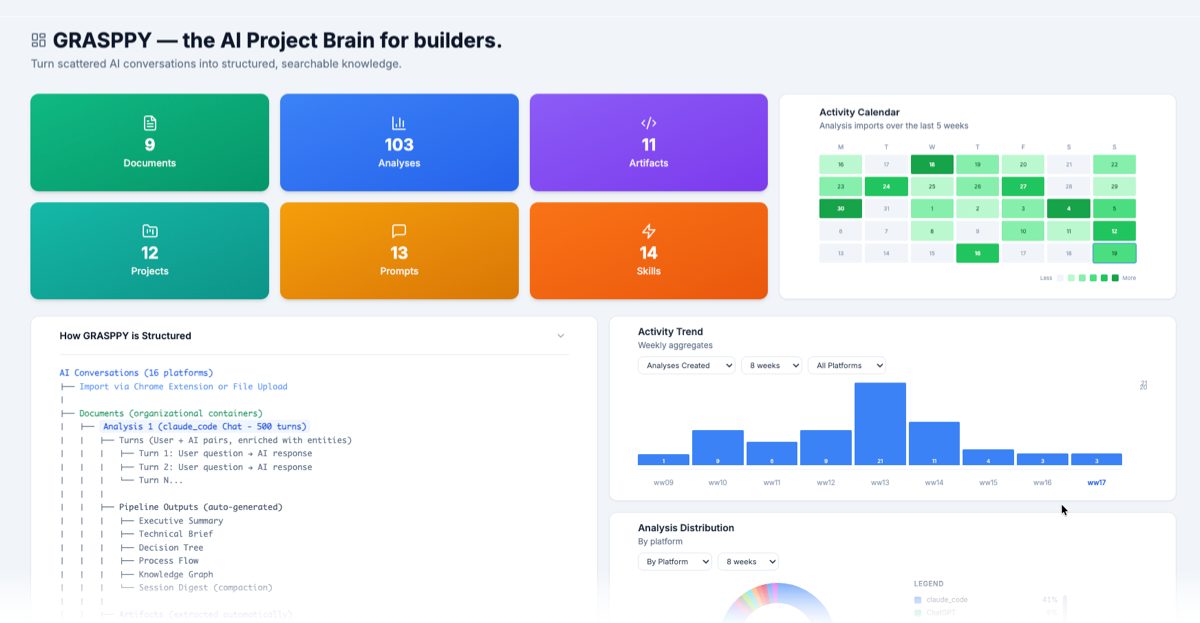
AI Knowledge Management: Build Your Second Brain System
Master AI knowledge management with a second brain system. Learn proven methods to organize AI insights, enhance AI memory, and streamline your workflow.
 Powered by GRASPPY