
Why I Built an AI Second Brain for My Chat Conversations
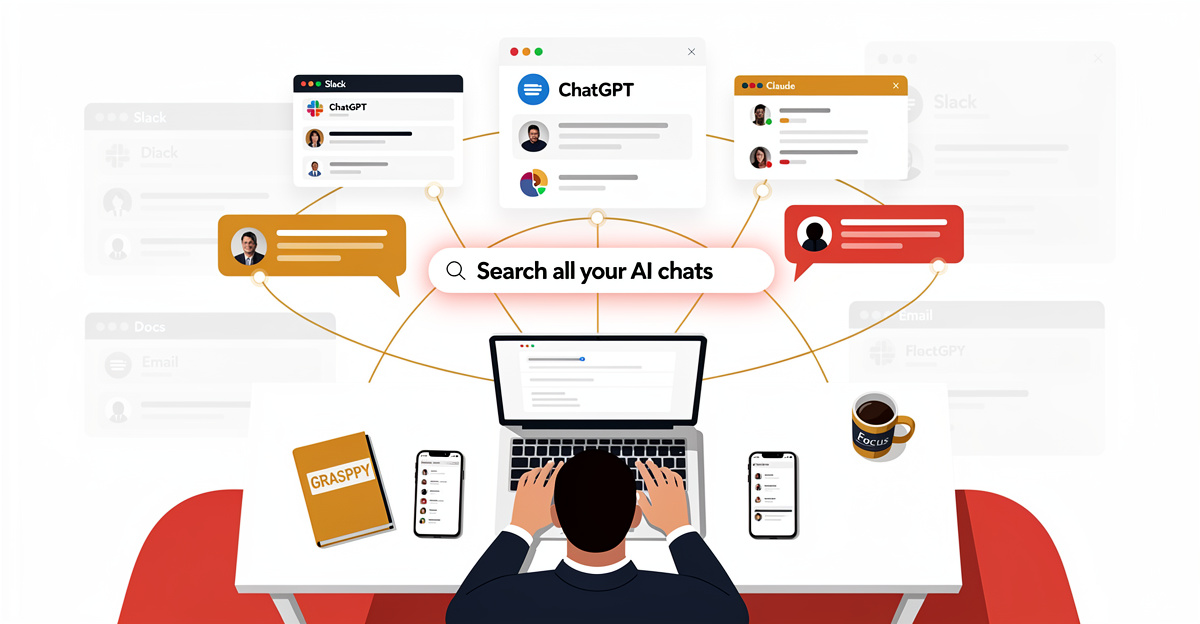
The conversation you can’t find
Why chat history isn’t AI knowledge management
I needed something I’d discussed with Claude three weeks earlier — a specific architectural decision that had taken half a morning of back-and-forth to reach. The conversation had happened; I could not find it. The chat was archived inside a platform that didn’t really want me to leave with it, and the search was a single text box that returned everything except what I wanted. What I needed was an AI second brain — a searchable, organized repository of all my AI conversations and insights, like a personal ai wiki for capturing and retrieving knowledge. What I had was a folder of exports and a sinking feeling.
I ended up re-deriving the same decision from scratch, and somewhere in that hour I realized I’d been doing this for months — every new session starting from zero, every breakthrough vanishing into a sidebar I couldn’t search across.
That was the moment I stopped calling it “chat history” and started calling it lost work. Chat history is what a platform shows you when you scroll up. A second brain is what would have let me find the right conversation in twelve seconds instead of re-deriving it in sixty minutes. The gap between those two things is bigger than people realize, and it’s the gap this post is about — building effective ai knowledge management systems that actually preserve and surface your insights.
AI wiki sealed gardens and the explain-it-again loop
Every AI platform is a sealed garden. ChatGPT owns your ChatGPT history; Claude owns your Claude history; Gemini, Grok, DeepSeek, Cursor, Copilot all do the same thing. The export options are inconsistent at best and missing at worst. The moment you start a new session, the context from your last one is gone unless you remember to paste it back in.
This is the explain-it-again loop. You spent forty minutes last Tuesday explaining your project to Claude. Today, the same project gets explained again to ChatGPT because Claude is rate-limited. Tomorrow, it goes to Gemini because someone said it’s better at PDFs. Each platform makes you start over because none of them know about the others, and none of them is incentivized to make their context portable.
It felt like a strange AI version of Groundhog Day where the chatbot forgot everything overnight and I slowly lost pieces of my sanity re-explaining it. The cost wasn’t the time. The cost was that the actual reasoning — the trade-offs, the rejected paths, the why behind every decision — was on me to remember, and my memory was the bottleneck. What I needed was an AI wiki that could persist this context across platforms and sessions, functioning as an AI knowledge management system.
Why note-taking apps miss the shape of AI work
Built for human authors, not turn-by-turn reasoning
Notion and Obsidian were built for human-authored notes, and they’re excellent at it. Pages, tags, backlinks, nested folders — all of it assumes you’re the one writing, that the content is yours from the first sentence, and that the structure you impose is what gives the content meaning. None of those assumptions hold when the content is an AI conversation.
An AI conversation has a shape you didn’t choose. Turn-by-turn structure, alternating user and assistant. Embedded artifacts (code blocks, tables, diagrams) that aren’t quite part of the prose. Metadata the platform tracks but doesn’t surface — which model, what cost, when, in what session. None of this maps cleanly to a Notion page or an Obsidian markdown file, and forcing it through copy-paste loses most of what made the conversation worth preserving.
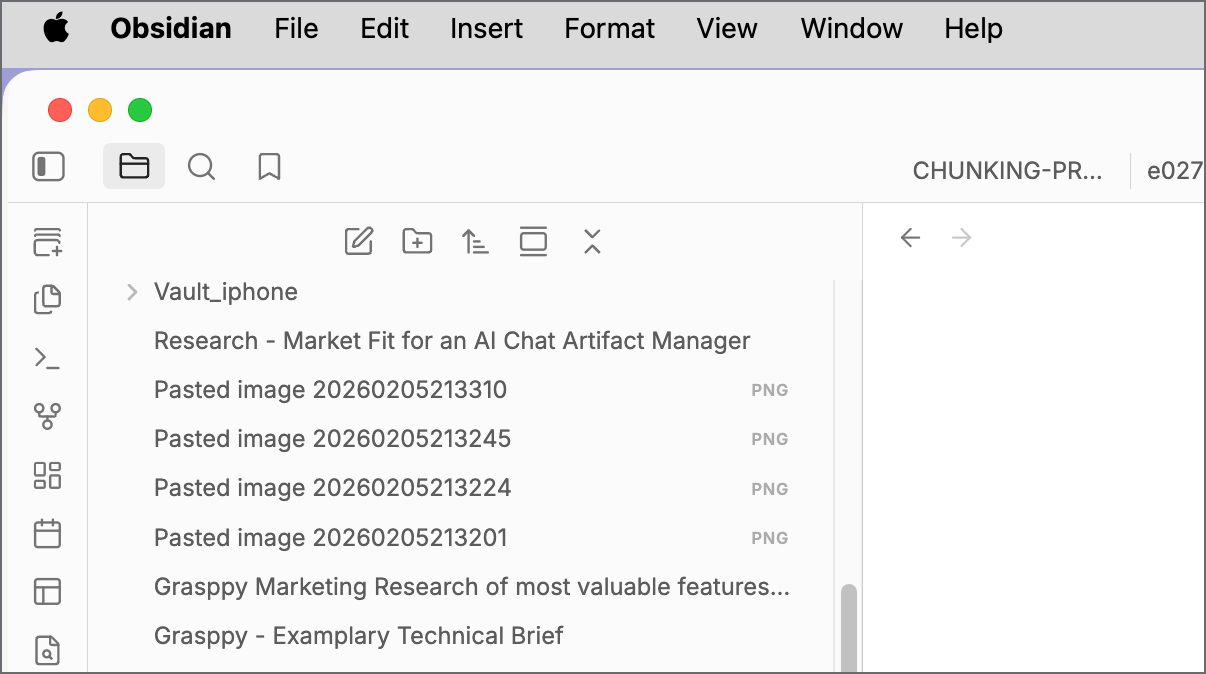
I tried for a while. I copy-pasted Claude conversations into Obsidian, used callouts to mark “AI said” versus “I said,” tagged them by topic. By the third week I’d stopped, because the act of organizing each chat by hand was more work than the value I was getting from having them organized. Traditional ai knowledge management tools simply weren’t designed for this type of content.
Artifacts, model names, costs — the metadata that matters
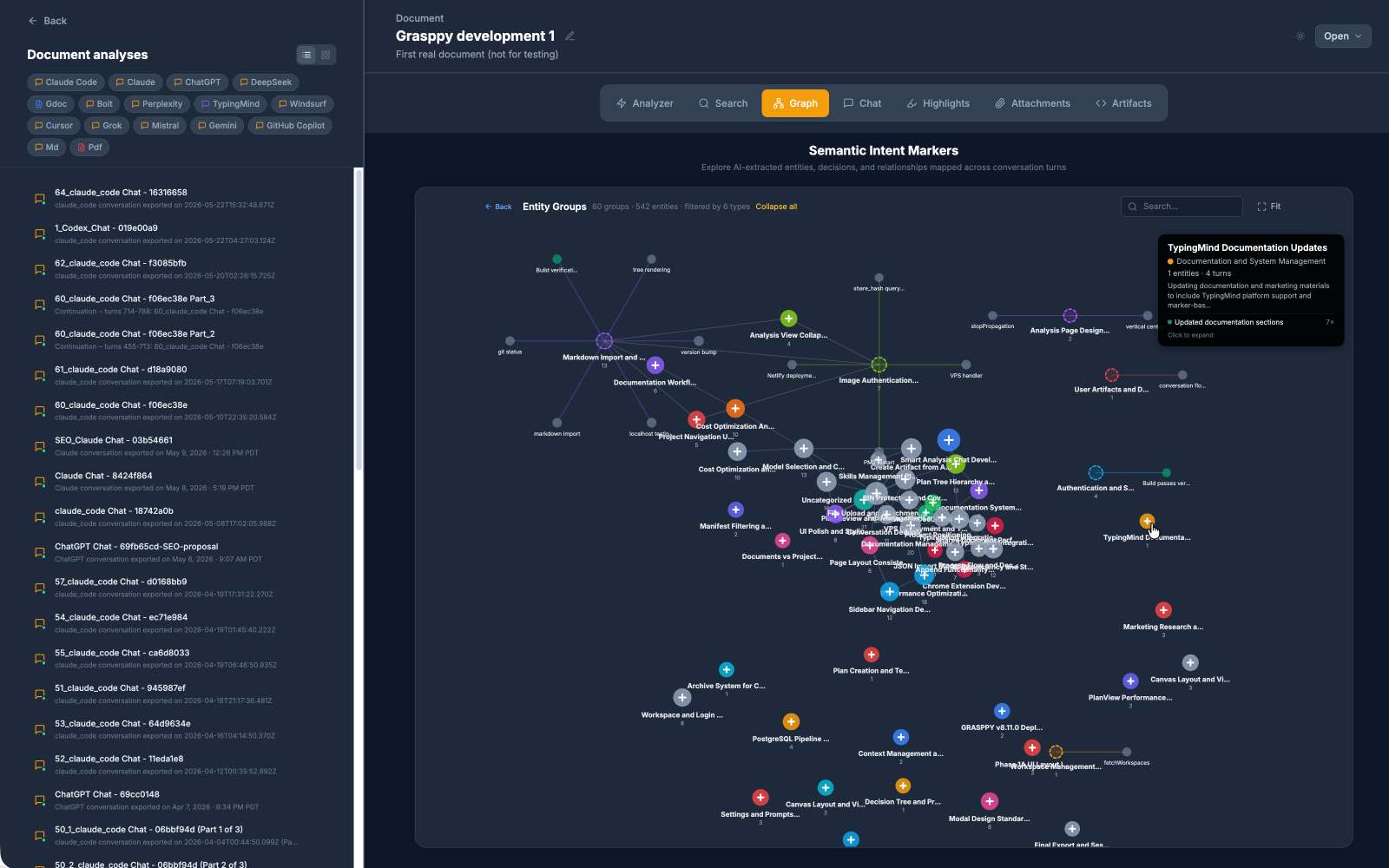
The metadata is where ai knowledge management actually lives. Which model produced the code block — Haiku, Sonnet, Opus, GPT-4o, Gemini Pro? When was that conversation, before or after the architecture pivot? How much did it cost? Did the same artifact appear in a later session under a different filename? These aren’t trivia. They’re how you connect today’s question to last month’s answer.
A few months back I’d talked through a pricing model rewrite with Claude — about an hour of back-and-forth, model choice landed on Opus, cost real money in tokens. I’d have happily paid again to get the same reasoning back. I couldn’t find the conversation. The chat title I’d let auto-generate said something useless like “pricing thoughts,” and the metadata that would have rescued me — model name, cost, date, the topic cluster — lived nowhere except a usage page I couldn’t search.
Note-taking apps don’t track any of this because they were never asked to. The artifact in a Claude chat isn’t a code block to Obsidian; it’s a fenced markdown block that lost its provenance the moment you pasted it. Model names live as strings in your head, not as fields anywhere searchable. Cost is a number you saw once on a usage page and never thought about again.
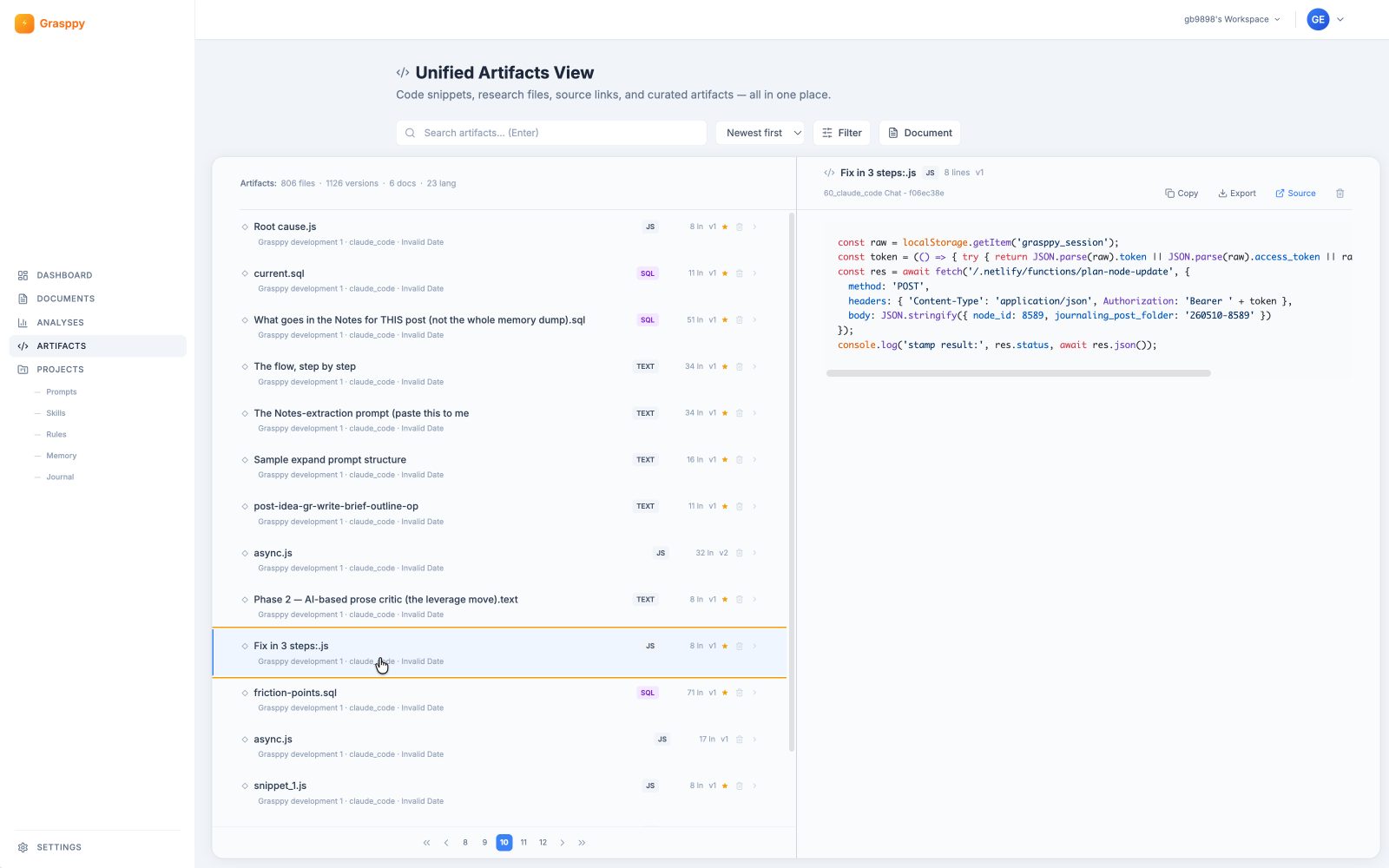 Three weeks later, when you’re trying to figure out why one approach worked and the other didn’t, the answer often lives in metadata neither you nor the app remembered to keep. The thinking is recoverable only if the metadata travelled with it. That’s the test for building an effective ai wiki: does the metadata survive the conversation, or does it vanish the moment the chat closes?
The realization — conversations ARE the work
Code is downstream of reasoning
The code I ship is downstream of a conversation that produced it. The same is true for the architecture decisions, the pricing analyses, the bug post-mortems, even the marketing-copy variants I argued myself out of using. The artifact is what shows up at the end. The reasoning is what’s actually load-bearing. If I lose the reasoning, I have the artifact and no way to recreate it next time the constraints change.
This was the framing shift. I stopped treating my AI chats as scratch surface and started treating them as primary work product. The conversation isn’t the thing that led to the output — the conversation IS the output, and the code or doc is a byproduct.
Once I crossed that line mentally, every platform that locked my conversations away started feeling less like a tool and more like a landlord. The work was happening on their property, and I had to ask permission every time I wanted to take a copy. Building my own ai wiki became essential for maintaining control over these valuable reasoning threads and creating a proper ai second brain for knowledge management.
The architecture decision buried in a sidebar three weeks ago
Three weeks back, I had a long Claude conversation about whether an import pipeline should run AI enrichment at import time or lazily at query time. The conversation took an hour. We worked through latency, cost-per-call, edge cases, and rejected three options before landing on import-time enrichment as the right call.
Two weeks later, a contributor asked why the pipeline does it way. I knew the answer, but I couldn’t show the work. The reasoning that took an hour to develop existed only in my head, and the version of me defending the decision was a worse version because I couldn’t refer back to the actual trade-off analysis. This is exactly why I need an ai knowledge management system — a system that captures and preserves the reasoning behind decisions.
That’s the cost of lost conversations — not just re-derivation but the loss of defensibility. The decision survives; the reasoning doesn’t. And that’s how a thoughtful architecture starts looking arbitrary a few months later, even to the person who built it.
Building a cross-platform capture layer
16+ tools, 16+ DOM structures
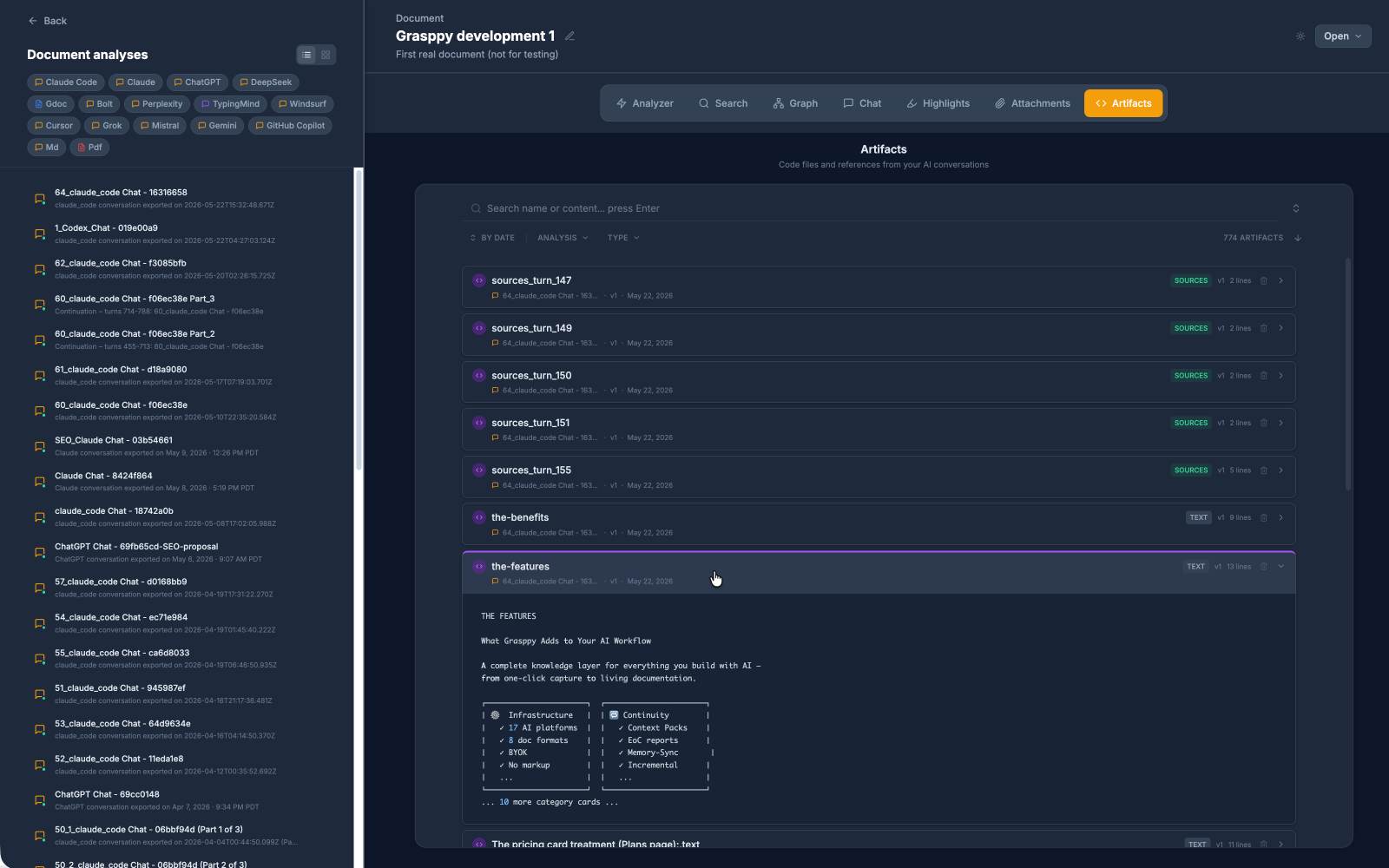
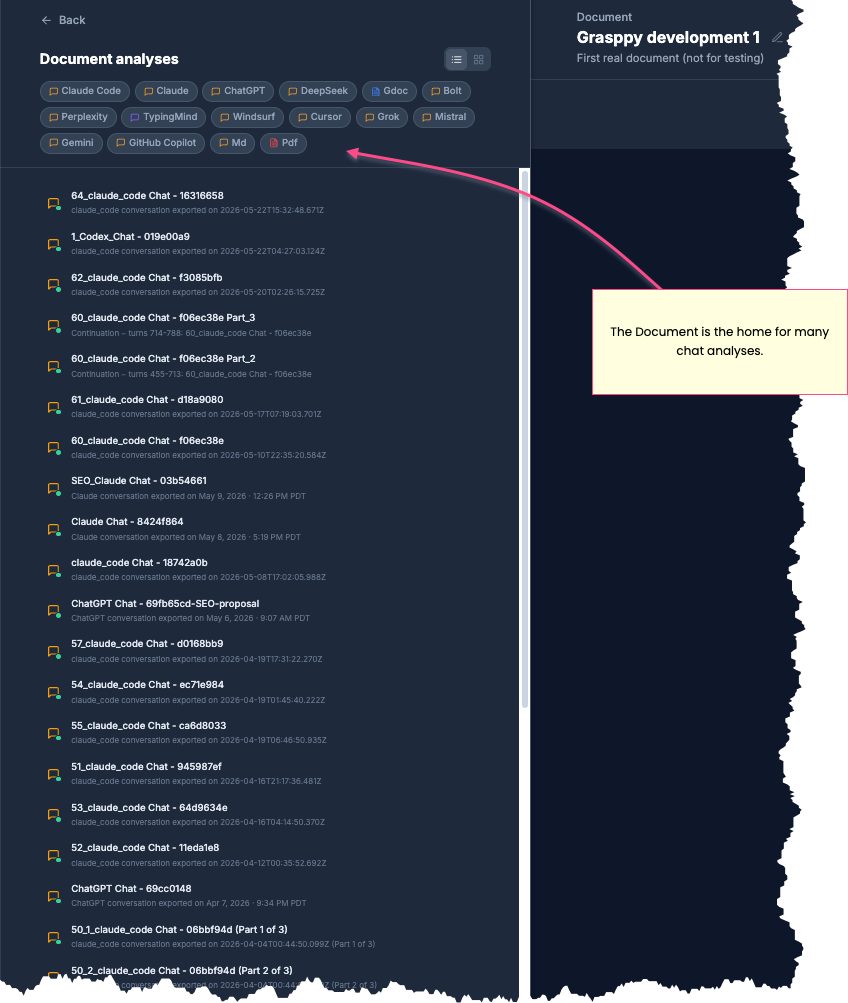
What I built is GRASPPY — a capture layer that doesn’t care which AI tool you used. A Chrome extension reads the conversation directly out of each platform’s page: 16 supported today, plus three more through markdown import for tools like Cursor and Claude Code that don’t have a web UI in the usual sense. Every conversation gets a stable representation that doesn’t depend on the platform keeping its DOM layout the same next week. For Claude users specifically, what comes out the other end is something close to a claude ai wiki — every conversation searchable, every artifact preserved with its source chat, every architectural decision still attached to the reasoning that produced it. This creates an ai knowledge management system where all your AI interactions become permanently searchable and organized.
The hard part — harder than I expected when I started — was the DOM. Every platform structures its chat differently. ChatGPT uses one component tree; Claude uses another; Replit, Lovable, Bolt are completely different again.
The “user turn” and “assistant turn” don’t share a class name across tools. Artifact code blocks live sometimes inside the message, sometimes in a side panel that lazy-loads on click, sometimes copied through a clipboard the page exposes via JavaScript hooks. Sixteen platforms didn’t share one parser — they shared the requirement to be parsed, each in their own broken-in-its-own-way format.
Parsing, enriching, and the seven stages I almost skipped
Capture is only half the problem. Storage in any form already wins you something — you can grep through the raw text, scroll back, or paste a snippet into a new session. The other half is making the captured conversations actually useful.
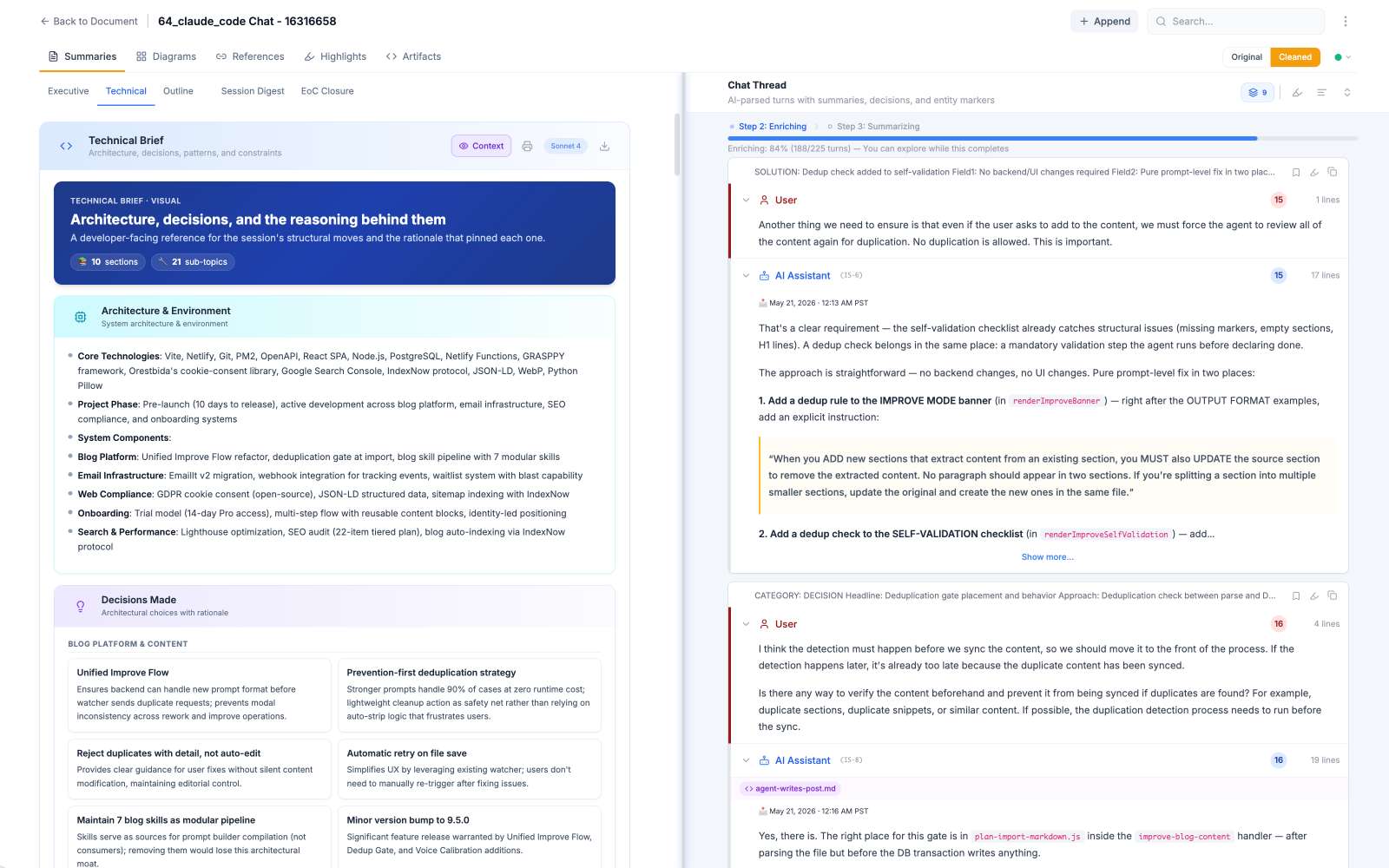
What I underestimated was how much extraction needed to happen at import time, not at search time. Seven pipeline stages emerged from that realization — parse the turns, enrich them with AI (entities, topics, summaries), cluster related conversations, group them into documents, assemble outputs, and so on. The first three stages mattered most; the others I almost skipped before I understood how synthesis compounds.
Running AI extraction on every imported conversation isn’t cheap, but it’s a fixed cost paid once per chat at import, and it pays back every single time you search afterward. The alternative — running AI at query time over the raw archive — sounded smart and turned out to be slow, expensive, and inconsistent. The extracted entities and topics live in PostgreSQL across 38 tables; the raw content lives in object storage. This ai wiki approach makes search fast because the work was already done.
Replit broke the pattern
Replit was the warning shot. By the time I got to it, I’d shipped eight platform parsers and was feeling confident — maybe too confident. I opened a Replit chat, fired up DevTools, looked for the code blocks. Nothing. Not nothing in the “wrong selector” sense — nothing in the literal sense. The DOM had messages, the messages had words, but the code was simply not in the page. I clicked around, scrolled, refreshed. Still nothing. I sat at my desk at 11pm with five empty coffee cups and a sinking feeling that I’d somehow broken my own extension between platforms.
An hour of DevTools archaeology later, the picture was uglier than I’d guessed. Replit’s CodeViewer2 is a React component that renders code as virtualized div-lines — no <pre><code> markup, just a stream of positioned divs simulating a code editor. Worse, only the file you’ve currently opened in the sidebar is mounted in the DOM. The other files exist as sidebar links that lazy-load their content when you click them. The fix took about thirty lines — walk the sidebar list, click each link programmatically, wait for CodeViewer2 to mount the content, normalize the div-lines back into a flat code block, then re-wrap it in the standard fenced format the unified pipeline expects downstream. Two passes instead of one — a “click and wait” loop instead of a synchronous read.
That’s the moment I stopped thinking of cross-platform capture as a parsing problem. It’s a research problem in two passes — the first tells you what the DOM shows; the second tells you what the DOM is hiding. Building an ai second brain requires personally testing many avoidable mistakes for quality assurance purposes, and this one earned a // Replit lies about what's in the DOM. Click everything first. comment at the top of the file. The complexity of modern web applications makes ai knowledge management systems particularly challenging to implement correctly.
Lovable hides artifacts behind a Download button
Lovable was Replit’s worse cousin. The chat side rendered cleanly enough — data-message-id prefixes (umsg_ for user, aimsg_ for assistant) made role detection trivial. The artifacts didn’t render in the chat at all. Code blocks were file cards: little tiles you could click to open in a Files panel that lived in a separate part of the UI. The Files panel had to be activated and its categories expanded before any of the content was reachable in the DOM, and even then the content didn’t come back as text — it came back as a Download button that streamed bytes through URL.createObjectURL.
So the extension had to do two passes through Lovable too, but the second pass was uglier than Replit’s. Map every file card in the chat to its parent turn. Then open the Files panel and expand each category to mount the content. Intercept the page’s URL.createObjectURL call to read the blob the Download button would have sent to disk. Match each blob back to its file-card-to-turn link from the first pass. Re-wrap.
The capture rate landed at about 55% — better than nothing, much worse than the inline-code-block platforms. Some artifacts just don’t expose themselves to anything but a real click-and-save user, and that’s the wall I’m still negotiating with for building a reliable ai second brain.
MD-Import is its own animal
Three platforms had no DOM to scrape at all. Cursor, Windsurf, and Claude Code don’t expose their conversation history through a web UI in the usual sense — they have either no web UI (Cursor and Windsurf are desktop apps) or one that doesn’t expose enough through markup to make scraping viable (Claude Code dumps everything into JSONL files on disk). The capture path for these three is markdown import. The user exports a file from the tool and uploads it.
Sounds simpler than scraping the DOM. It isn’t, because each tool’s export format is its own dialect. Cursor uses filepath-prefixed code fences (the opening fence carries the file path, the close fence ends the block). Windsurf falls back to generic fences with no provenance. Claude Code goes further sideways — JSONL, every line a JSON object with turn content, code fences inside those JSON strings escape-encoded inside string fields, invisible to any naïve parser. The artifact extractor has to assemble the assistant content from the JSONL turns first, then run a generic fence parser on the assembled text.
Three different parsers downstream, one unified storage upstream for the ai knowledge management system. Markdown import was simpler in name only.
The parts that were harder than expected
Deduping when you re-export the same chat
The first surprise was deduplication. You’d think re-importing the same Claude conversation twice would be a no-op. It isn’t, because the export format isn’t deterministic — turn ordering can shift, internal IDs change, the same artifact appears with two slightly different code-block delimiters depending on when you exported. Naive dedup (hash the whole export, compare) misses every one of those.
What works is per-turn content hashing with normalization. Strip whitespace, normalize code-block markers, hash each turn separately, then match against existing turns in the same chat. If the export is the same conversation with one new turn appended (the common case), only the new turn imports. If the export is wholly new, all turns import. If it’s a re-export of the exact same state, zero turns import — which is the right answer but also takes the most code to get right.
Deduping correctness is the single biggest reason re-imports feel calm rather than dangerous. Without it, every export creates duplicates, and the ai wiki becomes a hoarding pile within a week.
Privacy intact, search still useful
The second surprise was privacy. If a system is capturing every AI conversation a user has — including the ones about pricing, legal questions, half-formed product strategy — it’s also building exactly the kind of database that nobody should ever lose control of. The naive answer is “encrypt everything.” The honest answer is harder, because encryption-at-rest doesn’t help if the search index has to read the content to be useful.
The shape that worked: encrypted blob storage for raw content; per-user PostgreSQL rows for the extracted metadata; search runs only against the user’s own rows; the extraction pipeline is the only thing with access to both layers, and it’s bounded. The user’s content never appears in logs, never crosses tenants, never gets used to train anything. Privacy without dimming the search means the extraction step is the only place those two responsibilities meet.
This is the part that’s least visible from the outside and took the most engineering. Most users will never see it. They’ll just feel the version where their ai knowledge management content is theirs and the search still works.
When your ai second brain actually works
Asking your past self and getting an answer
There’s a moment — and I remember the first time it happened — when the second brain stops being a feature and starts being literally true.
I needed to remember why I’d chosen Cloudflare R2 over S3 for blob storage. I knew I’d thought through it in a conversation with Claude six months earlier. This time, instead of re-deriving, I searched. The conversation came up in two seconds. The cost analysis was right there, the rejected options were right there, and the version of past-me who’d made that call was suddenly available to me again.
That’s when the phrase “ai second brain” stopped feeling like marketing copy. I had asked my past self a question and gotten an answer. The conversation I’d had then was load-bearing for the decision I needed to defend now, and the only reason I had it was that the system had been capturing in the background for months while I went about the rest of the work — like a personal ai wiki of my own reasoning.
I wasn’t losing code. I was losing my own thinking. Until I wasn’t.
Where this lives, and who it’s for
When the volume threshold is crossed, the question becomes where this lives. GRASPPY is one answer, and the answer I built because the alternatives weren’t working — but it’s not the only answer. You could build your own with a Chrome extension and PostgreSQL if you had the patience for the 16 different parsers, the dedup logic, the privacy work, and the pipeline. Most people don’t.
The honest framing: this isn’t a replacement for Notion or Obsidian. Those tools are excellent at notes you write yourself. The layer underneath them — the layer that captures what you said to your AI, what the AI said back, and the reasoning that produced today’s code — is the gap that nothing else was filling. Treat the captured conversations as an ai wiki for your thinking, and over time the system becomes an ai second brain too, because the same captured material that makes search work also feeds drafting.
The volume threshold matters. If you have fewer than 20 AI conversations a month and you use one platform mostly, your browser history and a couple of pinned chats are probably enough. The system pays off when you’re across four or more platforms, doing the actual thinking inside the conversations, and your native platform history is failing you. Below the threshold, the setup-to-value ratio doesn’t make sense. Above it, you already know what I’m describing — you’ve lived it more times than you want to count.
If you don’t have the gap yet, you don’t need this ai knowledge management solution. If you do, the only question is whether you build it yourself or let someone else handle the 16 parsers for you.
FAQ
How does this work with platforms that frequently change their interface, like when ChatGPT updates their UI?
It breaks, then gets fixed. Each platform update that changes the DOM structure requires updating the parser for that specific tool. I maintain parsers for 16+ platforms, and interface changes are the most common reason one stops working. The extension includes automatic error reporting so I know when a parser breaks, usually within a day of the platform pushing the change. Most fixes take 24-48 hours to deploy. This is the ongoing maintenance cost of cross-platform capture for ai knowledge management - you’re essentially reverse-engineering 16 different moving targets.
What happens to my data if I stop using the service or if Grasppy shuts down?
You own your data completely. Every conversation is stored in standard formats you can export at any time - JSON for metadata, markdown for conversations, original artifacts preserved as files. If you cancel or if the service disappeared tomorrow, you’d have everything locally within minutes. The extraction and enrichment work that makes search useful would be gone, but the raw conversations and all their metadata would be yours to keep or migrate elsewhere. This ensures your AI second brain remains truly yours, functioning as your personal ai wiki with no vendor lock-in as a design requirement from day one.
Does this slow down my browsing or interfere with how the AI platforms work?
No interference with platform functionality - the extension only reads the DOM after conversations finish, never during active chats. There’s a small performance hit when you’re on a supported AI platform page because the extension is watching for new messages, but it’s designed to be passive. The capture happens in the background when you finish a conversation or navigate away from the chat, seamlessly integrating with your ai knowledge management workflow. Most users report no noticeable slowdown, though very old machines might see a slight delay when processing long conversations with many code blocks.
How do you handle conversations that contain sensitive information like API keys or business secrets?
The system is designed privacy-first but you still need to be careful. All content is encrypted at rest and never shared between users, but the AI enrichment pipeline does see your raw conversations to extract entities and topics. If you’re regularly discussing truly sensitive material, you should either exclude those platforms from capture or use the local-only mode that skips cloud enrichment entirely. The search won’t be as smart, but your sensitive content never leaves your machine. For most business use cases, the privacy model works fine - it’s designed for knowledge workers who need to preserve their thinking without exposing it.
Related posts
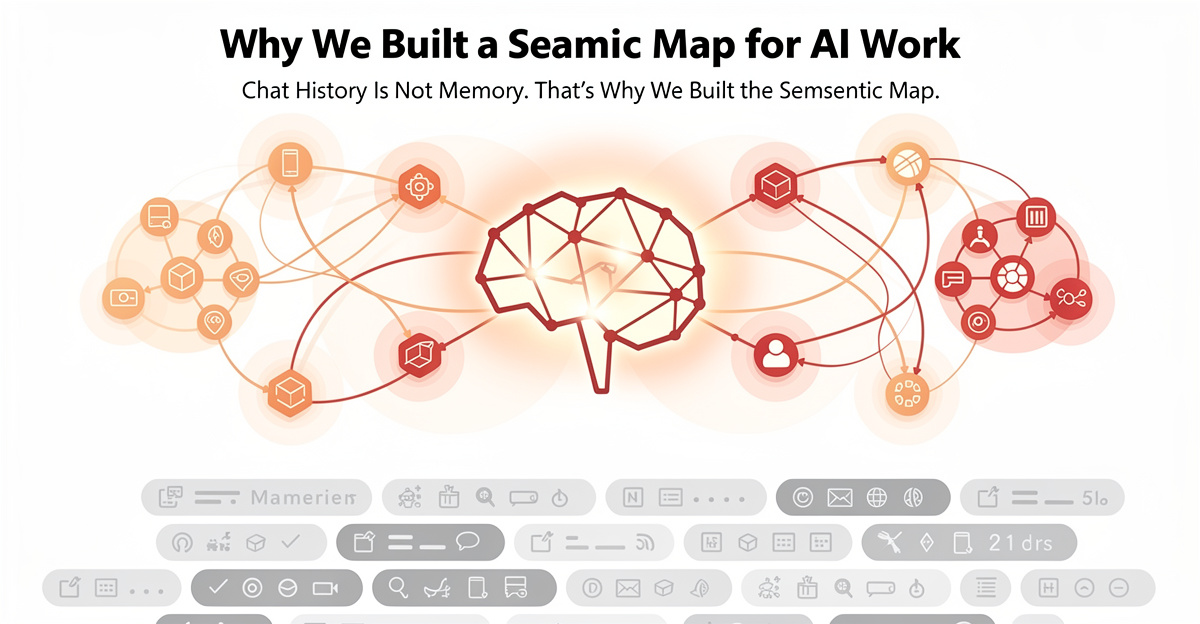
Why We Built a Semantic Map for Your AI Brain
See why we built a semantic map to power your AI brain. Organize semantic memories, surface connections instantly, and work smarter with structured knowledge.
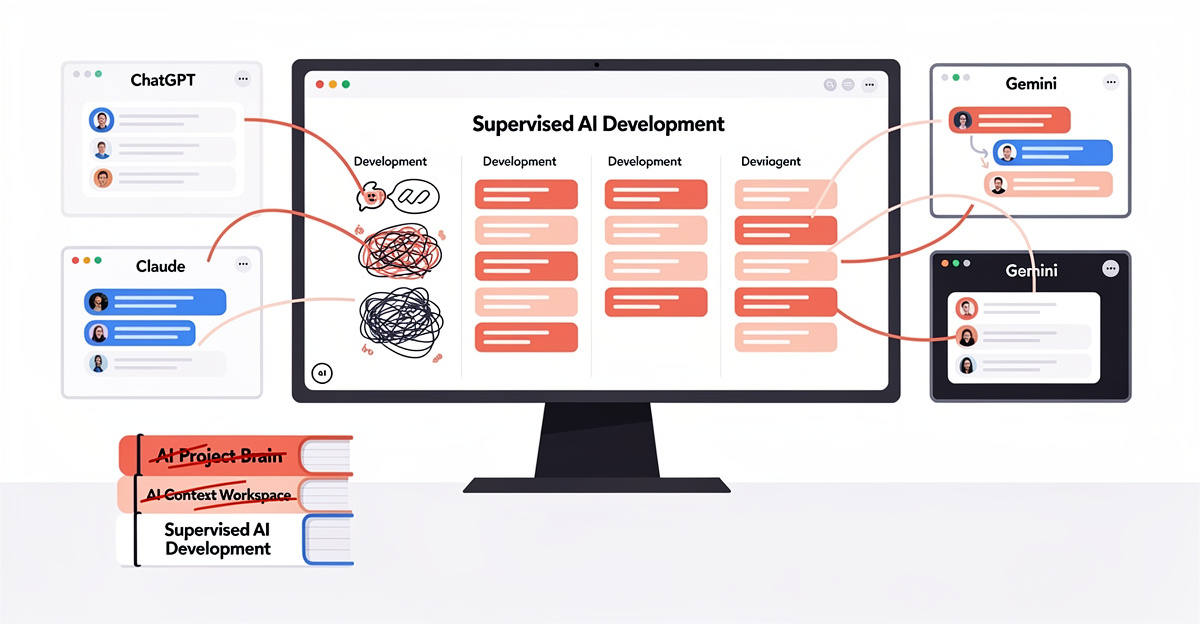
AI Development Workflow: The Supervised AI Story
Discover how supervised AI development came about and why a structured AI development workflow changes everything. Learn the founder story behind context engineering.
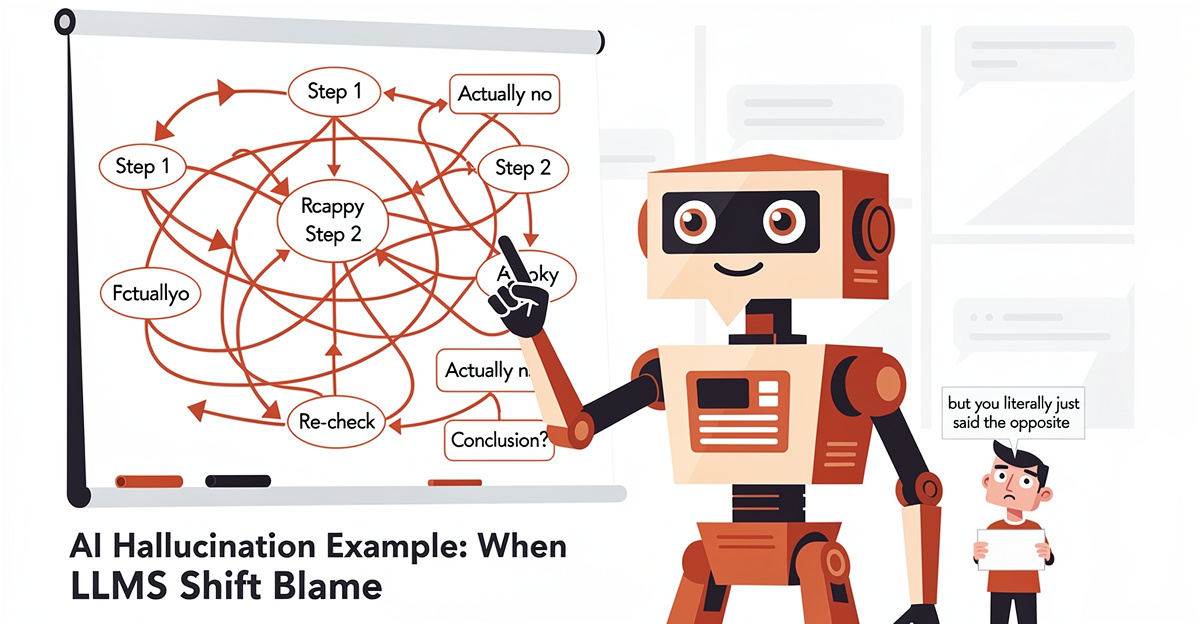
AI Hallucination Example: When LLMs Shift Blame
Discover a real AI hallucination example showing how LLMs deflect responsibility. Learn to spot confabulation patterns in AI workspace interactions.
 Powered by GRASPPY