In simple English
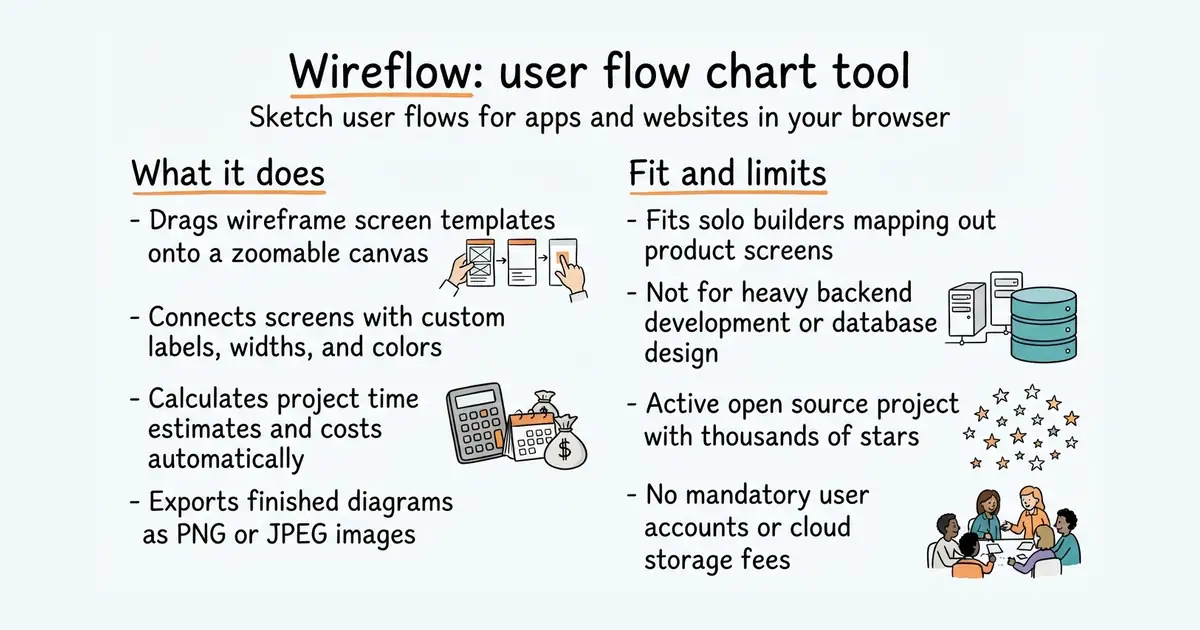
Wireflow is a free tool for sketching how screens on a website or app connect to each other. You drag wireframe templates onto a canvas and draw lines between them to map user journeys. Everything runs in your browser, and your diagrams stay on your own machine instead of going to a server. You can also calculate project costs, export images, or use an optional AI assistant. It costs nothing to use, but you will need your own API key if you want the AI features.
What it is
A self-hosted web application built with Next.js and React Flow that lets you create collaborative user flow diagrams and project estimates. It includes over one hundred screen templates, drag-and-drop connections, file exports, and offline support.
What it is good for
Solo builders and designers who want to quickly map out product flows and estimate project timelines without paying for a cloud diagramming subscription.
- Runs entirely in your browser with no account required and saves your work automatically.
- Includes over one hundred built-in screen templates and supports custom images.
- Calculates project cost estimates based on hourly rates and screen hours.
- Requires Node.js installed on your computer if you want to run it locally from the source code.
- Storing large images inside your diagrams can fill up your browser storage limit.
- The AI assistant requires you to bring your own paid Anthropic API key.
Paid flowchart tools and manual wireframing software
Next.js for building web applications


- GoogleChromeLabs/squoosh26k stars
A web page that compresses images in the browser and shows you the result before you save it.
- simple-icons/simple-icons26k stars
More than 3,400 brand logos as single-colour SVG files, released into the public domain.
- phosphor-icons/core394 stars
The raw SVG files and the catalogue for the Phosphor icon family, with no framework package attached.
git clone https://github.com/vanila-io/wireflow.git
cd wireflow
npm ci
npm run dev