26.1k stars · Apache-2.0 · NO RELEASES AT ALL — a determination, not a gap: /releases/latest renders 'There aren't any releases here.' The live site at squoosh.app is the product and the dev branch carries 1,472 commits. · Track this in Scout
A web page that compresses images in the browser and shows you the result before you save it.
▶Repo detailsthe review · specs · pros & cons · install
What it does
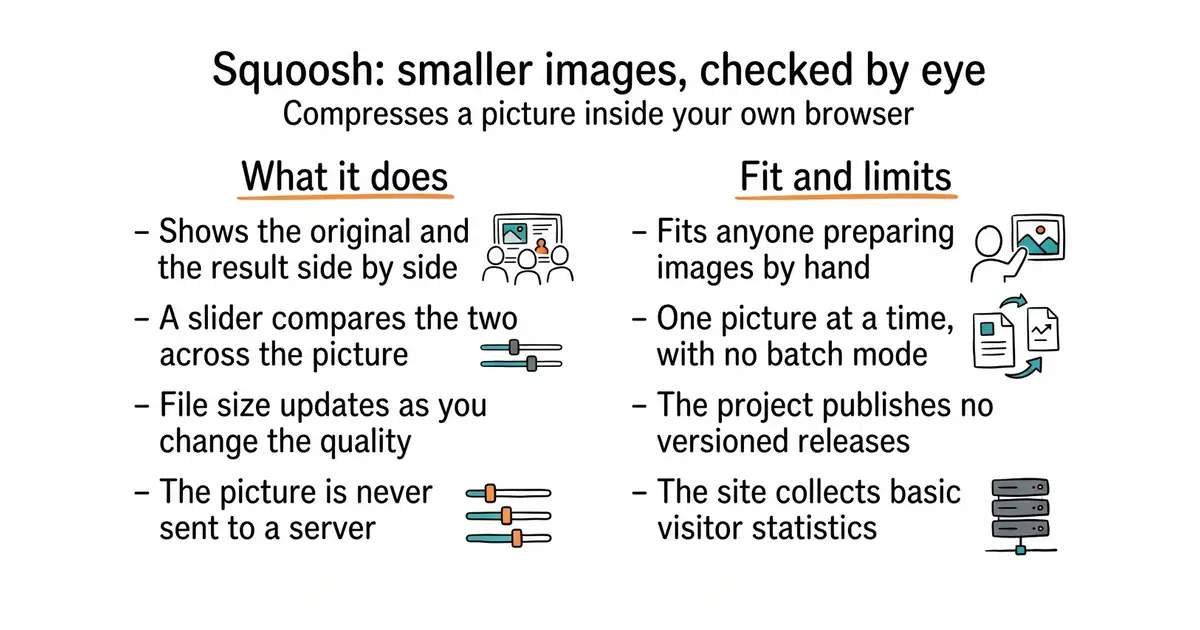
You drop an image onto the page and it loads two panes, original on one side and compressed on the other, divided by a slider you drag across the picture. You pick an output format and adjust its quality, and the file size updates as you go. The README states plainly that Squoosh does not send your image to a server, so the compression runs locally in the browser. The project is also installable as an application on a phone or desktop, so it works after the first visit without a connection. It uses image codecs compiled to run in the browser, which is how the whole thing stays on one machine. There is no command-line version in this repository and no automation: you cannot point it at a folder and walk away. The README also notes that the site collects basic visitor data and before-and-after image sizes through an analytics service.
Why it matters
Who it suits. Anyone who puts images on a web page by hand and wants them smaller. It suits a one-off job best of all, because the side-by-side view answers the only question that matters: can I see the difference? It also suits someone who is nervous about uploading a picture to a free online compressor, since nothing leaves the machine. Skip it if you have hundreds of images, or if compression needs to happen automatically whenever a file is added.
Verdict. Worth bookmarking, and it costs nothing to try since there is no install. Code was pushed on 15 October 2026, so the project is current, though it publishes no versioned releases at all: the releases page is empty, which is a determination rather than a gap, and the live site is the product. Two things to note. It is one image at a time by hand, so it is the wrong shape for a build step. And it does collect analytics, which the README says includes the before-and-after sizes. For batches or automation, lovell/sharp or imgproxy/imgproxy are the tools to reach for instead.
- No install, no account, and the image never leaves the machine.
- The side-by-side slider makes the quality decision obvious rather than a guess.
- Apache-2.0, and installable as an application so it keeps working offline.
- One image at a time, by hand. There is no batch mode and no command-line tool here.
- No versioned releases at all, so there is no changelog to read before relying on it.
- The site collects visitor analytics, including the before-and-after file sizes.
- lovell/sharp
Apache-2.0, a Node.js library that resizes and converts JPEG, PNG, WebP, AVIF and TIFF images in code; the right answer when the work must happen automatically rather than by hand.
Track this in Scout  imgproxy/imgproxy
Apache-2.0, a server you run that resizes and converts images as they are requested, so pages get the size they need without anyone preparing files.
Track this in Scout- thumbor/thumbor
MIT, an older image service with the same on-demand idea plus smart cropping, built in Python and configured rather than coded against.
Track this in Scout
git clone https://github.com/GoogleChromeLabs/squoosh.git
cd squoosh
npm install
npm run build     # produces static files you can serve anywhere
npm run dev       # or run it locally while developing