In simple English
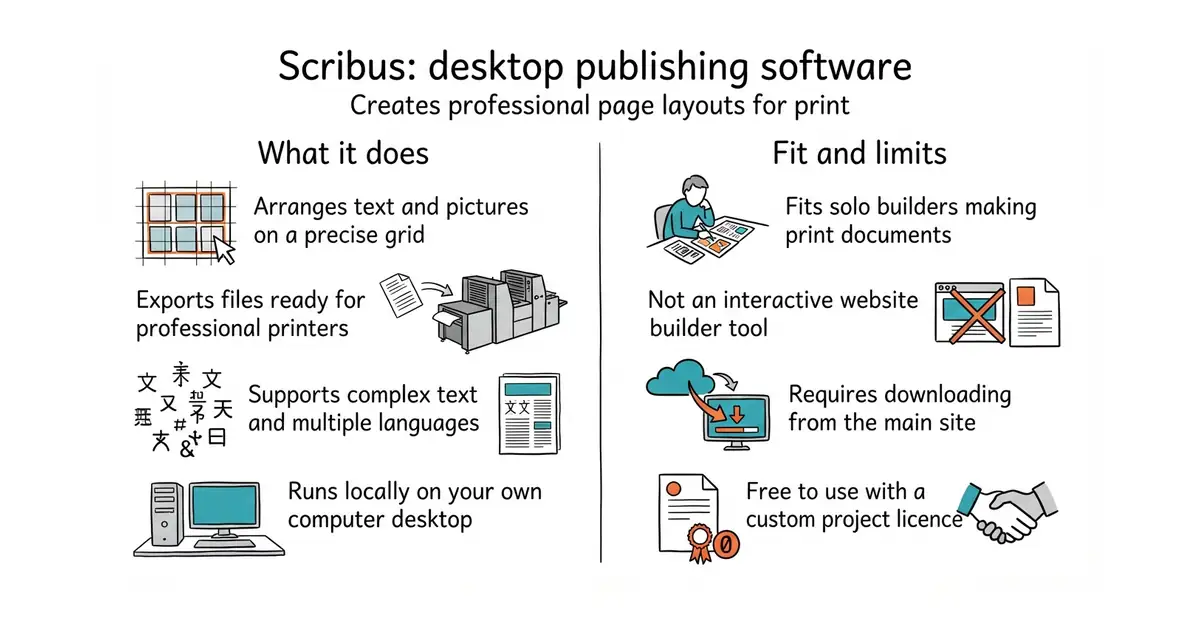
Scribus is a free program for designing pages that you want to print. You can arrange text and pictures on a grid to make magazines, flyers or posters. It exports files that printing shops need to make physical copies. It costs no money to download and use. It runs on your own computer.
What it is
Scribus is a desktop publishing program written in C++ (a programming language used to build fast desktop software). It helps you place text and images precisely on a page for print.
What it is good for
Solo builders who need to make printable documents like menus, booklets or promotional flyers without paying for expensive subscription software.
- Creates high-quality files ready for professional printing shops.
- Handles complex text layouts like right-to-left languages and custom fonts.
- Runs on your own computer without needing an internet connection.
- Requires compiling from source code or downloading installers from the main website, as there are no simple package commands here.
- Uses moderate memory when opening large multi-page documents.
- Uses a custom licence that you should read before redistributing modified versions.
Paid design software like Adobe InDesign or Microsoft Publisher
GIMP for editing images before placing them on the page
- mkdocs/mkdocs23k stars
Turns a folder of Markdown files into a documentation website, controlled by one settings file.
- squidfunk/mkdocs-material28k stars
Turns a folder of Markdown files into a searchable documentation website, with every formerly sponsor-only feature now included.
- halo-dev/halo40k stars
A self-hosted website and blog platform, written in Java, with a marketplace of themes and plugins.
Download the installer for your operating system directly from the official website at scribus.net.