In simple English
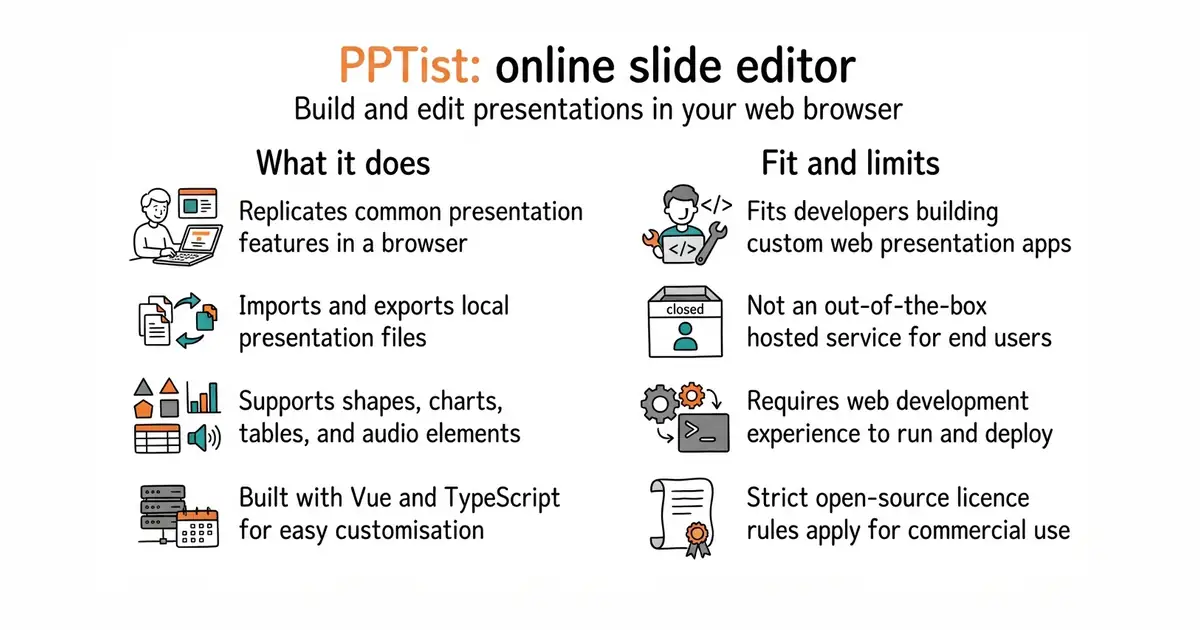
PPTist is an online presentation tool that looks and feels like Microsoft PowerPoint. You can build slides, add shapes, draw diagrams, and present them right inside your web browser. It is designed for developers who want to embed a slide editor into their own apps or build custom presentation software. You do not get a ready-made hosted service out of the box, so you must run it yourself. The project is free to use under an open-source licence, but commercial use requires following strict rules or buying a separate licence.
What it is
A web-based presentation application built with Vue (a framework for building user interfaces with JavaScript) and TypeScript (a typed programming language that builds on JavaScript). It replicates common PowerPoint features and supports importing and exporting files.
What it is good for
Developers who want to add an online slide editor to a web application or build a custom presentation tool without starting from scratch.
- Replicates many common desktop presentation features in a browser.
- Supports importing and exporting local presentation files.
- Clean codebase built with modern web technologies and no heavy UI component dependencies.
- Requires web development experience to set up and run.
- Complex file formats and animations may not render with 100 percent fidelity.
- Strict copyleft licence requires you to open-source your entire application if you use it commercially.
Microsoft PowerPoint
Vue
- slidevjs/slidev49k stars
Slidev lets developers create presentations using Markdown and web components, whereas PPTist provides a visual drag-and-drop editor.

- facebook/docusaurus67k stars
A static site generator from Meta that turns Markdown files into a documentation website.
- mkdocs/mkdocs23k stars
Turns a folder of Markdown files into a documentation website, controlled by one settings file.
- squidfunk/mkdocs-material28k stars
Turns a folder of Markdown files into a searchable documentation website, with every formerly sponsor-only feature now included.
git clone https://github.com/pipipi-pikachu/PPTist.git
cd PPTist
npm install
npm run dev