In simple English
This tool lets you sketch website layouts and user interfaces that look like hand-drawn napkin drawings. It keeps your designs rough and simple so people focus on the core idea instead of colors and fonts. You can drag in real buttons, forms, and navigation bars that automatically adopt the sketch style. Your work saves straight inside your web browser without needing any cloud account or paid subscription. It is free to use and runs locally on your machine.
What it is
Squig is an open-source wireframing application built with TypeScript, React, and rough.js. It provides an infinite canvas filled with reusable UI components and blocks that render as hand-drawn sketches.
What it is good for
Solo builders and designers who want to quickly test page layouts without getting bogged down in pixel-perfect styling or heavy design software.
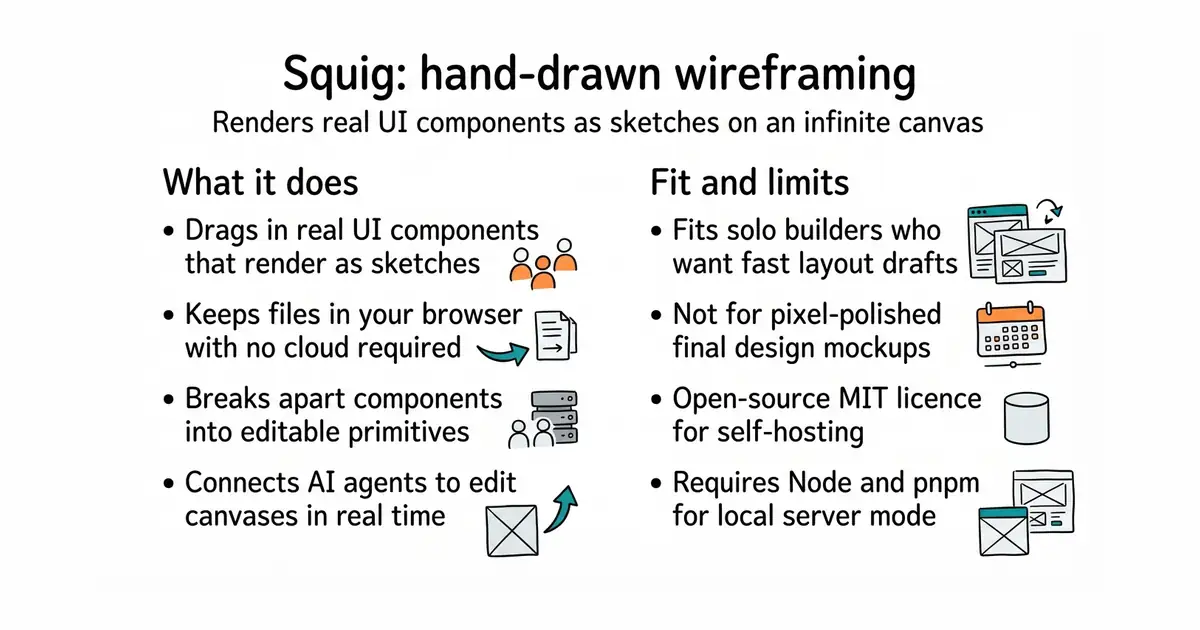
- Draws real UI components like buttons, tables, and dialogs as hand-drawn sketches automatically.
- Saves your files directly inside your web browser without requiring accounts or cloud storage.
- Includes a command menu and keyboard shortcuts familiar to Figma users.
- Requires Node.js and pnpm if you want to run the local server version for file editing.
- Browser storage can clear your saved drawings if you wipe your site data.
- Local history is limited to fifty snapshots and 16 megabytes per file.
Figma
shadcn/ui
- tldraw/tldraw51k stars
An infinite canvas SDK and whiteboard app, though it requires drawing every shape and button from scratch.
- excalidraw/excalidraw134k stars
A popular virtual whiteboard for sketching hand-drawn diagrams, but without built-in UI component variants.


- ImageMagick/ImageMagick18k stars
Converts, resizes and edits images from one typed command, across more than two hundred formats.
- GoogleChromeLabs/squoosh26k stars
A web page that compresses images in the browser and shows you the result before you save it.
- simple-icons/simple-icons26k stars
More than 3,400 brand logos as single-colour SVG files, released into the public domain.
pnpm install
pip install pnpm  # or install pnpm through your system package manager if missing
pnpm dev