In simple English
This tool lets you draw and edit architecture diagrams in your web browser. You can sketch them by hand, write them as plain text, or let an AI assistant draw them for you. It can also read a GitHub repository and turn its structure into a diagram automatically. It is free to use, requires no account, and keeps all your work stored safely on your own computer.
What it is
OpenFlowKit (a free and open-source diagram canvas that understands code, accepts AI edits, and maps code repositories) is a local-first diagramming suite built with TypeScript.
What it is good for
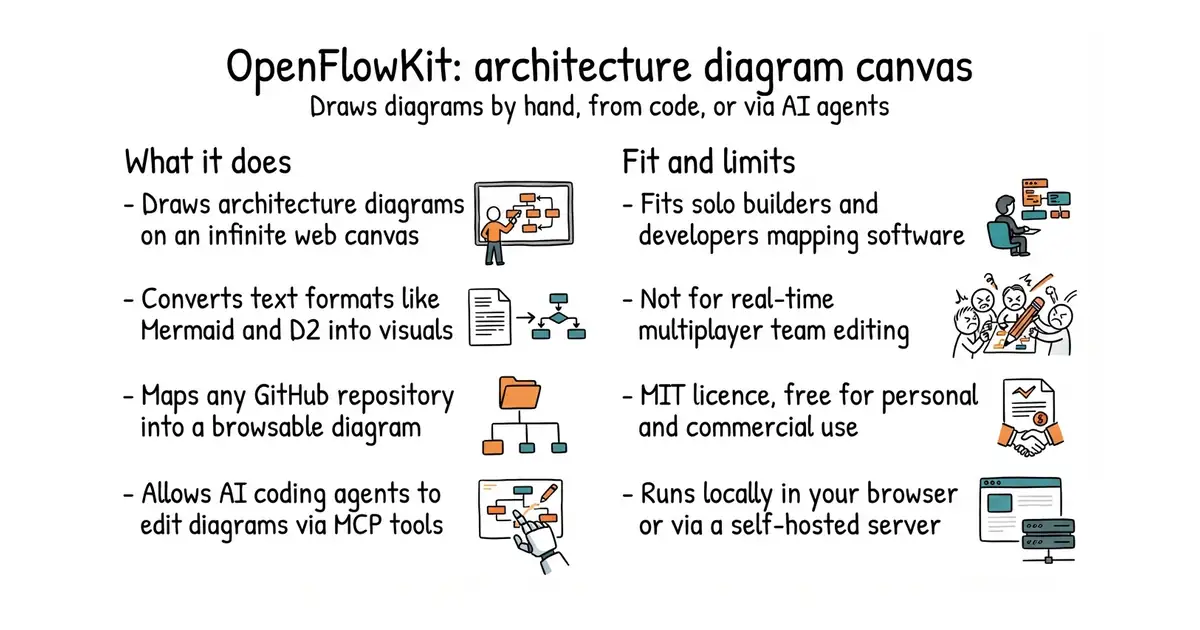
Solo builders who want to quickly map out software architecture, convert existing Mermaid diagrams, or have coding assistants update project documentation directly.
- Can generate a full architecture diagram directly from a GitHub repository link.
- Allows AI coding agents to edit diagrams live using the Model Context Protocol (MCP - a standard way for AI tools to talk to external software).
- Supports importing and converting text formats like Mermaid, Structurizr, and D2.
- Requires Node.js installed on your computer if you want to run the command-line interface or local server.
- Does not support real-time multiplayer collaboration for teams working on the same canvas at once.
- Relying on AI features requires your own API keys for external language models.
Lucidchart, Draw.io, or manual diagram creation
Claude Code, Cursor, or Mermaid


- GoogleChromeLabs/squoosh26k stars
A web page that compresses images in the browser and shows you the result before you save it.
- simple-icons/simple-icons26k stars
More than 3,400 brand logos as single-colour SVG files, released into the public domain.
- phosphor-icons/core394 stars
The raw SVG files and the catalogue for the Phosphor icon family, with no framework package attached.
git clone https://github.com/openflowkit/openflowkit.git
cd openflowkit
npm install && npm run dev