In simple English
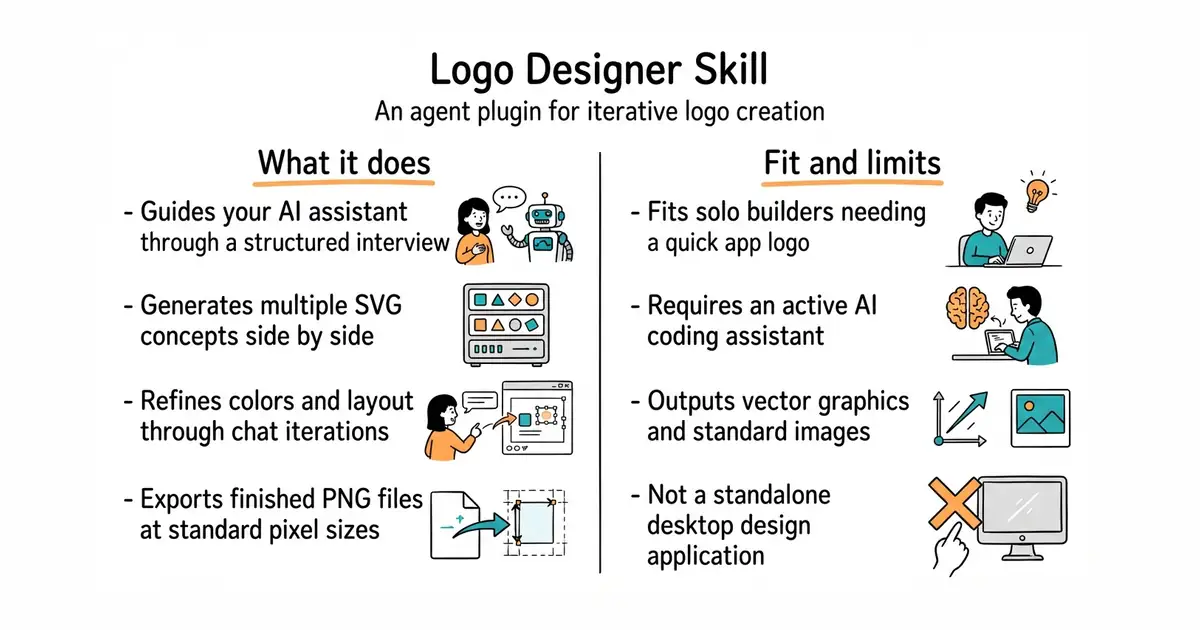
This tool helps an AI assistant design and build a brand logo for you. It asks you questions about your project, your audience, and your style. Then, it draws several different vector graphics on your screen for you to review. You can pick your favorite option and ask the assistant to change colors or shapes. It costs nothing to run, but you need an active AI coding assistant to use it.
What it is
An agent skill (a plugin that teaches an AI helper a new task) that handles the full workflow of logo creation. It steps through an interview, generates multiple SVG concepts, refines the choice, and exports final images.
What it is good for
Solo builders who need a quick logo for a new app or website without opening complex graphics software.
- Walks you through a clear four-step design process from start to finish.
- Exports clean vector files in SVG format and renders standard PNG sizes.
- Lets you review multiple visual concepts side by side before picking one.
- Requires an existing AI coding assistant like Claude Code to operate.
- Quality depends heavily on the capability of the underlying language model.
- Vector graphics generated by code can sometimes look too geometric or simple.
manual logo sketching
Claude Code
- lineagehq/lineage-logo4 stars
A visual canvas that pairs with this skill for fine-tuning shapes and colors together with your agent.

- GoogleChromeLabs/squoosh26k stars
A web page that compresses images in the browser and shows you the result before you save it.
- simple-icons/simple-icons26k stars
More than 3,400 brand logos as single-colour SVG files, released into the public domain.
- phosphor-icons/core394 stars
The raw SVG files and the catalogue for the Phosphor icon family, with no framework package attached.
Clone the repository from GitHub and point your AI agent at the folder to install the skill.