90.2k stars · MIT · @mermaid-js/tiny@11.17.2 (2026-08-25) · Track this in Rising ↗
Diagrams from a few lines of plain text, rendered natively by GitHub, Notion, Obsidian and Claude.
Radar check
What we found when we opened it. Every bar is one fact, with its date.
Last code pushed 26 Oct 2026, one day before this check.
Latest release @mermaid-js/tiny@12.2.0 on 13 Oct 2026.
Public since November 2014, a little over 11 years.
90,875 stars and 9,404 forks.
787 commits and 153 new issues in the last 90 days.
860 contributors. 138 pull requests merged in 90 days.
A security policy says how to report a problem. 14 published security advisories.
How the bars are scored
- Alive. Days since the last code push: a week or less 100, a month 90, three months 70, six months 50, a year 30, eighteen months 15, older 0.
- Releases. Age of the latest GitHub release, on a similar scale; no bar when the project publishes no releases.
- Maturity. Age of the project: eight years 100, five 90, three 70, two 55, one 40, six months 25, younger 10.
- Adoption. Stars on a log scale: 100,000 stars is 100, 10,000 is 80, 1,000 is 60, 100 is 40.
- Activity. Commits in the last 90 days: 300 or more 100, 100 85, 30 65, 10 45, any 25.
- Community. People who have contributed: 100 or more 100, 30 80, 10 60, 5 40, 2 25, one 10.
- Security. A published security policy 80, none 40; published advisories are listed, not scored.
Checked by Repo Radar on 26 Oct 2026 from the repository on GitHub. Covered in Edition 12.
▶Repo detailsthe review · specs · pros & cons · install
What it does
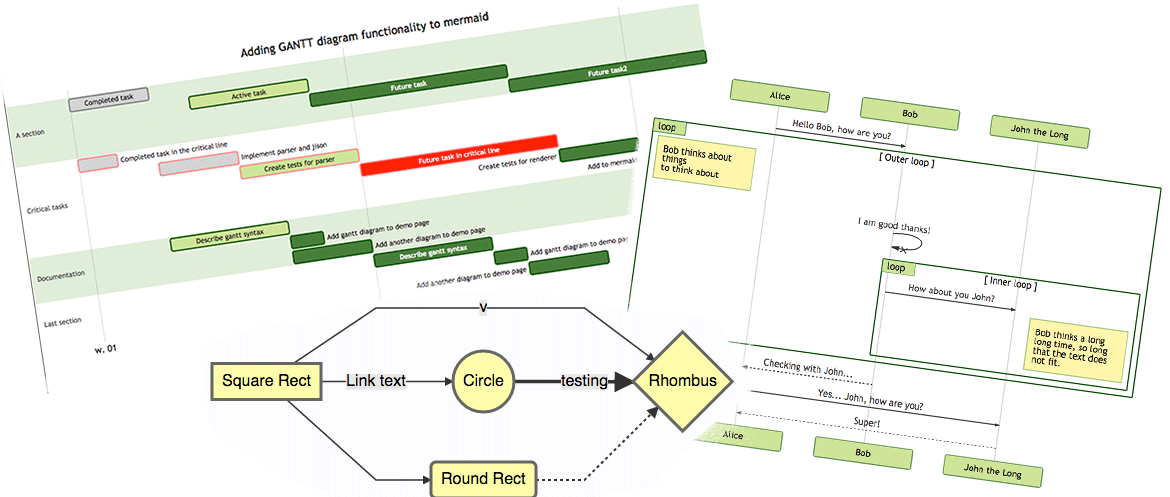
You write a few lines describing nodes and connections, and Mermaid renders the diagram as SVG in a browser. The supported diagram types include flowcharts, sequence diagrams, class and state diagrams, entity-relationship diagrams, Gantt charts, timelines, mind maps and pie charts. The text is short and readable, so a diagram can live in a repository and be reviewed line by line like code. GitHub, GitLab, Notion, Obsidian and several AI assistants render Mermaid blocks natively, which means a pasted diagram redraws itself without the recipient installing anything. The npm package is 12.2.0, the newest tag in the repository is @mermaid-js/tiny@12.2.0 from 13 October 2026, and code landed on 18 October 2026, under the MIT licence. Layout control is the stated weak point: the engine decides where nodes go, and a large diagram cannot be arranged by hand.
Why it matters
Who it suits. Documentation that currently carries diagrams as images nobody can edit, and applications whose own diagrams can only leave as a screenshot. An export that produces Mermaid text instead means the diagram survives being pasted into a document, a wiki page or a message. It also suits anyone who wants diagrams reviewed in a pull request rather than re-exported by hand. Skip it where the diagram's exact arrangement is the point, because that control is not available.
Verdict. Worth an hour to learn, and the cheapest diagram format to maintain. Two cautions. First, the move to version 12 means an upgrade from a working version 11 setup needs the project's own notes read first, and the project website is now at mermaid.ai/open-source/. Second, embedding the renderer inside an application adds real weight, so prefer exporting text over shipping the library. For precise layout, plantuml/plantuml gives more control at the cost of a Java install; mingrammer/diagrams is the better answer for cloud architecture pictures.
Summary (Key Points)from the README
Key features
- Many diagram types: The README lists 20+ types, including Flowchart, Sequence, Class, State, ER, Gantt, Pie, Git Graph, Mindmap, Timeline and Sankey.
- Markdown-inspired syntax: Diagrams are written as text, so no drag-and-drop editor is needed.
- Text-based version control: Diagrams live as text, so diffs and reviews work in normal source control.
- Native GitHub rendering: Mermaid code blocks render directly in Markdown on GitHub.
- Live Editor: Diagrams can be prototyped instantly in the Mermaid Live Editor at mermaid.live.
- Customization: Themes, colors, fonts and layout directions can be changed.
- Sandboxed rendering mode: A security level renders diagrams in a sandboxed iframe that blocks JavaScript execution.
- Lightweight and open source: The README describes a small footprint with no heavy dependencies, and the project is MIT licensed.
Important
- Sandbox trade-off: The sandboxed security level blocks some interactive functionality along with possible malicious code.
- Sanitization is not guaranteed: The README says the project sanitizes incoming code but admits it is hard to guarantee there are no loop holes. Standard HTML sanitization would break diagrams, so it cannot be used as is.
- Untrusted content risk: Public sites that store and display user-submitted diagram text face a risk of embedded malicious scripts, so the sandboxed mode is recommended for sites with external users.
- Experimental Git Graph: The Git graph example is marked as experimental.
- Restricted release process: The release steps apply only to people with permission to publish.
- Vulnerability reporting: Security issues should be emailed to security@mermaid.live with a description, reproduction steps, affected versions and any known mitigations.
Written by an AI model from the project’s README; not part of the review, and it can be wrong.
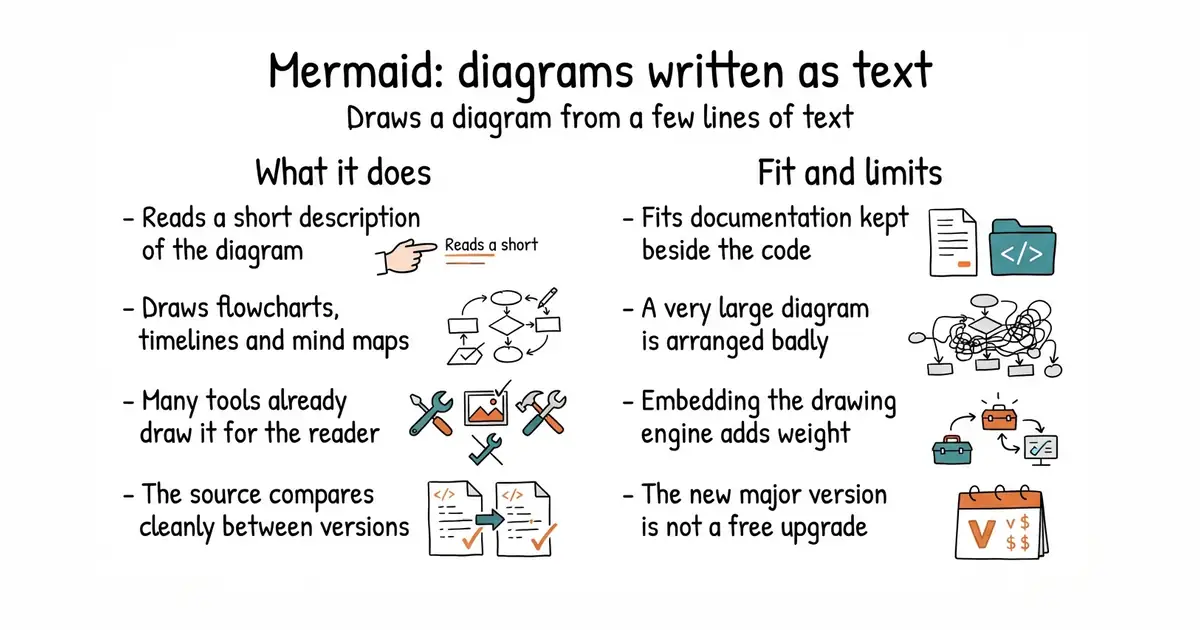
- Renders natively on GitHub, in Notion and in several AI assistants, so recipients install nothing.
- The source is small, readable text that belongs in a repository and compares cleanly between versions.
- Mind map and flowchart types match the shape an outline or a topic map already has.
- Layout control is limited, and a very large diagram will come out badly arranged.
- Embedding the renderer in an application adds a lot to what the browser downloads.
- Version 12 is a major change, so an upgrade from version 11 is not automatic.
It is also a second, phone-friendly view of the hierarchy alongside react-arborist (Ed.
npm i mermaid