61k stars · AGPL-3.0 | v1.4.2, 23 Aug 2026 | [plane.so](https://plane.so) · v1.4.2 (2026-08-23) · Track this in Rising ↗
A place to keep planned work, with a board, a list and a calendar.
Radar check
What we found when we opened it. Every bar is one fact, with its date.
Last code pushed 26 Oct 2026, one day before this check.
Latest release v1.4.2 on 23 Aug 2026.
Public since November 2022, a little over 3 years.
61,483 stars and 6,186 forks.
168 commits and 164 new issues in the last 90 days.
177 contributors. 182 pull requests merged in 90 days.
A security policy says how to report a problem. 84 published security advisories.
How the bars are scored
- Alive. Days since the last code push: a week or less 100, a month 90, three months 70, six months 50, a year 30, eighteen months 15, older 0.
- Releases. Age of the latest GitHub release, on a similar scale; no bar when the project publishes no releases.
- Maturity. Age of the project: eight years 100, five 90, three 70, two 55, one 40, six months 25, younger 10.
- Adoption. Stars on a log scale: 100,000 stars is 100, 10,000 is 80, 1,000 is 60, 100 is 40.
- Activity. Commits in the last 90 days: 300 or more 100, 100 85, 30 65, 10 45, any 25.
- Community. People who have contributed: 100 or more 100, 30 80, 10 60, 5 40, 2 25, one 10.
- Security. A published security policy 80, none 40; published advisories are listed, not scored.
Checked by Repo Radar on 26 Oct 2026 from the repository on GitHub. Covered in Edition 15.
▶Repo detailsthe review · specs · pros & cons · install
What it does
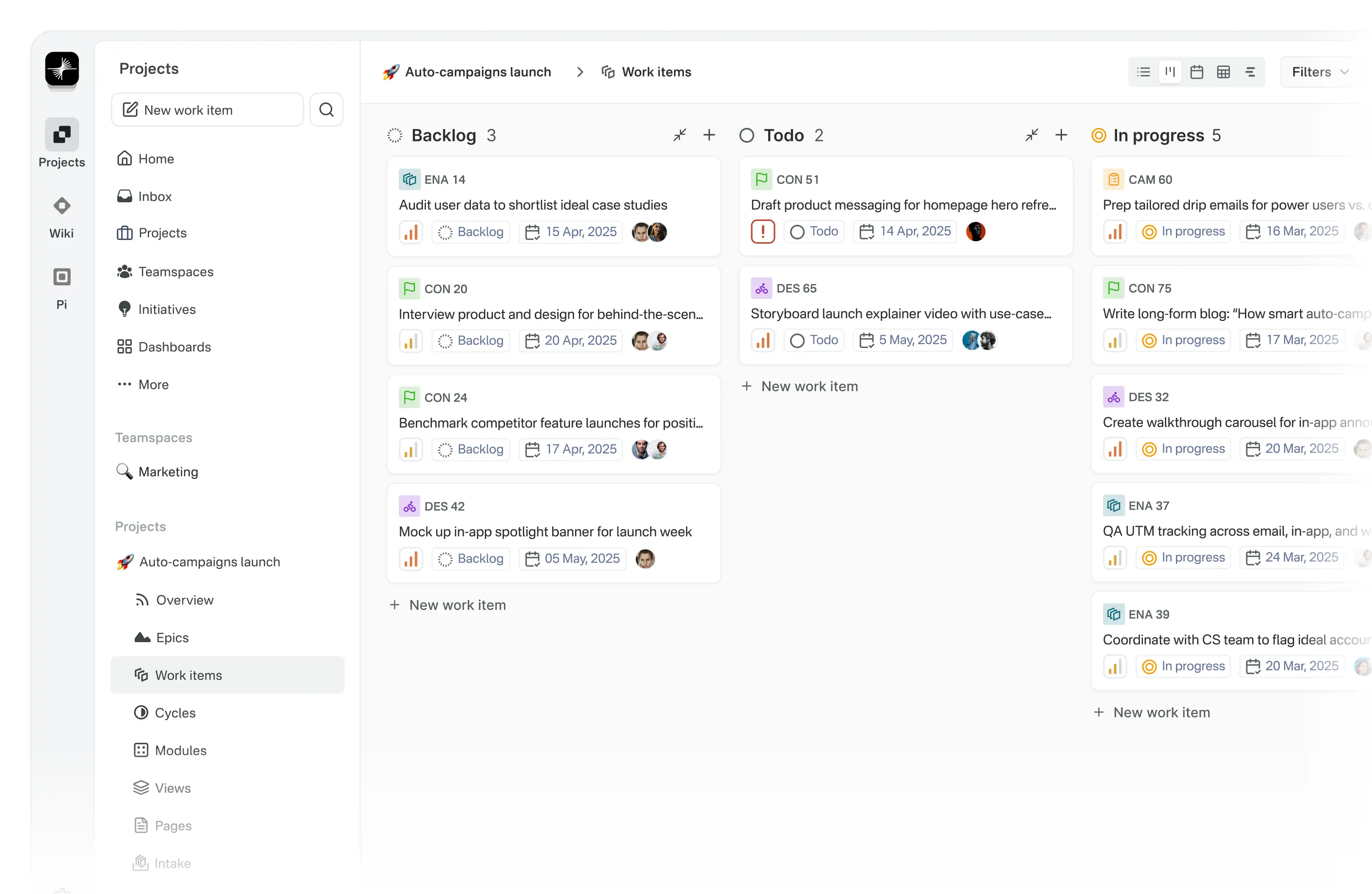
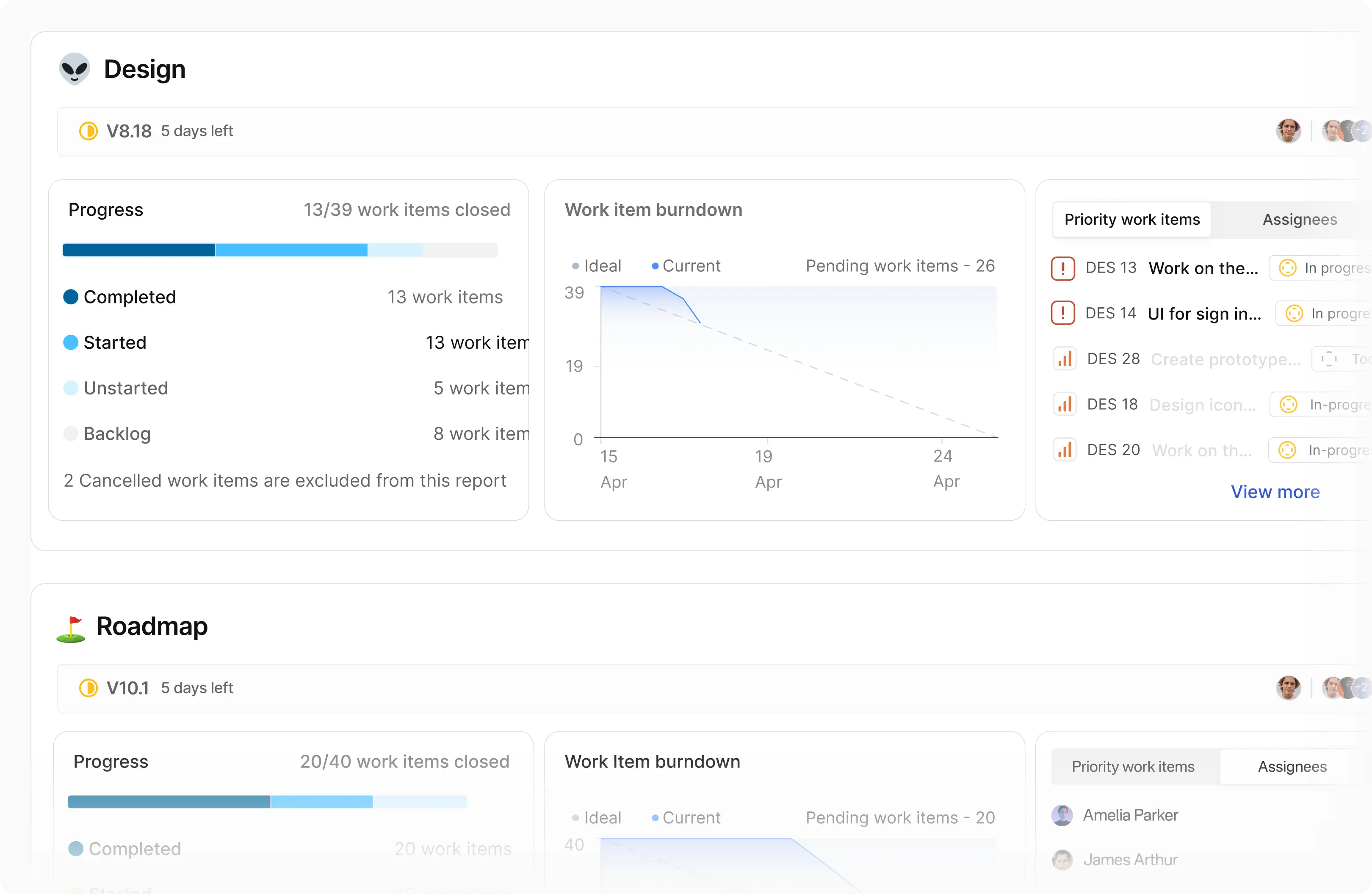
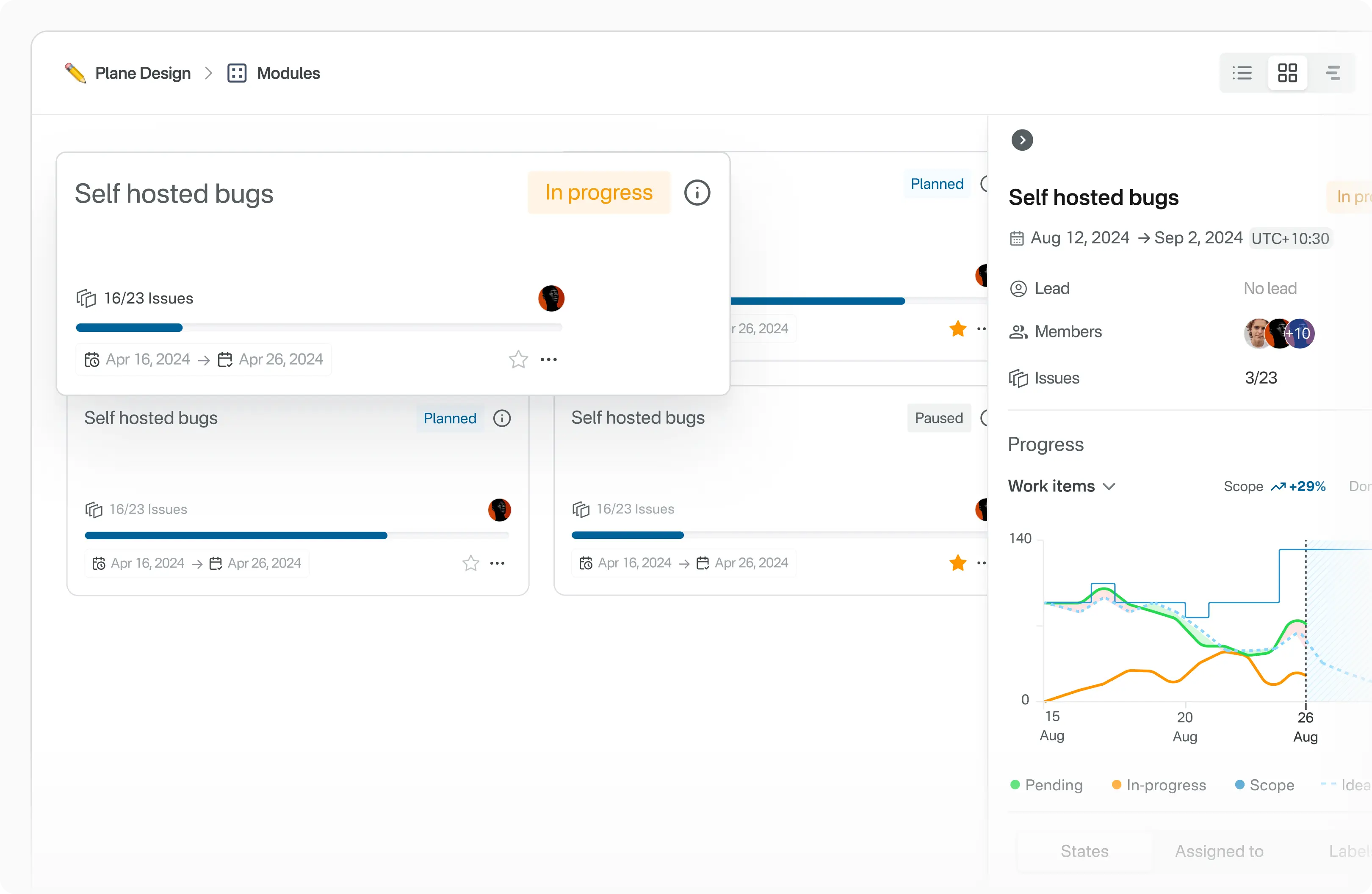
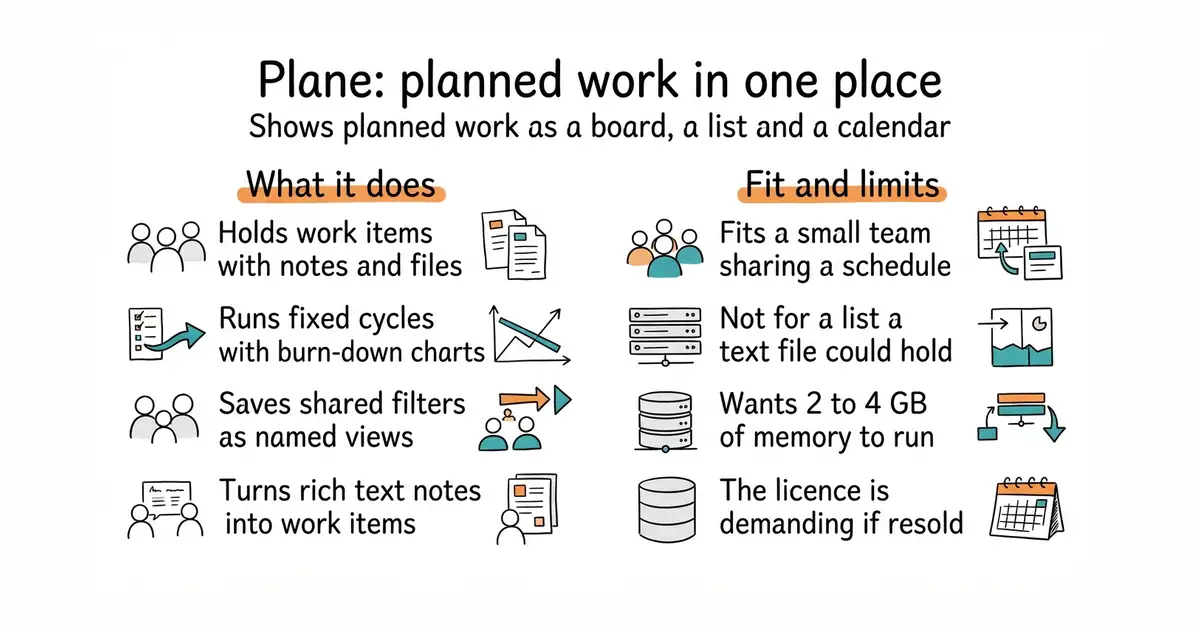
Plane is an open-source project tracker. The unit of work is called a work item, and it has a rich text editor, file uploads, extra fields and links to related items. Cycles are fixed periods of work with burn-down charts, which draw remaining work against time. Modules split a large project into smaller parts. Views are saved filters that can be shared, so one person's shortlist is a link rather than an explanation. Pages are rich text notes that can be turned into work items. It is deployed with Docker or Kubernetes, and instance-wide settings sit behind an admin mode the project calls God mode. It tracks work and notes, and nothing else: it is not a document store, a chat tool or a customer database.
Why it matters
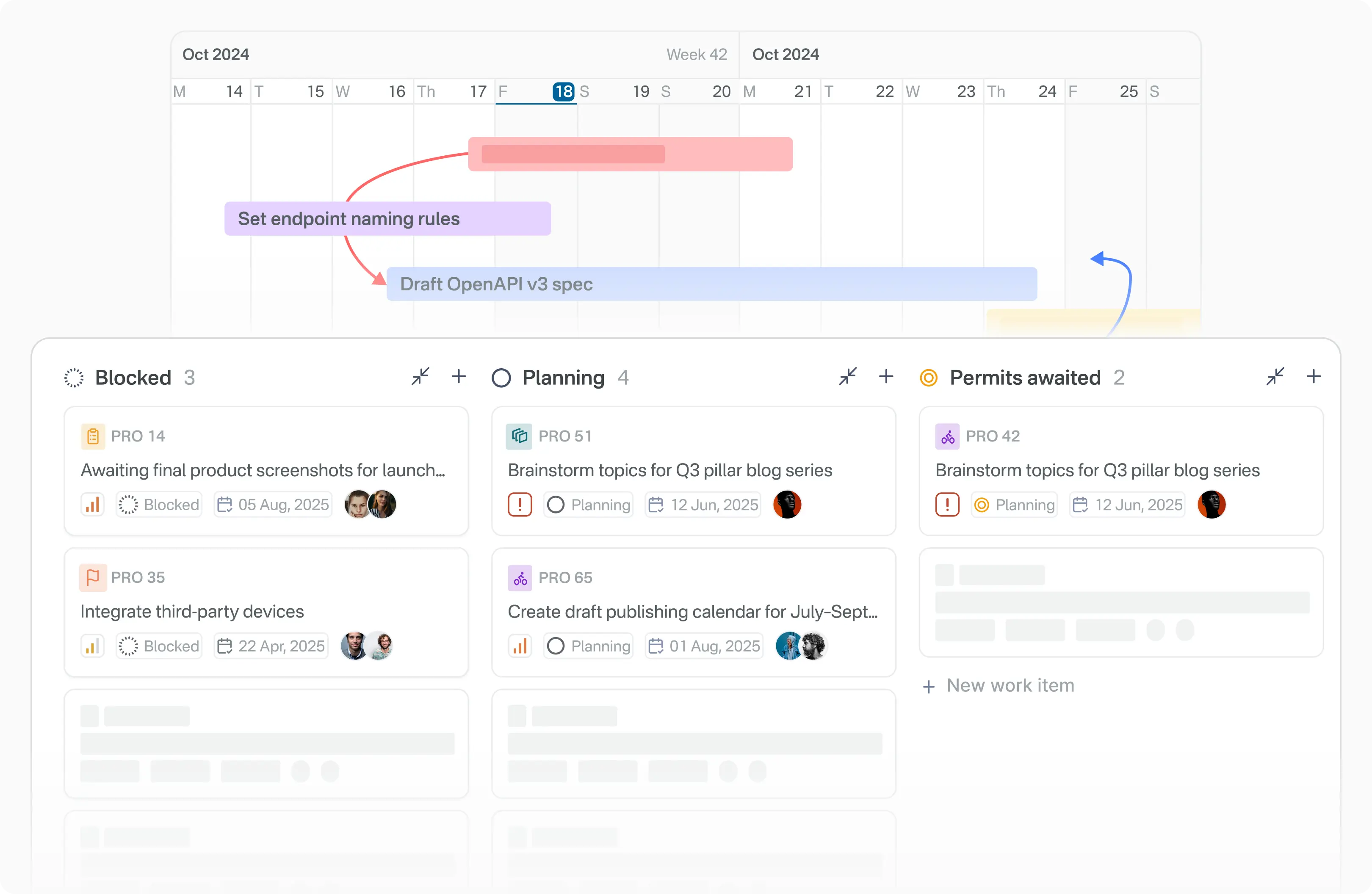
Who it suits. A small team, or one person with several strands of work, who wants a shared schedule rather than a private list. The calendar view suits anything with publish dates attached. Skip it if a plain text file in a repository would be opened more often, because a tracker nobody opens is worse than a list that is read.
Verdict. Worth an afternoon for a team, harder to justify for one person: PostgreSQL, Redis, a file store and several containers, wanting 2 to 4 GB of memory, is a lot of machinery for one list. The licence is AGPL-3.0, which is fine for private use and demanding if Plane itself is offered to other people over the web. opf/openproject is the more traditional alternative, and kanboard/kanboard is the one to reach for when the whole need is a board.
Summary (Key Points)from the README
Key features
- Work items: Create and manage tasks in a rich text editor that supports file uploads, with sub-properties and references to related issues.
- Cycles: Run time-boxed work periods and track progress with burn-down charts and other reporting tools.
- Modules: Split complex projects into smaller, manageable modules.
- Views: Build filters that show only the most relevant issues, then save and share them.
- Pages: Capture notes in a rich text editor with AI capabilities, and convert them into actionable items.
- Analytics: View real-time insights across Plane data, including trends and blockers.
Ways to install
| Platform or method | What it needs | Effort |
|---|---|---|
| Plane Cloud | A free account on Plane Cloud | Lowest; the README calls it the fastest way to start without managing infrastructure |
| Self-host with Docker | Your own servers and the deployment guides | Not stated in the README |
| Self-host with Kubernetes | Your own servers and the deployment guides | Not stated in the README |
Important
- License: Plane is licensed under the GNU Affero General Public License v3.0.
- Self-hosting: Running Plane on your own servers means you manage the infrastructure, and the README points to deployment guides rather than detailing the steps.
- Instance administration: Instance settings are configured through God mode, which the README mentions without further explanation.
- Security reports: Vulnerabilities should be emailed to security@plane.so rather than opened as public issues.
- AI in Pages: The README mentions AI capabilities in Pages but does not describe what they do or how they are configured.
Written by an AI model from the project’s README; not part of the review, and it can be wrong.
- One set of work items shown as a board, a list and a calendar, so the same plan reads three ways.
- Cycles come with burn-down charts, so slipping is visible early rather than at the deadline.
- It runs on a machine you control, so unpublished plans stay there.
- The licence is AGPL-3.0, with the same condition as Windmill above.
- It is heavy for one person: PostgreSQL, Redis, a file store and several containers, 2 to 4 GB of memory.
- The README publishes no hardware requirements, so the real memory figure has to be found by running it.
mkdir -p ~/plane && cd ~/plane
curl -fsSL -o setup.sh https://raw.githubusercontent.com/makeplane/plane/master/deploy/selfhost/install.sh
# Read setup.sh before running it. It writes files and starts containers.
chmod +x setup.sh
./setup.sh