In simple English
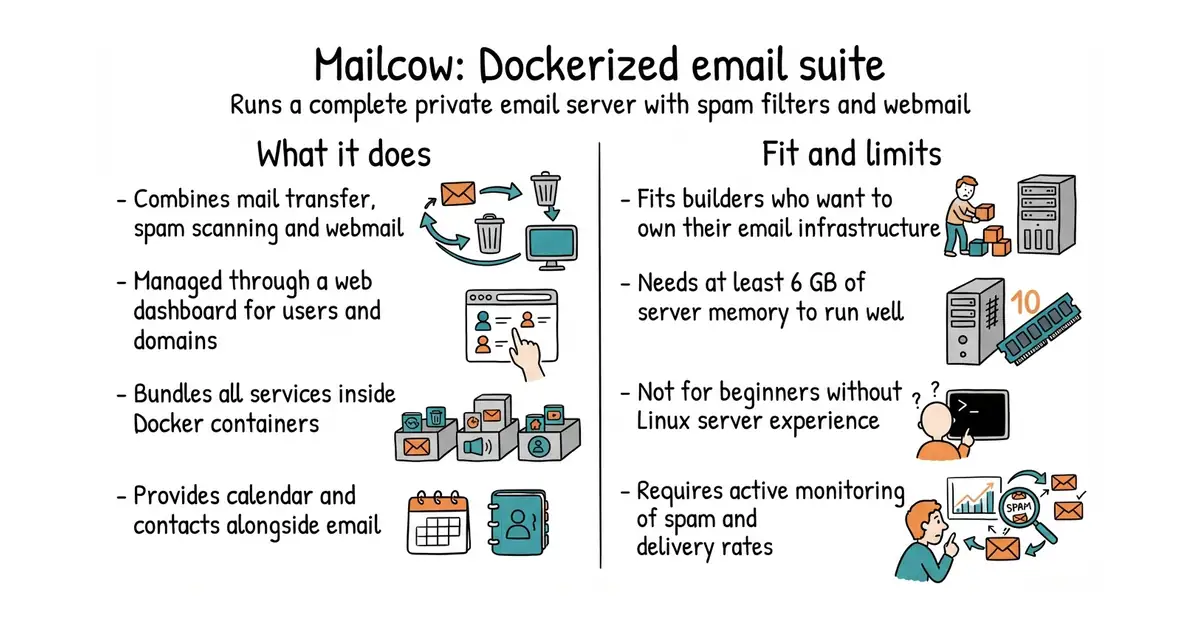
This tool sets up a complete email server on your own server. It handles sending mail, receiving mail, spam filtering and webmail access. You get a web panel to manage users and domains. It saves you from paying monthly fees to large cloud providers. Running your own email requires ongoing maintenance and technical knowledge.
What it is
Mailcow is a collection of email services bundled into Docker (a way to run a program inside its own sealed box, so it cannot break anything else on your server) containers. It combines a mail transfer agent, an anti-spam scanner, a calendar server and a webmail interface into one managed package.
What it is good for
Solo builders who want total control over their data and need an independent email system for their domain.
- Combines mail, spam filters and webmail in one package.
- Includes a web dashboard for adding domains and mailboxes.
- Docker setup keeps all related email services neatly organized.
- Needs a dedicated server with at least 6 GB of RAM to run reliably.
- Managing your own mail server requires fighting spam blacklists and fixing delivery issues.
- GPL-3.0 licence requires you to share modifications if you distribute the software.
Google Workspace or manual Postfix and Dovecot server setup
Nginx Proxy Manager
- docker-mailserver/docker-mailserver20k stars
Another Docker-based mail server, but built as a single container instead of multiple linked services.
- hestiacp/hestiacp4.5k stars
A full web hosting control panel that includes mail services alongside web and database management.


- slok/sloth2.6k stars
Generates Prometheus alerting and recording rules from a short specification of a service level objective.
- nicolargo/glances34k stars
A live view of one computer's health, in a terminal, in a browser, or through an AI assistant.
- dokku/dokku32k stars
A small platform you install on one server, which builds and runs an app every time you push code to it.
git clone https://github.com/mailcow/mailcow-dockerized
cd mailcow-dockerized
./generate_config.sh
docker compose up -d