In simple English
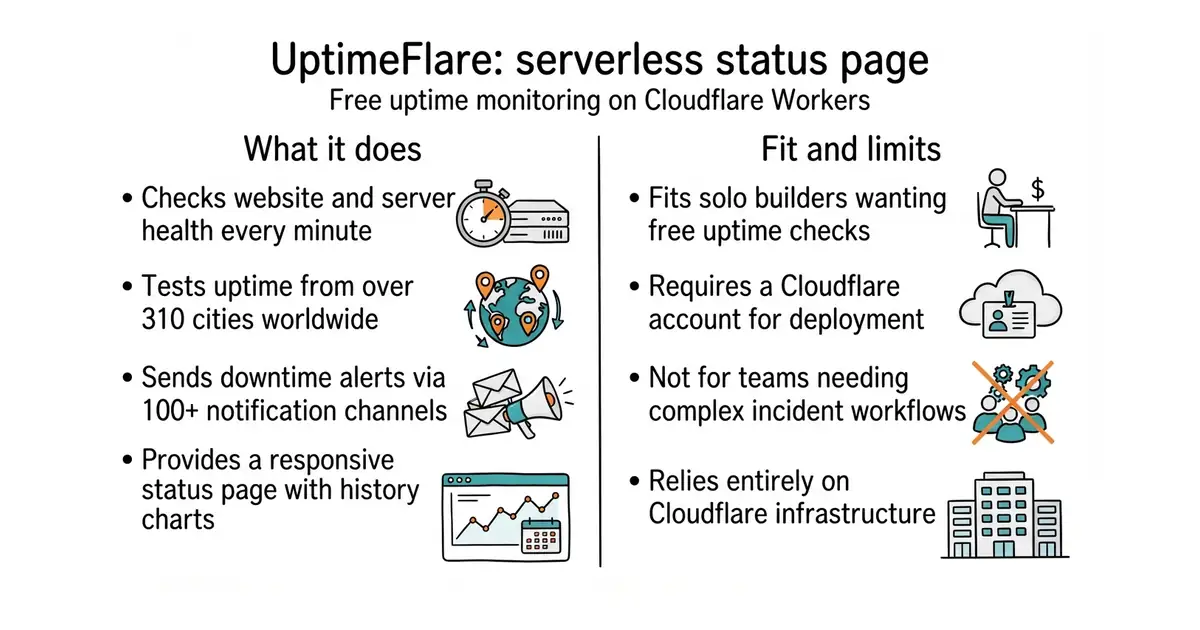
This tool checks if your website or server is online. It runs on Cloudflare, which means you do not need to rent a separate server to host it. It tests your sites from different cities around the world every minute. If something goes down, it can send an alert to your phone or email. You get a public status page to show your users when everything is working.
What it is
An open-source uptime monitoring system and status page that deploys directly onto Cloudflare Workers and Cloudflare D1 Database (a serverless database built on SQLite). It tracks response times, shows historical uptime charts, and supports password protection.
What it is good for
Solo builders who want free, reliable uptime monitoring without managing a virtual private server or paying for commercial monitoring tools.
- Runs for free on Cloudflare's serverless infrastructure without requiring a dedicated server.
- Checks your sites from over 310 cities worldwide for geo-specific accuracy.
- Supports over 100 notification channels through Apprise for downtime alerts.
- Requires a Cloudflare account and familiarity with setting up cloud services.
- Past security vulnerabilities meant misconfigurations could expose credentials in config files.
- Relies entirely on Cloudflare's ecosystem, locking your monitoring stack into one provider.
Paid uptime monitoring services like UptimeRobot or Statuspage
Cloudflare Workers for hosting and Telegram for instant downtime alerts
- upptime/upptime17k stars
Uses GitHub Actions and GitHub Pages instead of Cloudflare to monitor sites for free.
- statping-ng/statping-ng2.0k stars
A self-hosted status page server that requires its own virtual private server and Docker setup.


- slok/sloth2.6k stars
Generates Prometheus alerting and recording rules from a short specification of a service level objective.
- nicolargo/glances34k stars
A live view of one computer's health, in a terminal, in a browser, or through an AI assistant.
- dokku/dokku32k stars
A small platform you install on one server, which builds and runs an app every time you push code to it.
Please refer to the official Wiki at https://github.com/lyc8503/UptimeFlare/wiki for step-by-step deployment instructions.