In simple English
When you run websites inside Kubernetes (a system for running computer programs across multiple servers), you need a way to connect your domain name to them. Doing this by hand takes hours and breaks whenever your server address changes. This tool watches your Kubernetes cluster and updates your DNS provider (the company where you bought your web address) automatically. It works with major cloud providers and many smaller DNS systems. You run it as a background worker inside your cluster.
What it is
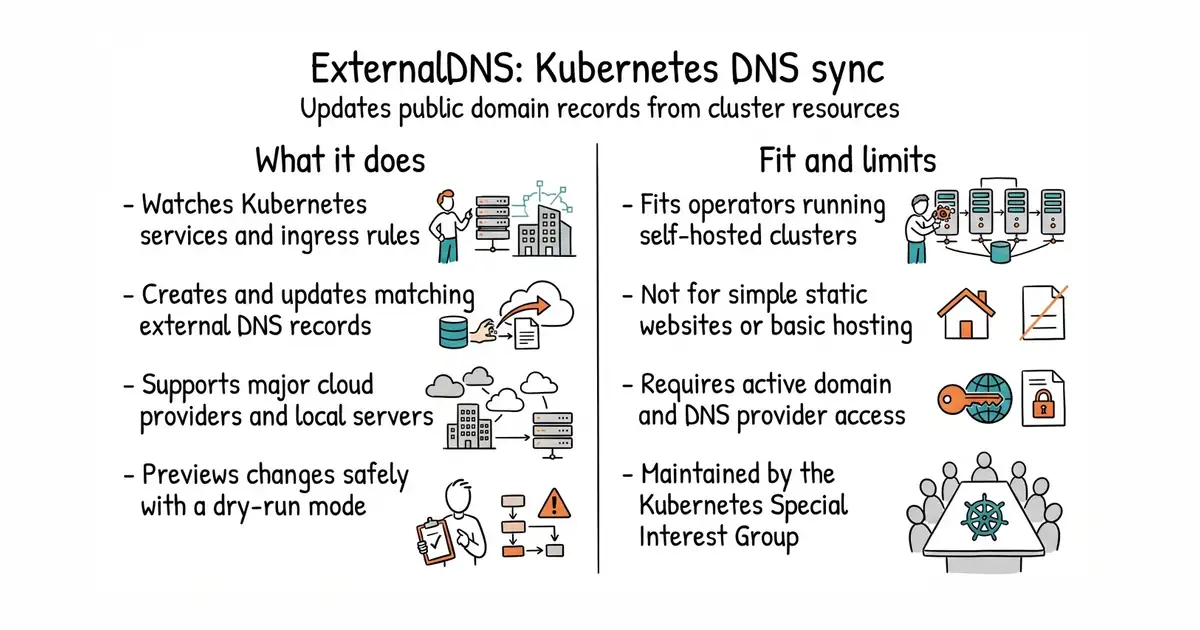
ExternalDNS reads Kubernetes resources like services and ingresses, then talks to external DNS APIs to create or update matching records. It supports dozens of providers through built-in code and a webhook system for third-party additions.
What it is good for
Solo builders and operators who run their own Kubernetes clusters and want web addresses to update themselves whenever they deploy a new app or change a load balancer IP.
- Updates external DNS records automatically when your Kubernetes setup changes.
- Supports a wide range of cloud and self-hosted DNS providers.
- Safe dry-run mode lets you preview all changes before they touch your live domain.
- Requires an existing Kubernetes cluster and working knowledge of DNS settings.
- Misconfiguration can overwrite or delete existing domain records.
- Many individual providers now rely on community webhooks rather than built-in support.
Manual creation and updating of DNS records every time a Kubernetes service changes.
cert-manager
- cert-manager/cert-manager14k stars
Automates SSL certificate issuance in Kubernetes clusters, working alongside DNS configuration tools.

- slok/sloth2.6k stars
Generates Prometheus alerting and recording rules from a short specification of a service level objective.
- nicolargo/glances34k stars
A live view of one computer's health, in a terminal, in a browser, or through an AI assistant.
- dokku/dokku32k stars
A small platform you install on one server, which builds and runs an app every time you push code to it.
kubectl run nginx --image=nginx --port=80
kubectl expose pod nginx --port=80 --target-port=80 --type=LoadBalancer
kubectl annotate service nginx "external-dns.kubernetes.io/hostname=nginx.example.org."