In simple English
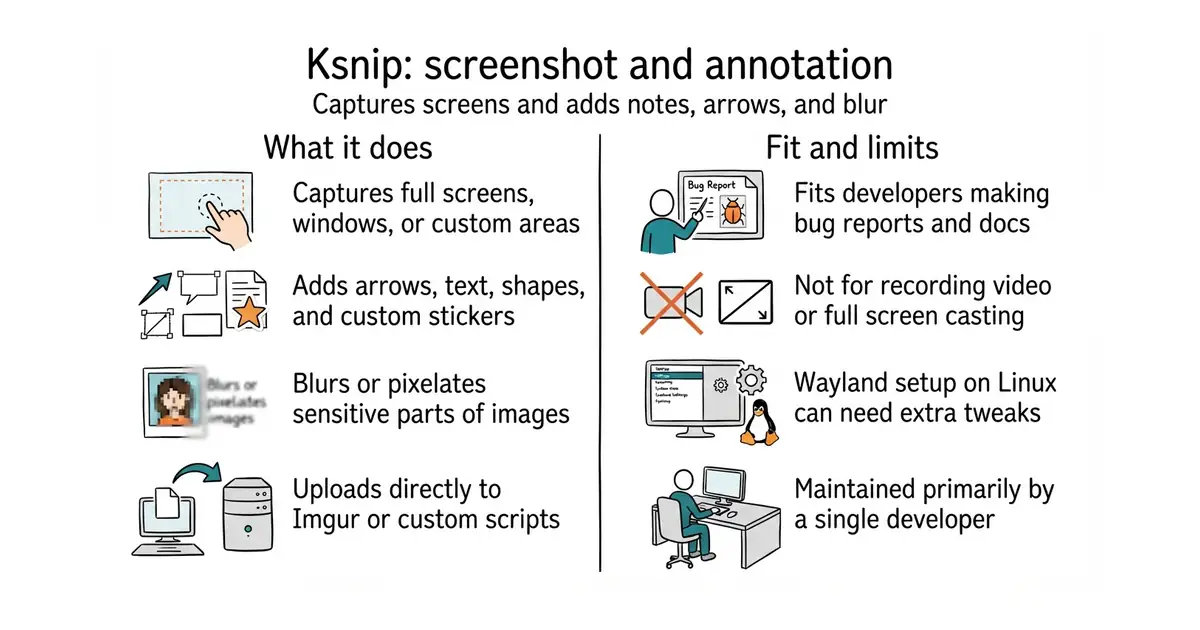
Taking a screenshot on your computer often leaves you wanting to add arrows or blur out private details. This tool captures your screen and opens a drawing board with shapes, text and stickers. You can upload the final image directly to the web with one click. It runs on Linux, Windows and macOS. The software is free to use.
What it is
Ksnip is a cross-platform screenshot and annotation program built with the Qt framework. It lets you capture specific windows, custom rectangular areas or full screens, and then edit the images.
What it is good for
Solo builders who need to make bug reports, write documentation or share step-by-step instructions with clear visual markings.
- Draws shapes, arrows, and blur filters directly onto any captured image.
- Uploads your final screenshots to Imgur or an FTP server with zero extra steps.
- Saves files automatically using custom naming rules with dates and counters.
- Wayland desktop environments on Linux can break global hotkeys and custom screenshot areas.
- Maintained mostly by a single person, which can slow down bug fixes.
- Some advanced features require separate plugin installations.
The built-in operating system snipping tool combined with a separate image editor
A markdown note-taking app or documentation generator
- flameshot-org/flameshot31k stars
Another popular cross-platform screenshot tool with quick annotation features right on the selection screen.
- ShareX/ShareX40k stars
A powerful Windows-only screen capture and productivity tool with extensive upload options.


- GoogleChromeLabs/squoosh26k stars
A web page that compresses images in the browser and shows you the result before you save it.
- simple-icons/simple-icons26k stars
More than 3,400 brand logos as single-colour SVG files, released into the public domain.
- phosphor-icons/core394 stars
The raw SVG files and the catalogue for the Phosphor icon family, with no framework package attached.
sudo apt install ksnip