In simple English
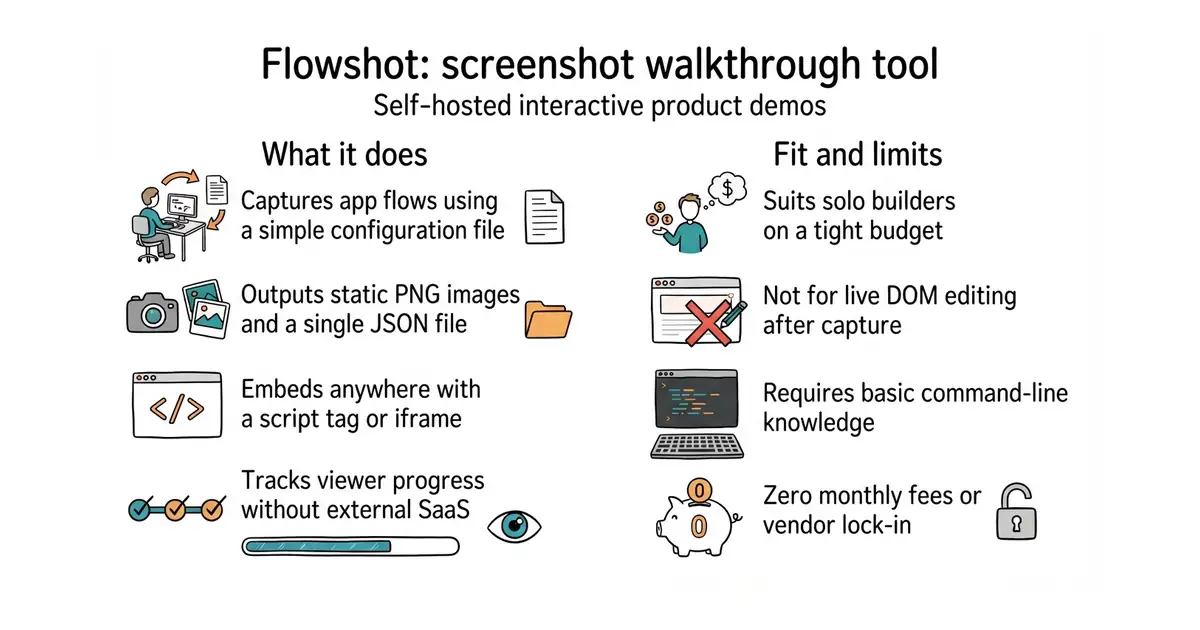
Flowshot creates clickable product walkthroughs from a series of screenshots. You run a small tool on your computer to capture your web app. It outputs a simple folder of images and text files. You host these files on your own website or cloud storage for free. Readers can click through the steps just like a real video or app. No monthly fees or external services are required.
What it is
A command-line tool (a program you run in your terminal) and JavaScript player for creating and displaying interactive product demos. It captures screenshots based on a JSON configuration file and packages them into self-contained static embeds.
What it is good for
Solo builders who want to show off their software on landing pages without paying expensive monthly fees to third-party demo platforms.
- Zero monthly fees because you host the static files yourself.
- Embeds easily on any static site, WordPress page, or blog using a single script tag.
- Includes a browser editor for tweaking captions and hotspot positions without re-capturing.
- Requires Node.js and Playwright installed on your computer to capture flows.
- Captures flat images rather than a live web page DOM, so you cannot edit text after capture.
- No built-in AI voiceover or advanced cloud analytics dashboard.
Paid third-party interactive demo tools like Arcade or Supademo
GitHub Pages or Netlify for hosting the exported static demo files
- gohugoio/hugo90k stars
A popular static site generator where you might embed your exported product demos.

- facebook/docusaurus67k stars
A static site generator from Meta that turns Markdown files into a documentation website.
- mkdocs/mkdocs23k stars
Turns a folder of Markdown files into a documentation website, controlled by one settings file.
- squidfunk/mkdocs-material28k stars
Turns a folder of Markdown files into a searchable documentation website, with every formerly sponsor-only feature now included.
npm install -g flowshot
npx playwright install chromium