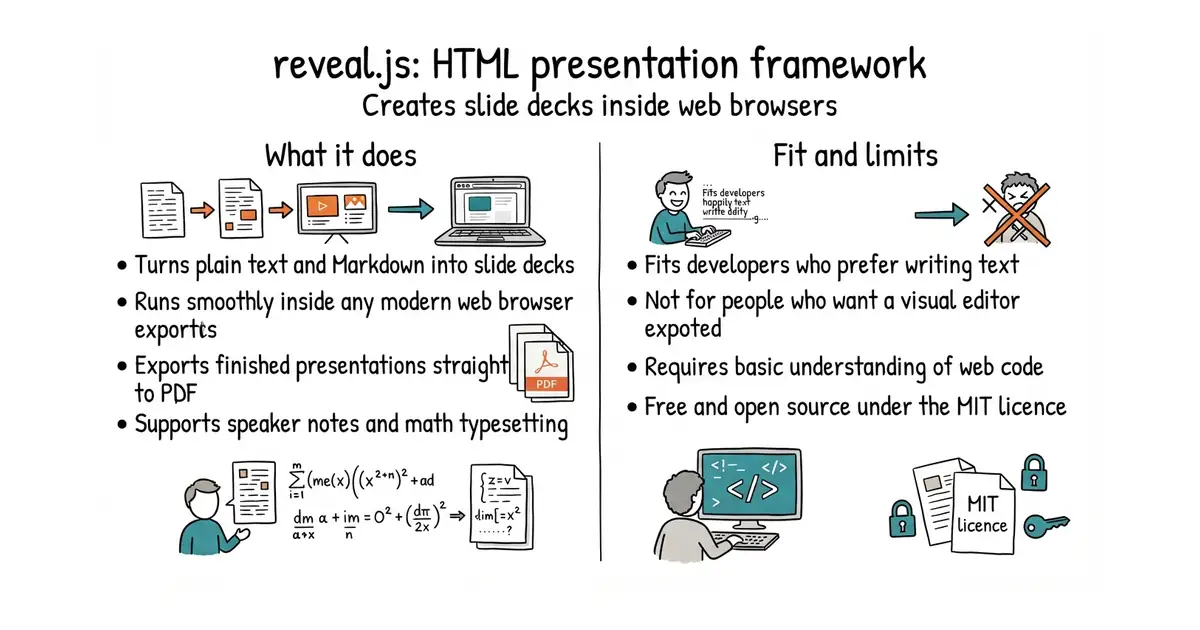
In simple English
This tool lets you write slide decks using simple text files instead of heavy office software. You build your slides with HTML or Markdown, which are plain text languages. Your presentation runs inside any web browser, so it looks sharp on every screen. It costs nothing to use and runs entirely on your own computer. You need some basic web writing skills to set it up.
What it is
reveal.js is an open-source presentation framework written in JavaScript (a programming language that adds interactivity to web pages). It turns standard text markup into animated, responsive slide decks.
What it is good for
Solo builders and developers who want to show off projects or ideas without fighting clunky slide software.
- Write slides using plain text files and Markdown.
- Export your finished presentation directly to a PDF file.
- Run smooth animations and nested slide layouts effortlessly.
- Requires writing code instead of using a visual drag-and-drop editor.
- Needs Node.js (a tool that lets you run JavaScript outside a web browser) installed on your machine to build from source.
- Relies on your knowledge of CSS (a styling language used to design web pages) to change default themes.
Microsoft PowerPoint or Apple Keynote for people who prefer writing code.
Node.js to run the local development server during slide creation.
- marp-team/marp13k stars
Marp turns Markdown files into slide decks with a simpler setup and fewer design choices.
- slideshow-s9/slideshow190 stars
Slideshow generates web-based presentations from plain text files using Ruby.


- facebook/docusaurus67k stars
A static site generator from Meta that turns Markdown files into a documentation website.
- mkdocs/mkdocs23k stars
Turns a folder of Markdown files into a documentation website, controlled by one settings file.
- squidfunk/mkdocs-material28k stars
Turns a folder of Markdown files into a searchable documentation website, with every formerly sponsor-only feature now included.
git clone https://github.com/hakimel/reveal.js.git
cd reveal.js
npm install
npm start