In simple English
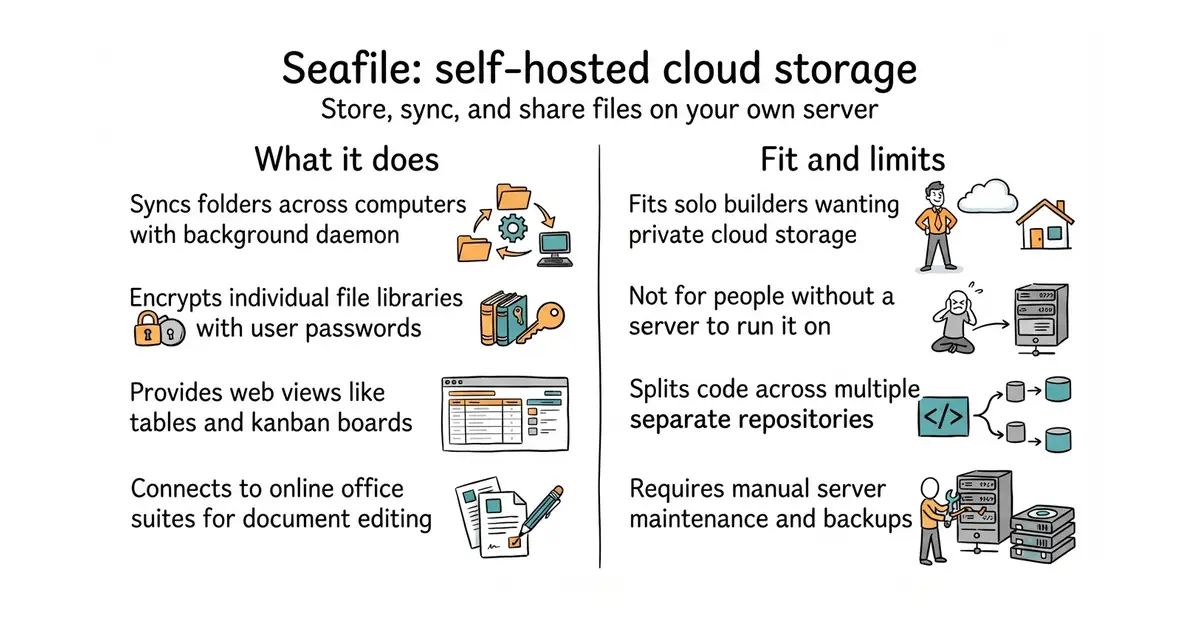
Seafile is a private place to store and share your files on your own server. It works like Dropbox or Google Drive, but you control the data completely. You can sync folders across computers, encrypt individual libraries with a password, and work together on documents in a web browser. Setting it up requires a server and some technical knowledge to run the installation steps. It is free to use, but you pay for your own server hosting and spend time on maintenance.
What it is
This repository is the background sync client daemon for Seafile, which works alongside separate server and web interface repositories to provide a complete cloud storage platform. It connects your desktop to your storage server and handles file transfers in the background.
What it is good for
This is good for solo builders who want a private cloud storage service on their own hardware instead of paying for commercial providers.
- Encrypts individual folders on the client side before sending them to the server.
- Syncs only the changed parts of files to save bandwidth and speed up transfers.
- Organizes files with tables, kanban boards, and tags.
- Requires managing a separate server and multiple related repositories for a full setup.
- Uses a custom licence with different terms for different parts of the project.
- Demands ongoing attention for server updates and backups.
Dropbox
OnlyOffice
- nextcloud/server37k stars
Nextcloud is a much larger self-hosted collaboration suite that handles files, calendars, and office apps.

See the official installation manual at https://manual.seafile.com/build_seafile/server to set up the server and clients.