In simple English
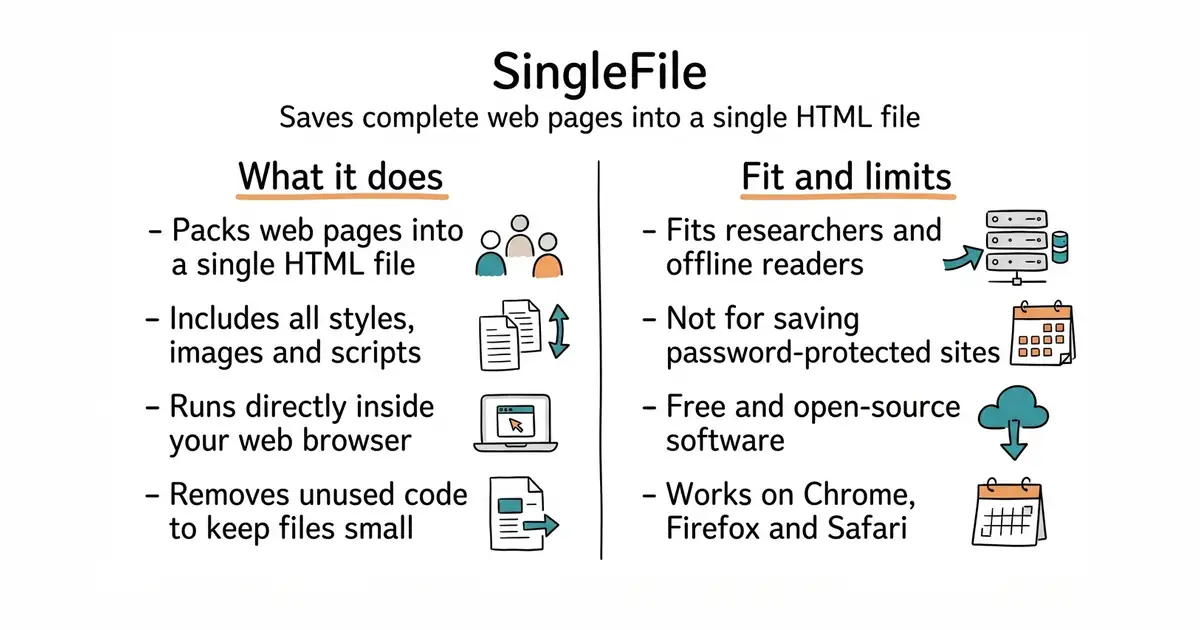
When you find a web page you want to keep forever, you usually get a messy folder of images and scripts. This tool packs the whole page into one clean file. You can open it years later on any computer, even without an internet connection. It works as an extension inside your web browser with a single click. There is no cost to use it, and your saved pages stay on your own computer.
What it is
SingleFile is a web extension and command-line utility (a program you run from your text-only terminal window) that captures an entire web page, including all styling, images and scripts, into one HTML file. It strips out unused code and compresses the result so the file stays small and readable.
What it is good for
Anyone who wants to archive research, save articles to read offline, or protect important web pages from breaking when websites change or disappear.
- Saves a faithful visual copy of any web page with all images and styles included.
- Works directly in all major desktop and mobile web browsers with one click.
- Integrates smoothly with offline bookmark managers and archiving tools.
- Some complex interactive web apps may not work fully when saved as static files.
- Browser security rules can occasionally block the saving of pages behind strict logins.
- Running the command-line version requires basic familiarity with terminal commands.
The browser's built-in Save Page As feature which creates messy folders of asset files.
ArchiveBox
- ArchiveBox/ArchiveBox29k stars
An open-source self-hosted web archiving system that can use SingleFile as an extraction engine.
- sissbruecker/linkding11k stars
A minimal self-hosted bookmark manager that pairs well with saved web pages.


- facebook/docusaurus67k stars
A static site generator from Meta that turns Markdown files into a documentation website.
- mkdocs/mkdocs23k stars
Turns a folder of Markdown files into a documentation website, controlled by one settings file.
- squidfunk/mkdocs-material28k stars
Turns a folder of Markdown files into a searchable documentation website, with every formerly sponsor-only feature now included.
Install SingleFile directly from your browser's extension store, such as the Chrome Web Store or Firefox Add-ons.