2.5k stars · MIT · v10.13.0 (2026-10-12) · Track this in Rising ↗
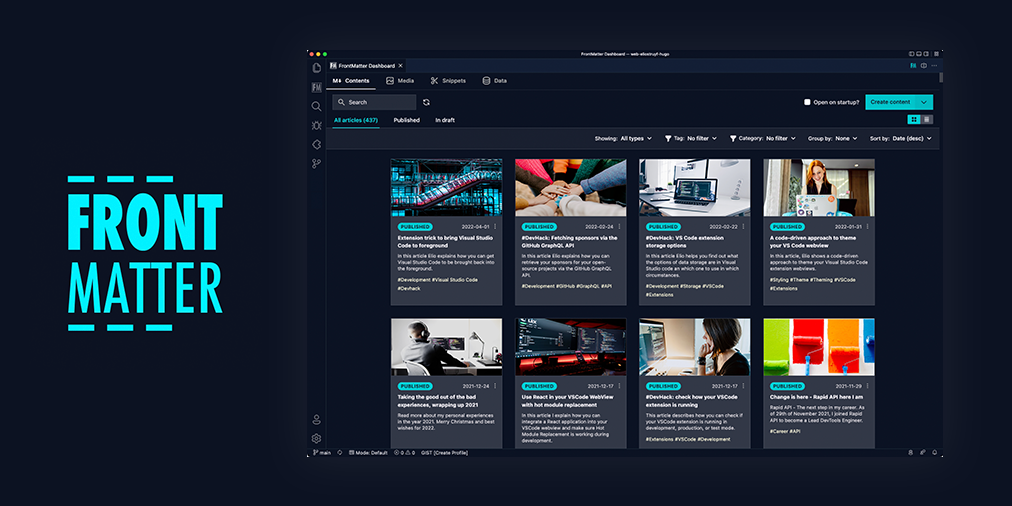
A content manager inside VS Code: every post in one list, a publishing calendar, and a health check on the post in front of you.
Radar check
What we found when we opened it. Every bar is one fact, with its date.
Last code pushed 12 Oct 2026, 15 days before this check.
Latest release v10.13.0 on 12 Oct 2026.
Public since August 2019, a little over 7 years.
2,549 stars and 107 forks.
23 commits and 8 new issues in the last 90 days.
25 contributors. 3 pull requests merged in 90 days.
No security policy file says how to report a problem. No published security advisories.
How the bars are scored
- Alive. Days since the last code push: a week or less 100, a month 90, three months 70, six months 50, a year 30, eighteen months 15, older 0.
- Releases. Age of the latest GitHub release, on a similar scale; no bar when the project publishes no releases.
- Maturity. Age of the project: eight years 100, five 90, three 70, two 55, one 40, six months 25, younger 10.
- Adoption. Stars on a log scale: 100,000 stars is 100, 10,000 is 80, 1,000 is 60, 100 is 40.
- Activity. Commits in the last 90 days: 300 or more 100, 100 85, 30 65, 10 45, any 25.
- Community. People who have contributed: 100 or more 100, 30 80, 10 60, 5 40, 2 25, one 10.
- Security. A published security policy 80, none 40; published advisories are listed, not scored.
Checked by Repo Radar on 26 Oct 2026 from the repository on GitHub. Covered in Edition 14.
▶Repo detailsthe review · specs · pros & cons · install
What it does
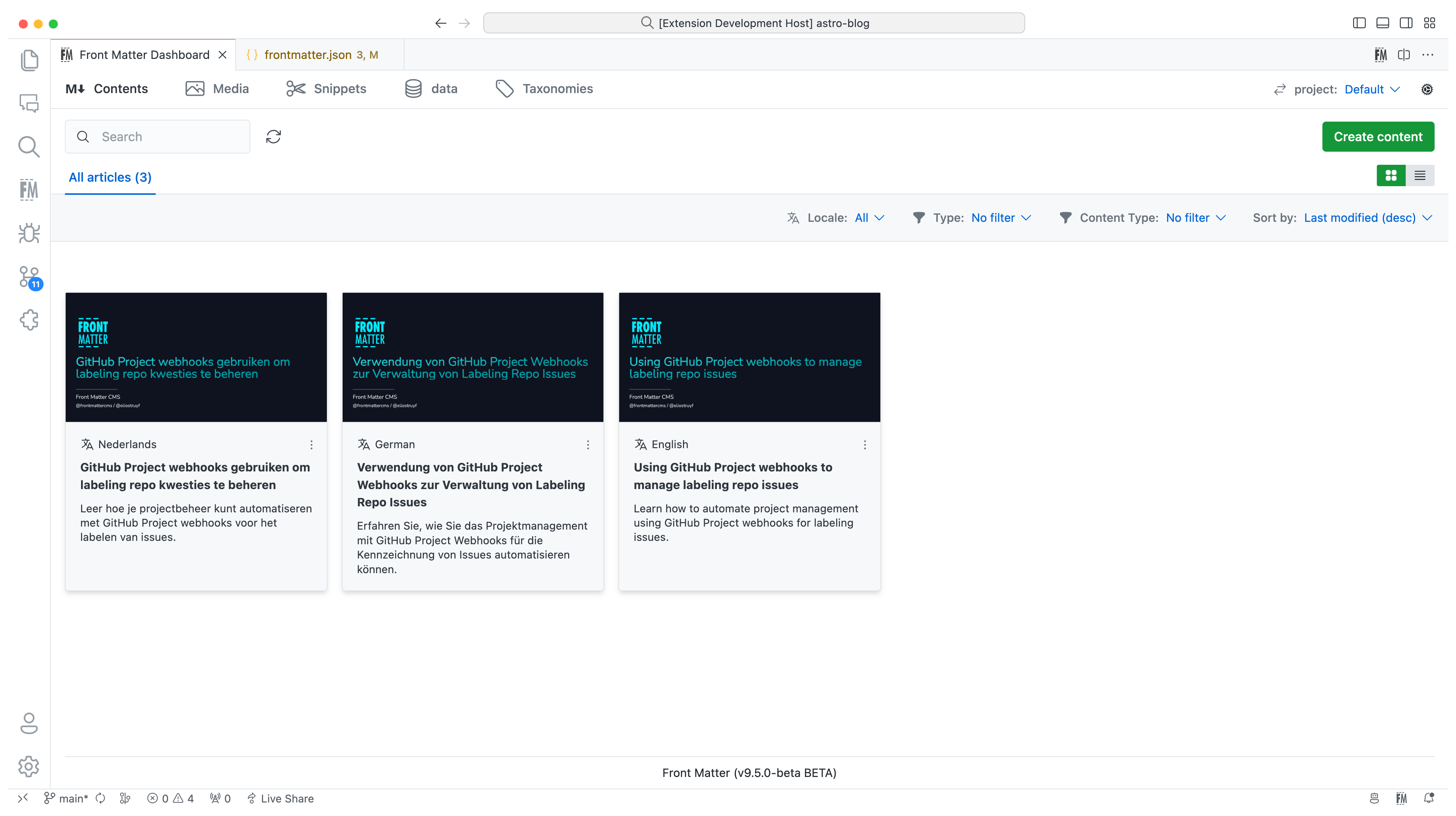
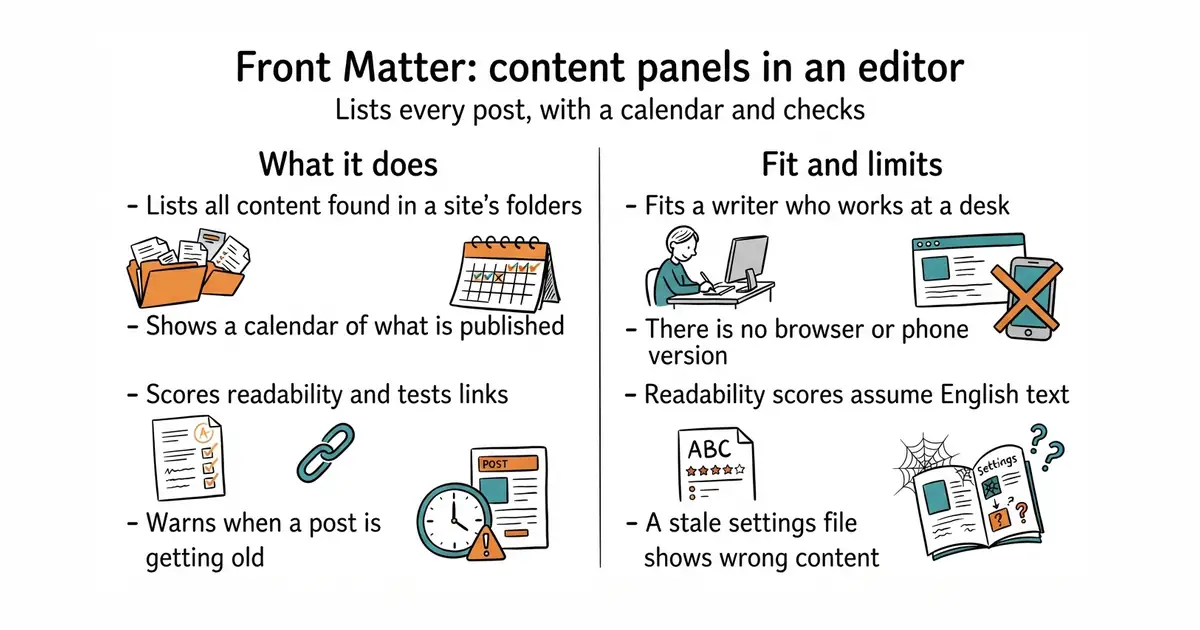
Front Matter CMS is an extension for Visual Studio Code. It reads the folders of a file-based site and lists every piece of content it finds. It works with sites built by Astro, Hugo, Jekyll, Next.js, Gatsby and Hexo. A dashboard shows posts with their dates, tags and status, and a calendar shows what is scheduled. Content health checks score readability, test links and flag posts that have not been touched for a long time. It writes its own settings into a frontmatter.json file in the project. Version 10.13.0 was published on 12 October 2026. It runs only inside the editor, so there is no web login and nothing to open on a phone.
Why it matters
Who it suits. It suits a writer who already works in Visual Studio Code and has lost track of what has been published. It suits a site with dozens of posts, where one list and one calendar replace scrolling through folders. Skip it when the writing happens away from a desk, because this is an editor extension and nothing else.
Verdict. Ten minutes, one click, and nothing to undo later, which makes it the easiest thing here to try. The readability scores are built for English, so treat the number on other languages as noise and use the link check instead. It sits alongside #2 rather than against it: one covers the desk, the other covers the phone.
Summary (Key Points)from the README
Key features
- Content management: Manage content, data files and media from one place, with search, filter and sort across all your content.
- Live preview: Preview your site or content directly in Visual Studio Code.
- SEO checks: Checks title, description and keywords while you edit.
- Static site generator support: Works with Hugo, Jekyll, Hexo, NextJs, Gatsby and more.
- Multilingual content: Version 10 added i18n support for managing content in multiple languages.
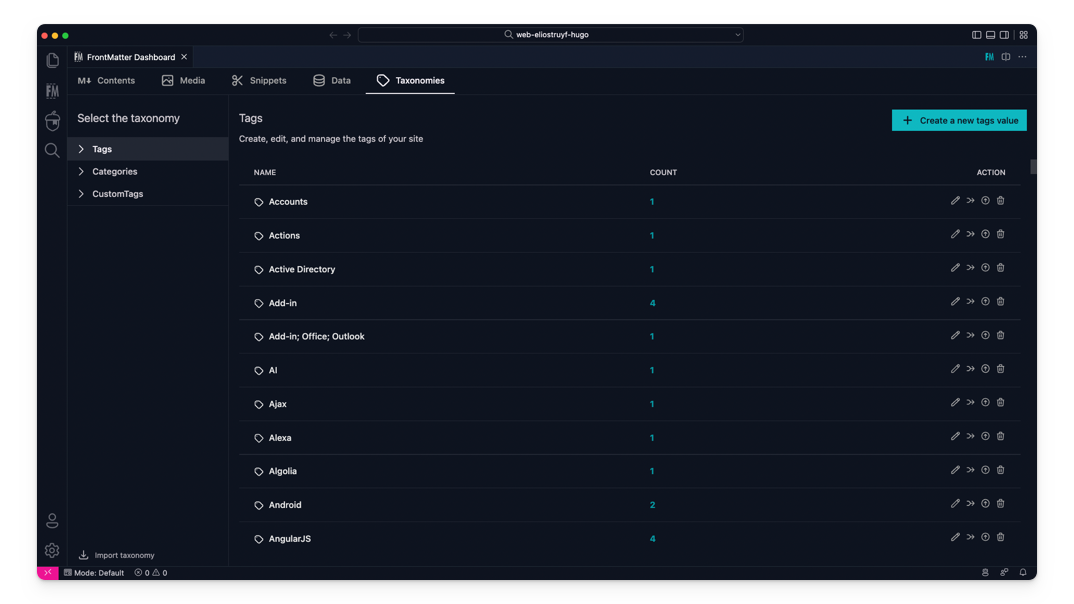
- Taxonomy dashboard: Version 8 added a dashboard for tags, categories and custom taxonomies.
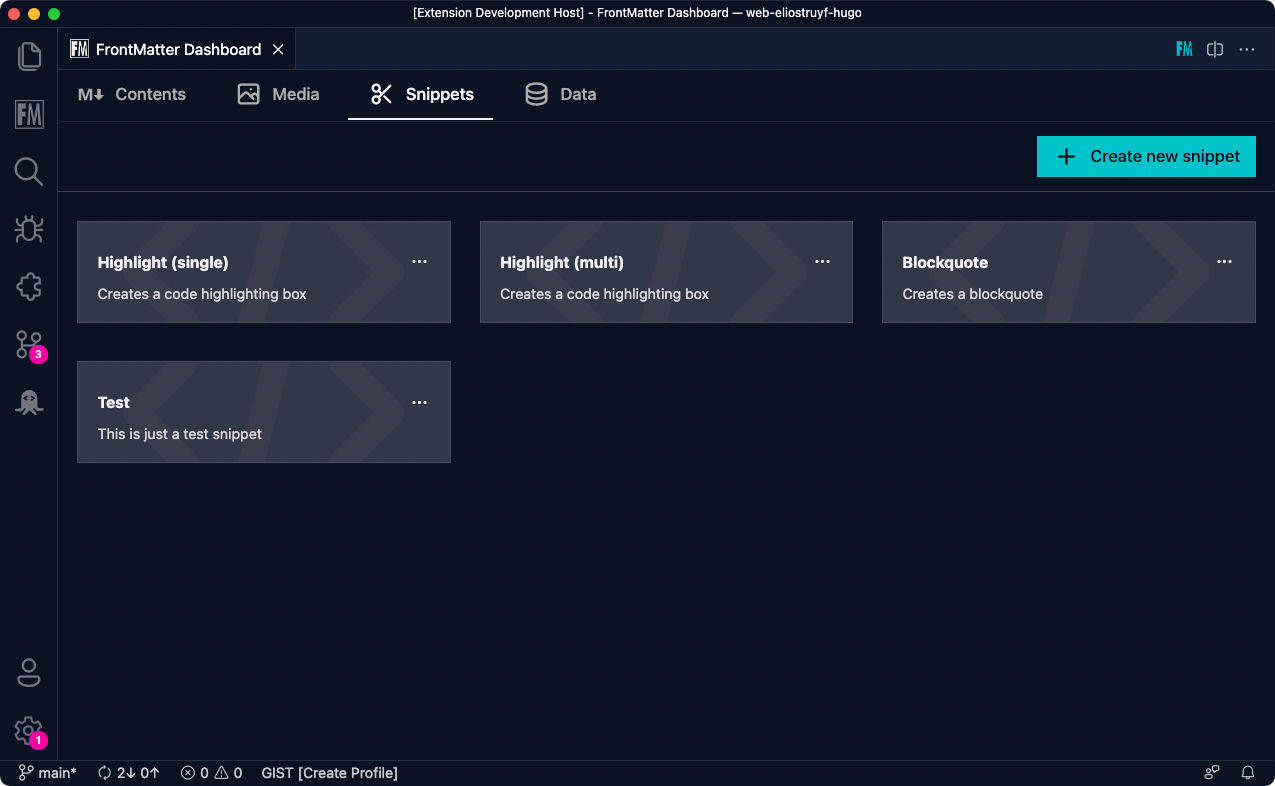
- Snippets: Version 7 added Front Matter snippets support.
- Extensibility: A way to extend the extension's functionality for use cases the core doesn't cover.
- Localized interface: Version 9 made the extension available in English, German and Japanese.
Ways to install
| Platform or method | What it needs | Effort |
|---|---|---|
| VS Code Marketplace | Visual Studio Code with access to the marketplace | Search for and install the extension |
| Extension CLI | Run `ext install eliostruyf.vscode-front-matter` | One command |
| Direct link | Opens the extension in VS Code | Click the link |
| Beta version (marketplace, CLI or link) | Uninstall the main version first, then install the beta | Extra step: uninstall, then install |
Important
- Maintenance pace: The author has said major changes will only happen for a personal reason, a company commitment or significant community support, and feature requests may take longer.
- Beta swap: To try the beta, you must uninstall the main Front Matter extension before installing the beta.
- Beta docs: Beta documentation is separate and lives at beta.frontmatter.codes.
- Crash telemetry: The extension sends telemetry only on application crashes and respects the `telemetry.enableTelemetry` setting.
- Webview crash reports: Crash reports from the webviews are sent to Sentry. The README states that the user's IP address is not collected.
Written by an AI model from the project’s README; not part of the review, and it can be wrong.
- One click to install and one click to remove. It does not touch how the site builds.
- The health checks are the useful part: readability, dead links and stale posts in one panel.
- It reads the folders that already exist, so nothing has to be restructured to start.
- It exists only inside Visual Studio Code. There is no browser version and no phone.
- The readability scores assume English. The number means little on text in another language.
- It writes a settings file into the project. If folders move and that file goes stale, the panels quietly show the wrong content.
code --install-extension eliostruyf.vscode-front-matter