274 stars · MIT, named in the About sidebar · 0.6.6, taken from the Rust package registry, which gives a publication time of 25 October 2026 — the repository page shows no releases at all · Track this in Scout
Finds every Rust build folder under a directory and deletes the ones nobody needs.
Radar check
What we found when we opened it. Every bar is one fact, with its date.
Last code pushed 25 Oct 2026, 2 days before this check.
Latest release v0.6.6 on 25 Oct 2026.
Public since February 2022, a little over 4 years.
317 stars and 22 forks.
9 commits and 4 new issues in the last 90 days.
8 contributors. 2 pull requests merged in 90 days. A small team carries it.
No security policy file says how to report a problem. No published security advisories.
How the bars are scored
- Alive. Days since the last code push: a week or less 100, a month 90, three months 70, six months 50, a year 30, eighteen months 15, older 0.
- Releases. Age of the latest GitHub release, on a similar scale; no bar when the project publishes no releases.
- Maturity. Age of the project: eight years 100, five 90, three 70, two 55, one 40, six months 25, younger 10.
- Adoption. Stars on a log scale: 100,000 stars is 100, 10,000 is 80, 1,000 is 60, 100 is 40.
- Activity. Commits in the last 90 days: 300 or more 100, 100 85, 30 65, 10 45, any 25.
- Community. People who have contributed: 100 or more 100, 30 80, 10 60, 5 40, 2 25, one 10.
- Security. A published security policy 80, none 40; published advisories are listed, not scored.
Checked by Repo Radar on 27 Oct 2026 from the repository on GitHub. Covered in Edition 63.
▶Repo detailsthe review · specs · pros & cons · install
What it does
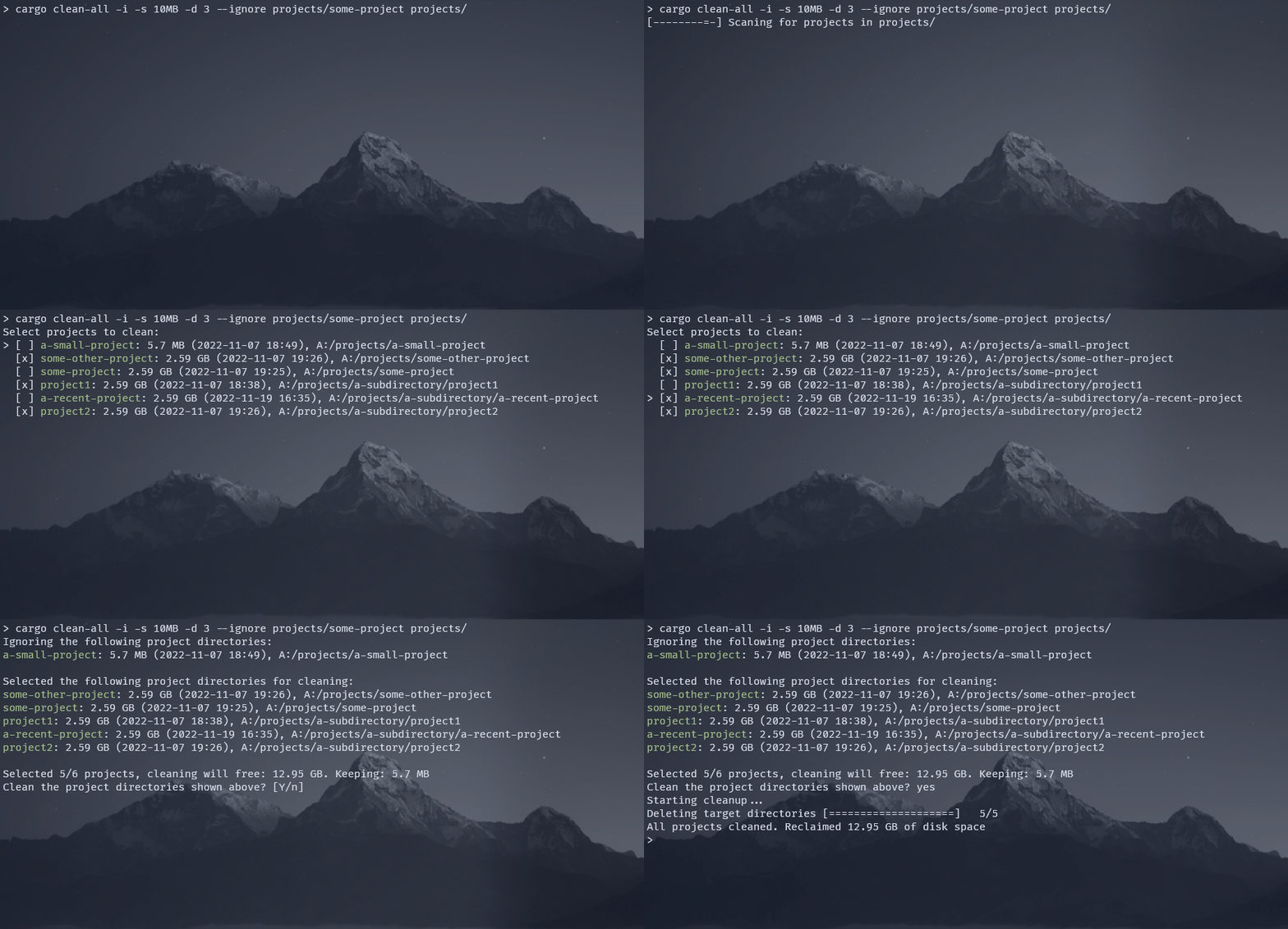
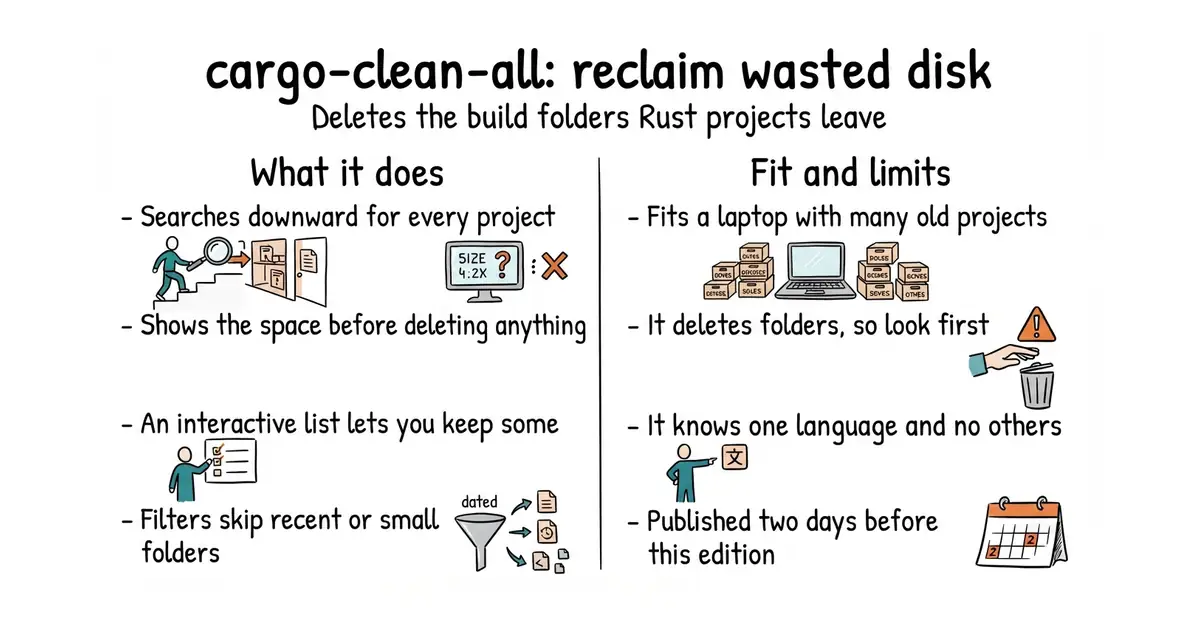
It installs as an extra command for Rust's own build tool and is run as cargo clean-all. Given a starting folder, it searches downward for Rust projects and reports the build folder of each with its size, so the total is visible before anything is removed. Interactive mode lists them and lets each one be deselected by hand. Filters do the same job without asking: --keep-days leaves alone anything compiled in the last so many days, --keep-size leaves alone anything below a given size, and --ignore skips named paths and can be repeated. It deletes the build folders directly rather than calling the official clean command, which is faster and is the project's deliberate choice. Version 0.6.6 was published to the package registry on 25 October 2026, two days before this was written. It only knows about Rust projects, and it cannot yet clean just the release or just the debug half of a folder, which the project's own comparison table records as not done yet.
Why it matters
Who it suits. Anyone with more than a few Rust projects on a machine, and particularly anyone on a laptop with a small disk. The reason this is worth two minutes rather than nothing is that the waste is invisible: nobody opens a project from March to see whether its build folder is still sitting there. Skip it if there are no Rust projects on the machine, in which case it will find nothing. For other languages, tbillington/kondo covers many at once.
Verdict. The best return on two minutes in today's twelve, with one caveat worth stating plainly: it deletes folders. Run it in interactive mode the first time, read the list, and only then let it loose with filters. The sensible standing habit is --keep-days 7, which never touches anything worked on in the last week. It is a 274-star project with no tagged releases on the repository page, which looks thin until you check the package registry and find version 0.6.6 published two days ago. The project also names its own alternative, holmgr/cargo-sweep, in its README, which is a good sign about the people behind it.
- Shows the total space to be recovered before it removes anything.
- Filters by age and by size, so it can be run unattended without fear.
- Published to the registry two days before this was written, so it is plainly maintained.
- It deletes folders. Use interactive mode first and read the list.
- Rust projects only. Other languages need a different tool.
- Cannot yet clean only the release or only the debug part of a build folder.
 holmgr/cargo-sweep
The older tool for the same job; it calls the official clean command, which is slower and more cautious.
Track this in Scout tbillington/kondo
Cleans build leftovers across many languages, with wider reach and less precise control.
Track this in Scout
cargo install cargo-clean-all