4,100 stars · Apache-2.0, named in the About sidebar on 28 October 2026 · No release shown in the sidebar; code pushed 28 September 2026 per the mirror at ungh.cc, read on 4 October 2026 and NOT re-settled today because the mirror refused this repository · Track this in Rising ↗
Builds an animation between two SVG paths and exports it for the web or for Android.
Radar check
What we found when we opened it. Every bar is one fact, with its date.
Last code pushed 15 Oct 2026, 13 days before this check.
Latest release v1.1.0 on 29 Jul 2018.
Public since December 2016, a little over 9 years.
4,076 stars and 216 forks.
261 commits and 0 new issues in the last 90 days.
4 contributors. 48 pull requests merged in 90 days. A small team carries it.
No security policy file says how to report a problem. No published security advisories.
How the bars are scored
- Alive. Days since the last code push: a week or less 100, a month 90, three months 70, six months 50, a year 30, eighteen months 15, older 0.
- Releases. Age of the latest GitHub release, on a similar scale; no bar when the project publishes no releases.
- Maturity. Age of the project: eight years 100, five 90, three 70, two 55, one 40, six months 25, younger 10.
- Adoption. Stars on a log scale: 100,000 stars is 100, 10,000 is 80, 1,000 is 60, 100 is 40.
- Activity. Commits in the last 90 days: 300 or more 100, 100 85, 30 65, 10 45, any 25.
- Community. People who have contributed: 100 or more 100, 30 80, 10 60, 5 40, 2 25, one 10.
- Security. A published security policy 80, none 40; published advisories are listed, not scored.
Checked by Repo Radar on 28 Oct 2026 from the repository on GitHub. Covered in Edition 64.
▶Repo detailsthe review · specs · pros & cons · install
What it does
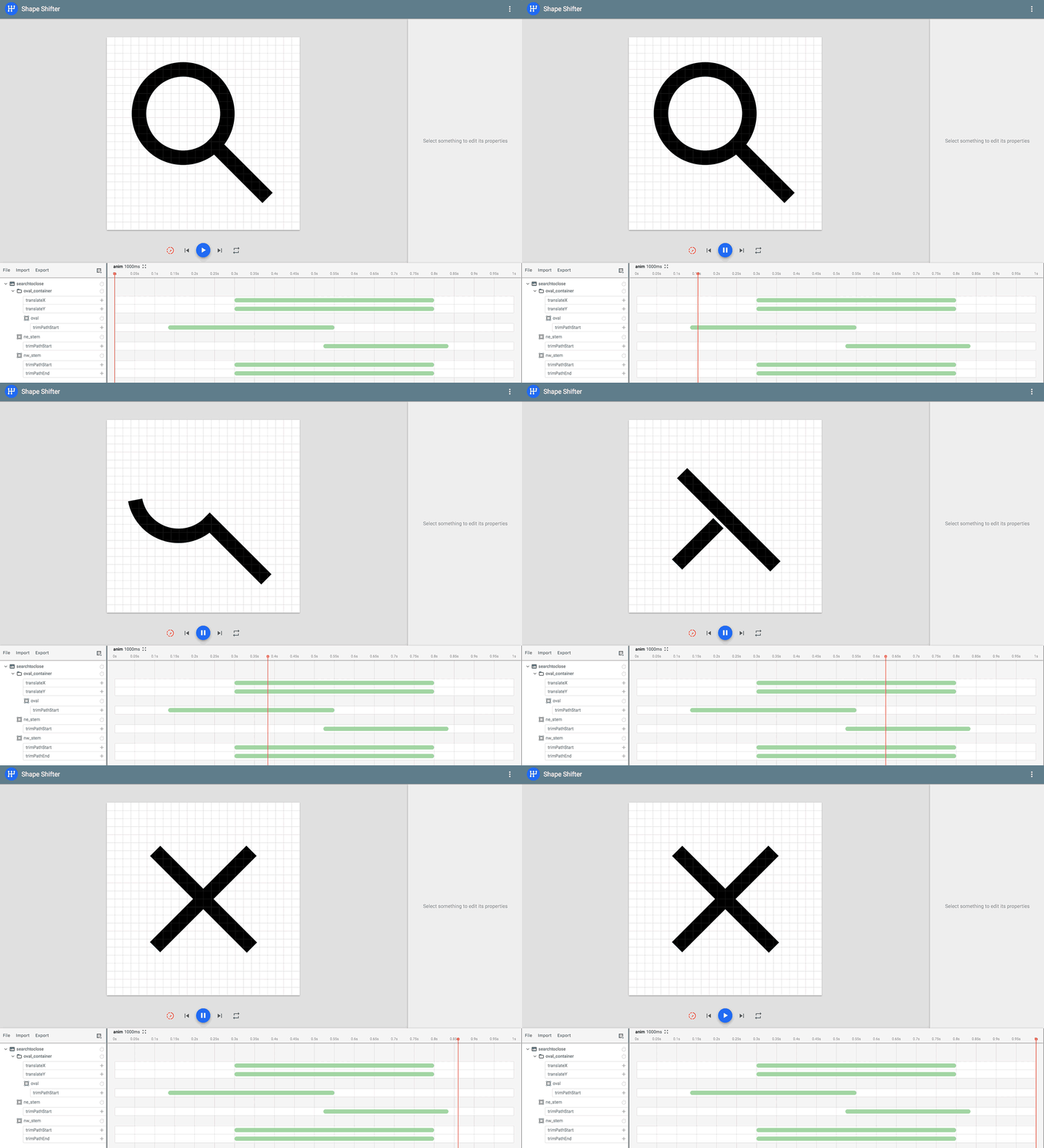
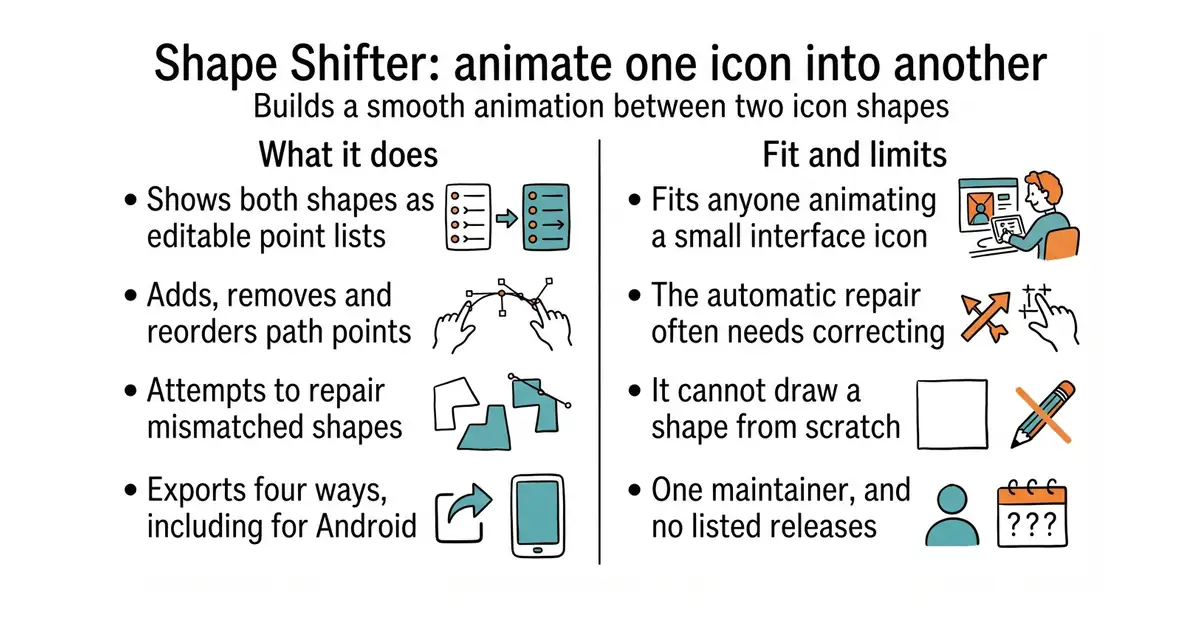
It runs in a browser at its own address, with nothing to install. You give it two versions of a shape, drawn in the SVG format that every design program exports, and it shows both as lists of points you can edit. The hard part of this job is that two shapes can only be animated between each other if they are described with the same number of points in the same order, and the tool exists to fix exactly that: add a point, remove one, reorder them, or let its automatic repair attempt the whole job. It then exports the result four ways, as a standalone SVG, as an SVG spritesheet, as a CSS keyframe animation for a web page, and in the AnimatedVectorDrawable format that Android uses. The project is honest that the automatic repair "may or may not generate a satisfying final result", so manual work remains part of it. Drawing paths directly on the canvas exists only in a separate preview version, so the ordinary tool edits shapes that something else drew. There is no releases section on the repository page; code was last seen landing on 28 September 2026, which is noted below with the date that reading was taken.
Why it matters
Who it suits. Anyone building an interface where a small icon needs to change state smoothly, and who has tried to do it by editing SVG by hand and given up. It suits an Android developer best of all, because the AnimatedVectorDrawable export is otherwise an unpleasant file to write. Skip it if the animation needed is a full illustration or a character moving, since that is a different class of tool.
Verdict. A narrow tool that does its one job better than anything else, and the right way to judge it is by that narrowness. Open it, finish in twenty minutes, and never think about it again. Two notes. It is one person's project and it has been quiet for stretches, so treat the exported files as the deliverable and do not build a workflow that depends on the site staying up. And the automatic repair is genuinely hit and miss on complex shapes, which means a complicated logo will still need somebody moving points by hand. For animations exported from a professional animation program, airbnb/lottie-web is the usual answer, and svg/svgo is the tool to run afterwards to shrink whatever this produces.
Summary (Key Points)from the README
Key features
- Point editing: Add or remove points on each path without changing its original appearance, then drag added points along the path. Points can be deleted from the keyboard.
- Point reordering: Reverse or shift the relative positions of a path's points, which often strongly affects how the resulting animation looks.
- Automatic command conversion: Incompatible pairs of SVG commands are converted into a compatible format behind the scenes, so users no longer need to turn Ls into Qs or As into Cs by hand.
- Auto fix: Takes two incompatible paths and tries to make them compatible in an optimal way. Results depend on path complexity, so manual tweaks may still be needed.
- Multiple export formats: Exports standalone SVGs and SVG spritesheets for the web, and AnimatedVectorDrawable for Android.
- Bezier-based rendering: Graphics are powered by bezier curve approximations, with splitting and projecting of points done so the original appearance is preserved.
- Needleman-Wunsch alignment: Auto fix adapts this bioinformatics sequence-alignment algorithm to align the SVG commands of each path. The implementation lives in AutoAwesome.ts.
Ways to install
| Platform or method | What it needs | Effort |
|---|---|---|
| Live web version | A web browser and a link to the hosted app | None beyond opening the link |
| Local build for contributors | Node.js 24 or later (see .nvmrc), npm 11.10 or later, and a clone of the repository | Install tools, clone, then build and serve locally |
Important
- Node and npm versions: Local builds need Node.js 24 or later and npm 11.10 or later. Older Node 24 releases ship an older npm, so running npm install -g npm may be needed if installs fail with EBADENGINE.
- Auto fix limits: Auto fix does not guarantee a satisfying animation for complex paths, so manual adjustment may be required.
- Export scope: The tool exports only to the formats listed above. Other formats are not yet supported and depend on future feature requests.
- Known issues: The author asks users to check the list of known issues before filing a bug report.
- Test browsers: End-to-end tests run in Chromium, Firefox and WebKit, and can be limited to a single browser by project name.
Written by an AI model from the project’s README; not part of the review, and it can be wrong.
- Nothing to install, and nothing is uploaded: it runs in the browser.
- Solves the specific problem that makes shape animation hard, which is matching up points.
- Exports four ways, including the Android format that is painful to write by hand.
- The automatic repair often fails on complex shapes, leaving manual point editing to do.
- One maintainer and no releases listed, so it is a tool to use rather than to depend on.
- It cannot draw a shape from scratch in the ordinary version, so something else must supply the SVG.
- airbnb/lottie-web
Plays animations exported from professional animation software in a browser: much broader, and it needs that software.
Track this in Rising ↗  svg/svgo
Shrinks SVG files by removing data nothing uses: a cleanup step rather than an animator.
Track this in Rising ↗- svgdotjs/svg.js
A small library for building and animating SVG from code, with no visual editing at all.
Track this in Rising ↗
git clone https://github.com/alexjlockwood/ShapeShifter.git
cd ShapeShifter
npm install
npm start