13.8k stars · GPL-3.0 | [zettlr.com](https://www.zettlr.com) · v4.8.0 (2026-09-18) · Track this in Scout
A desktop writing program for Markdown documents, with citation support and export to Word, PDF and LaTeX.
▶Repo detailsthe review · specs · pros & cons · install
What it does
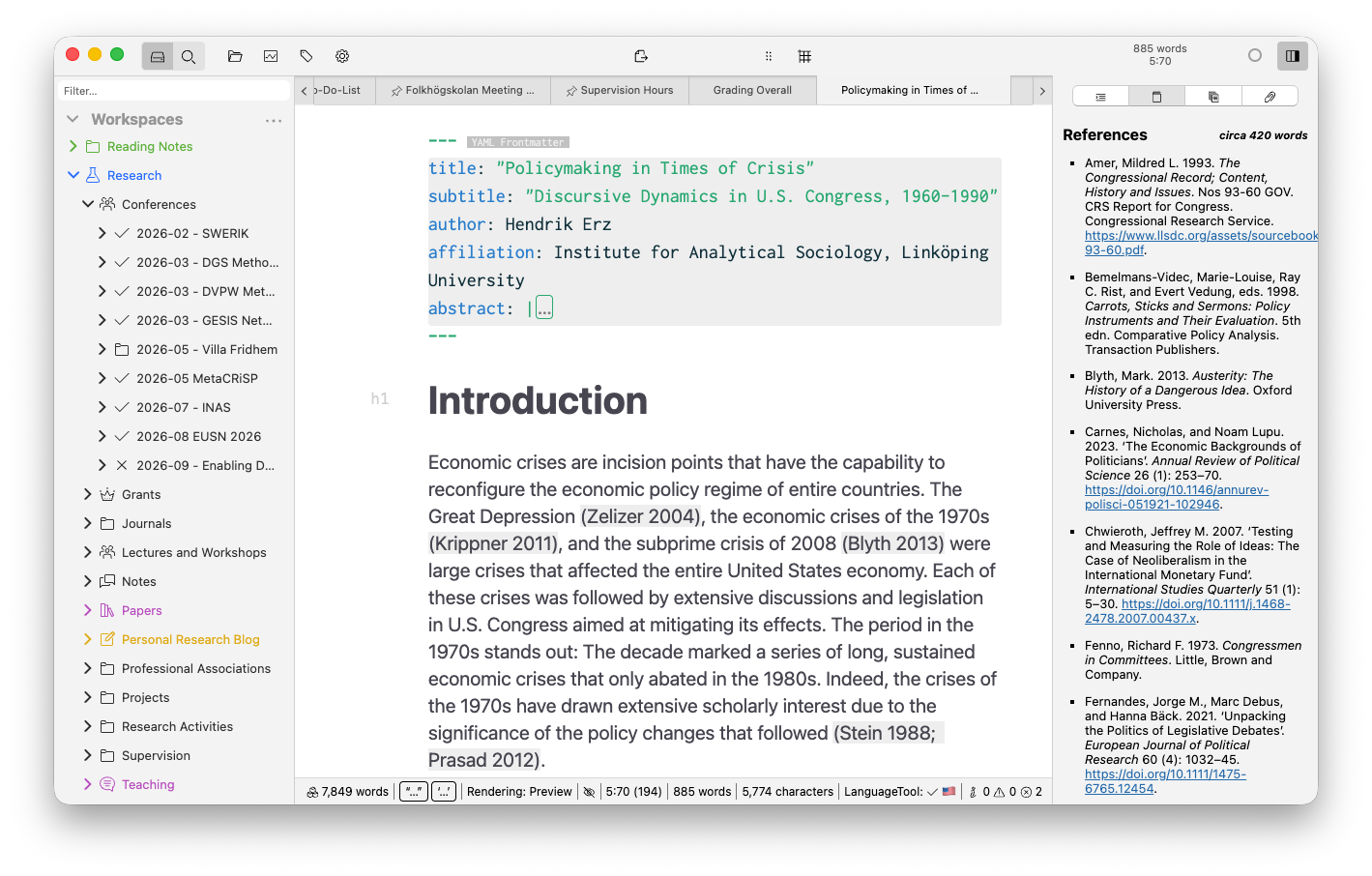
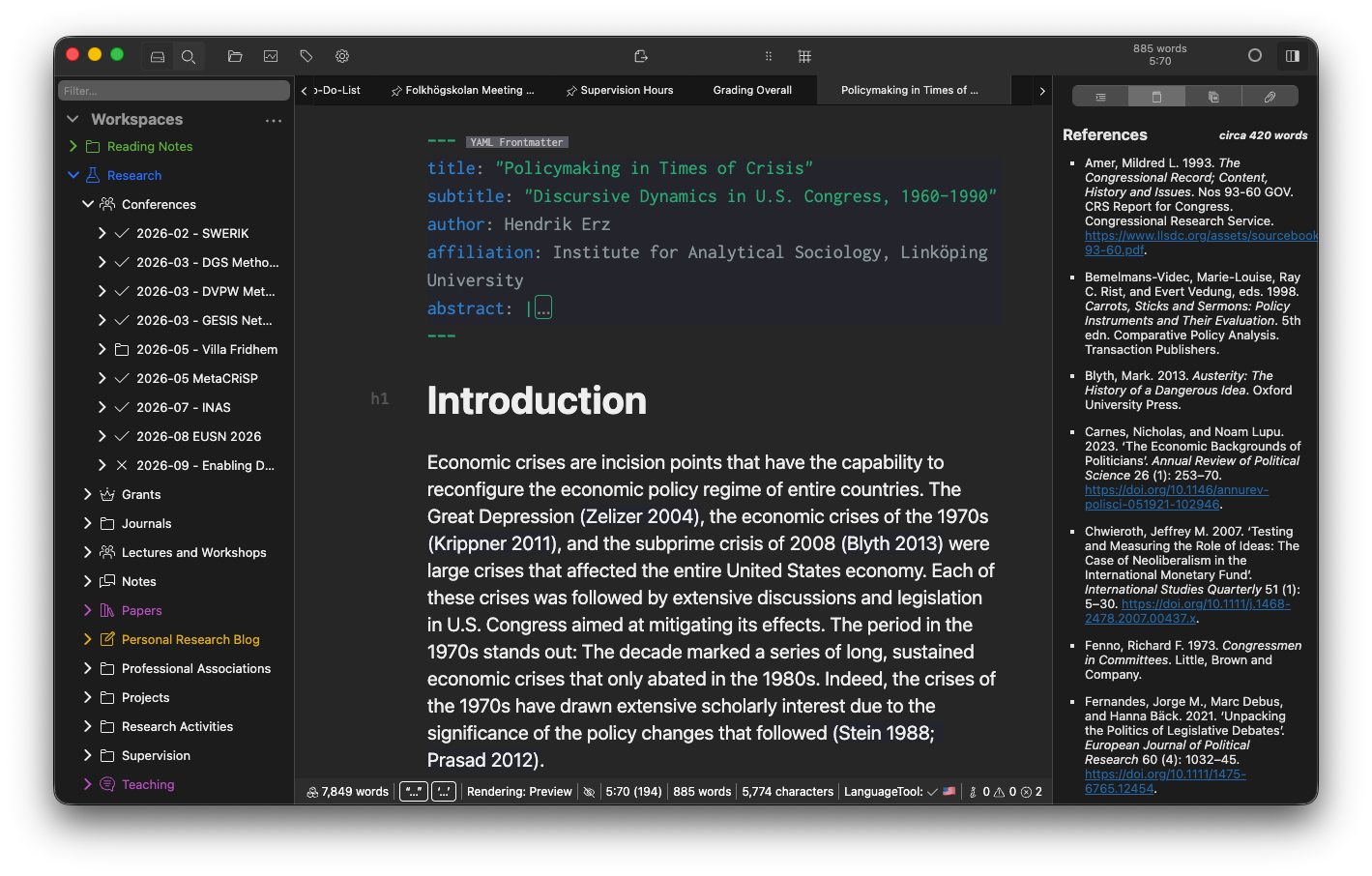
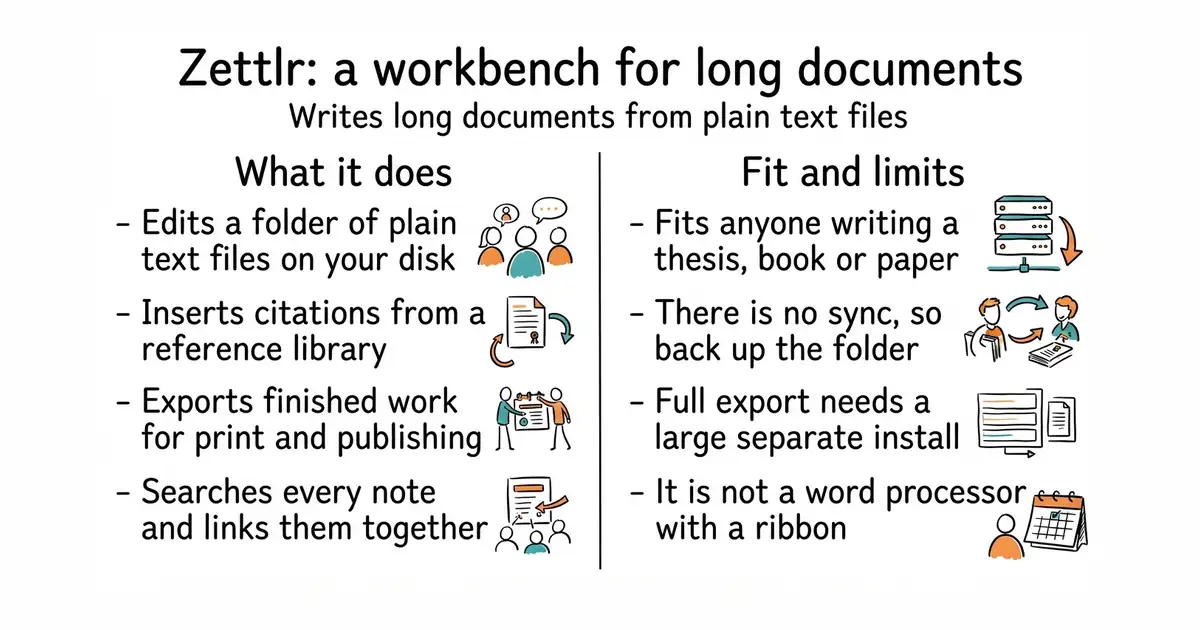
Zettlr calls itself a publication workbench. You point it at a folder of Markdown files and it gives you a file tree, full-text search, syntax highlighting, snippets for boilerplate text and themes including a dark mode. It reads citation libraries from reference managers such as Zotero and JabRef, so a citation key in the text becomes a formatted reference in the output. Export runs through Pandoc and LaTeX, with support for Word and LaTeX templates, so a department's required layout can be applied to your own plain text. It supports Zettelkasten-style links between notes, which is the practice of connecting short notes to each other rather than filing them in one tree. The interface is translated into more than a dozen languages. It does not store your work anywhere but your own disk — there is no built-in sync and no collaboration — and it does not run on 32-bit systems. Full export needs LaTeX installed separately.
Why it matters
Who it suits. People writing something long with references: a thesis, a book, a paper, a report that has to come out as a Word file in someone else's template. The combination of plain text files, citation keys and Pandoc export is exactly that job, and it is a narrow enough job that general note applications do it badly. Together with JabRef/jabref above it makes a complete setup with no account anywhere. Skip it if you want notes that sync to a phone, and skip it if you have never used Markdown, because this is not a word processor with a ribbon.
Verdict. Worth an hour if you have a long document with citations ahead of you, and worth skipping otherwise. The reason to prefer it over a general knowledge tool is that it treats export as a first-class step rather than an afterthought — most note applications can link notes, and almost none can produce a correctly formatted bibliography in a supervisor's template. Three caveats. It is an Electron application, so it is heavier than a text editor. LaTeX is a separate, multi-gigabyte install if you want every export route. And release v4.8.0 is dated 18 September 2026 while the default branch is called develop, so a source build is not the same thing as the release. If linked notes matter more than export, siyuan-note/siyuan and logseq/logseq are built around that instead.
- Your work stays as plain Markdown files in a normal folder, readable by anything, now and in ten years.
- Citations from Zotero or JabRef, and export through Pandoc into Word, PDF or LaTeX with templates.
- Official builds for macOS, Windows, Debian, Fedora and AppImage, plus Homebrew, apt, Flathub, WinGet, Chocolatey and Arch packages.
- No sync and no collaboration: one computer, one folder, and backups are on you.
- An Electron application, so expect the memory use of a browser tab rather than of a text editor.
- Full export needs a separate LaTeX installation, which is a multi-gigabyte download.
 siyuan-note/siyuan
A note system built around block-level links and Markdown, self-hostable; stronger on linking notes, weaker on producing a formatted document.
Track this in Scout- logseq/logseq
Outline-first notes with links between them, aimed at thinking rather than at publishing.
Track this in Scout - marktext/marktext
A plain Markdown editor with live preview and nothing else: no citations and no export templates, so far lighter.
Track this in Scout
git clone https://github.com/Zettlr/Zettlr.git
cd Zettlr
yarn install
yarn package