In simple English
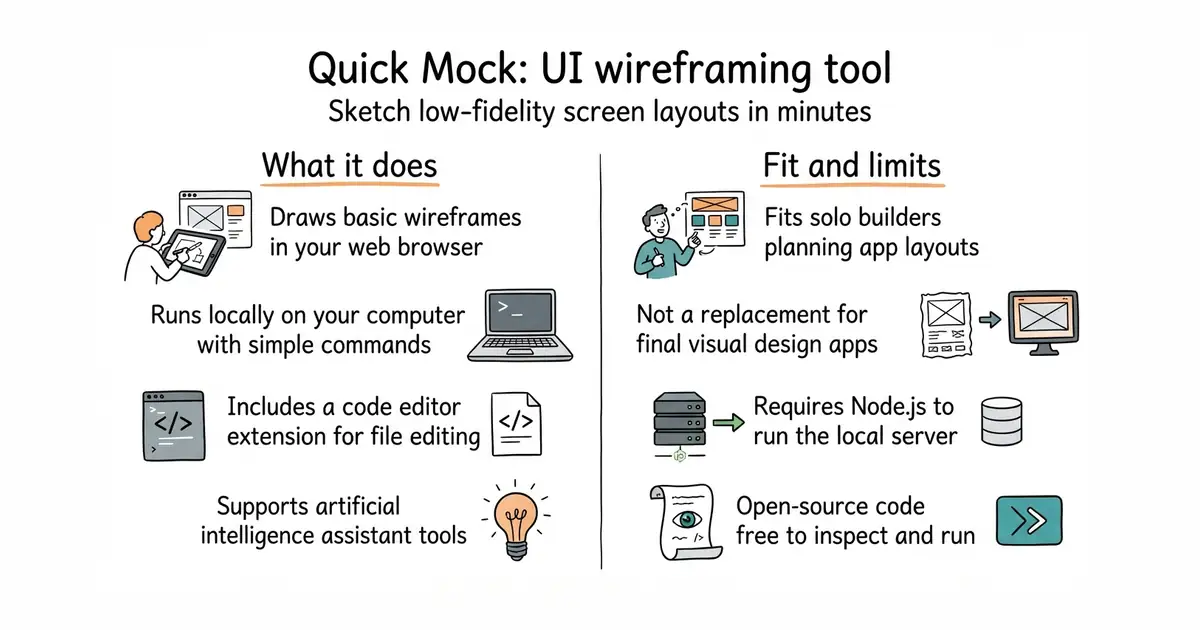
You have an idea for an app or a website. You need to draw it fast before you forget the details. This tool gives you a blank canvas to sketch boxes, buttons and text. You do not need to pay anything or sign up for a complex plan. It runs in your web browser or inside your code editor.
What it is
Quick Mock is an open-source web application for creating low-fidelity user interface mockups. It includes a browser interface and a companion extension for code editors.
What it is good for
Solo builders who need to sketch out app screens before writing any code, saving time and keeping thoughts organized.
- Runs directly in your web browser or inside your code editor.
- Completely free and open-source under the MIT licence.
- Includes a companion extension for code editors with artificial intelligence tool support.
- Requires Node.js installed on your computer if you want to run it locally.
- Low-fidelity sketching means you cannot produce final pixel-perfect visual designs.
- Small community with limited third-party templates compared to major commercial tools.
Figma or Excalidraw for basic wireframing
Visual Studio Code


- ImageMagick/ImageMagick18k stars
Converts, resizes and edits images from one typed command, across more than two hundred formats.
- GoogleChromeLabs/squoosh26k stars
A web page that compresses images in the browser and shows you the result before you save it.
- simple-icons/simple-icons26k stars
More than 3,400 brand logos as single-colour SVG files, released into the public domain.
git clone https://github.com/Lemoncode/quickmock.git
cd quickmock
npm install
npm run dev