27.7k stars · MIT · jetbrains/v7.1.12 (2026-10-22) · Track this in Scout
An open-source coding assistant for VS Code, JetBrains editors and the terminal, which can edit several files at once.
▶Repo detailsthe review · specs · pros & cons · install
What it does
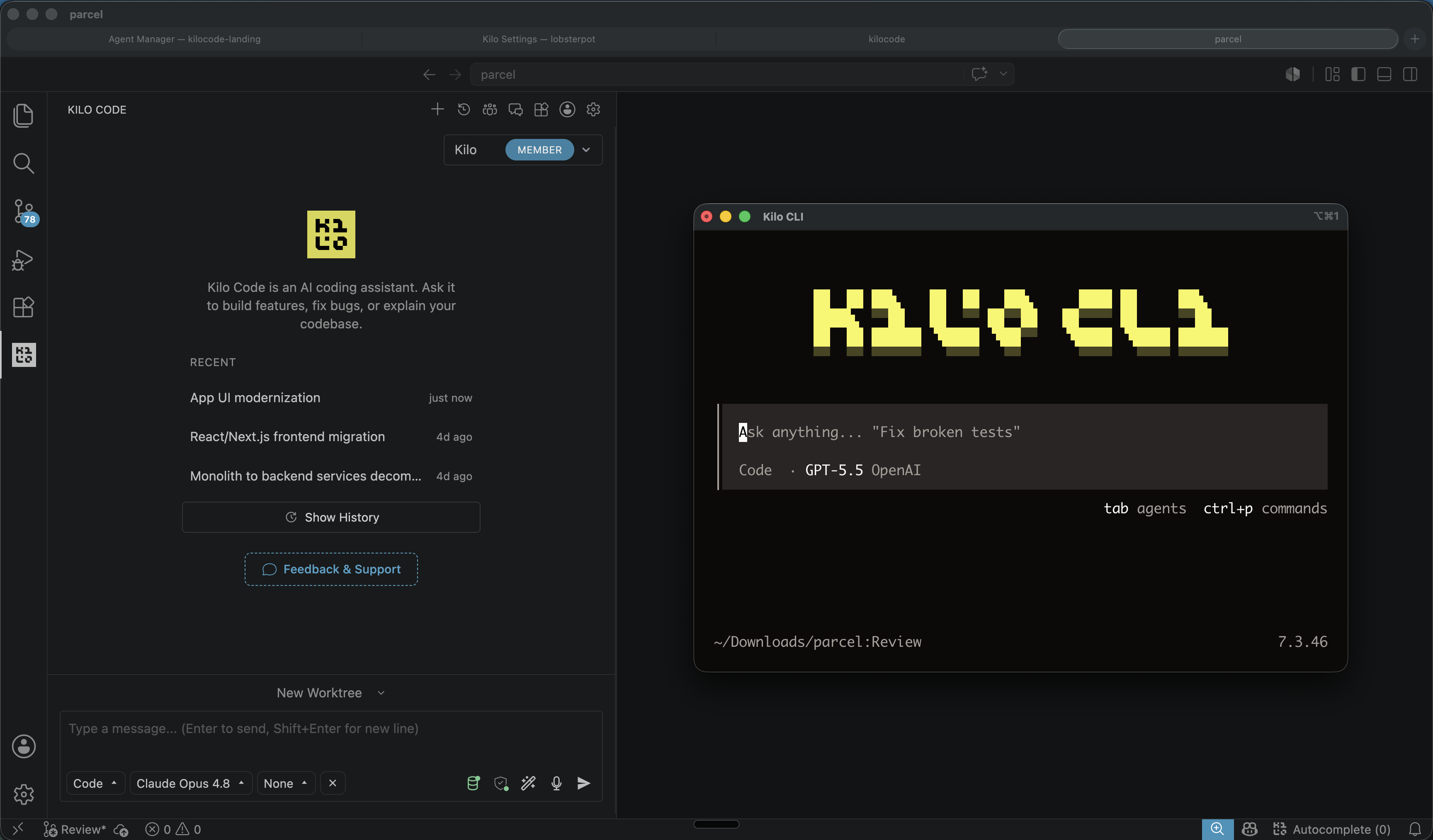
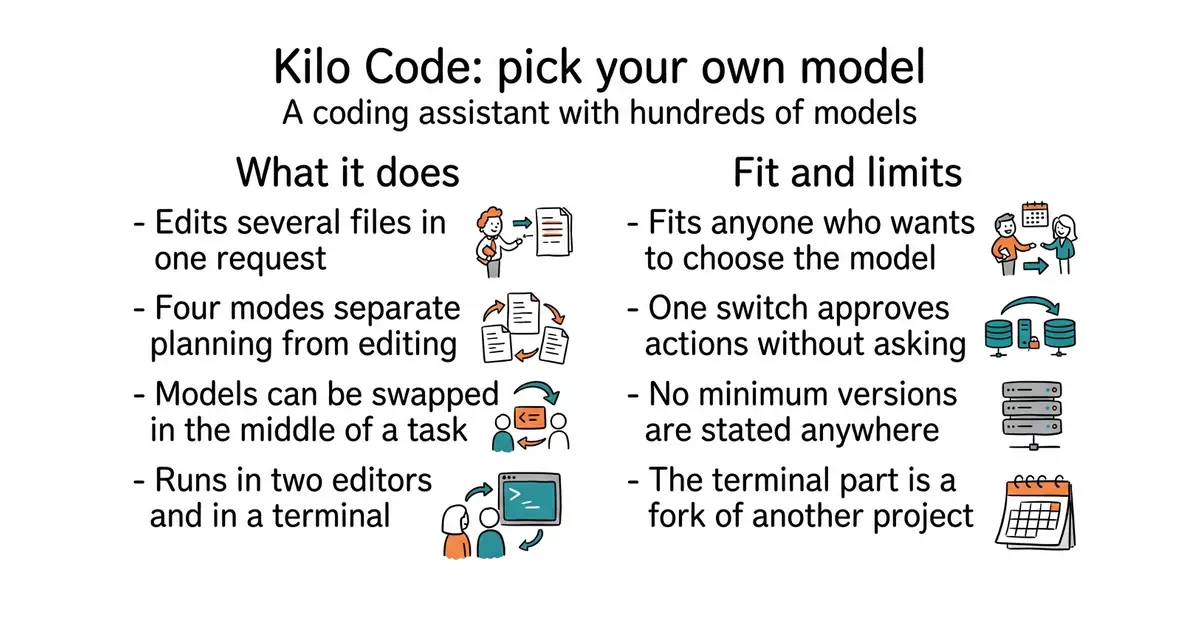
You install it as an editor extension or as a command-line program, open a project, and describe the change you want. It works across multiple files rather than one at a time, suggests completions as you type, and reviews what it produced before handing it back. It has four modes, named Code, Plan, Ask and Debug, so you can ask it to think before it edits. It can run commands in a terminal and drive a browser when a task needs one. Model choice is the headline: the project says more than five hundred models are available, billed at the provider's own rate with nothing added, and that you can switch model part-way through a task. Prebuilt programs are published for Windows, macOS on both chip families, and Linux on both Intel and ARM, with a separate build for older processors and another for small container images. The command-line part is a fork of another project called OpenCode, which the project states openly. The one thing to be careful of is the switch named --auto, which approves the assistant's requests for permission without asking you, except where a rule says no.
Why it matters
Who it suits. Anyone who already works with an AI coding assistant and wants to choose the model instead of being given one. It suits a person who switches between editors, because the same assistant exists as a VS Code extension, a JetBrains plugin and a terminal program. It also suits anyone who wants the plan written out before any file is touched, which is what Plan mode is for. Skip it if you want one provider, one price and no decisions, because that is the opposite of what this offers.
Verdict. A good choice if the model menu is the thing you want, and it is clearly in heavy use: a release went out at 13:52 on the day this edition was written, and the repository carries more than thirty-three thousand commits. Three things to keep in mind. Do not use --auto anywhere you would mind a wrong command being run, and the project says this itself. The repository states no minimum version of anything, so install problems are discovered rather than predicted. And a fork carries a question that only time answers: the terminal part came from OpenCode, so it is worth watching whether the two keep in step. If you want the narrower, more settled version of this idea, cline/cline and Aider-AI/aider are both there.
- MIT, so it can be read, changed and used commercially with attribution kept.
- More than five hundred models at provider prices, switchable in the middle of a task.
- One assistant covering VS Code, JetBrains editors and a terminal, with prebuilt programs for six platforms.
- The
--autoswitch approves actions without asking, and the project warns about it in writing. - No minimum editor, runtime or operating-system version is stated anywhere on the page.
- The terminal part is a fork of another project, so its future depends partly on that one.
 cline/cline
Apache-2.0, the same job as an editor extension, a command-line tool and a software kit; a smaller feature list and a longer track record.
Track this in Scout Aider-AI/aider
Apache-2.0, a terminal-only assistant that works through git commits, so every change it makes is a commit you can undo.
Track this in Scout
# the terminal program
npm install -g kilo
kilo                              # run it inside a project folder
# or with Homebrew
brew install kilo