7.1k stars · Apache-2.0 · v0.15.1 (2025-06-26) · Track this in Scout
Runs the standard page audit on every code change and fails the change if the page got slower.
▶Repo detailsthe review · specs · pros & cons · install
What it does
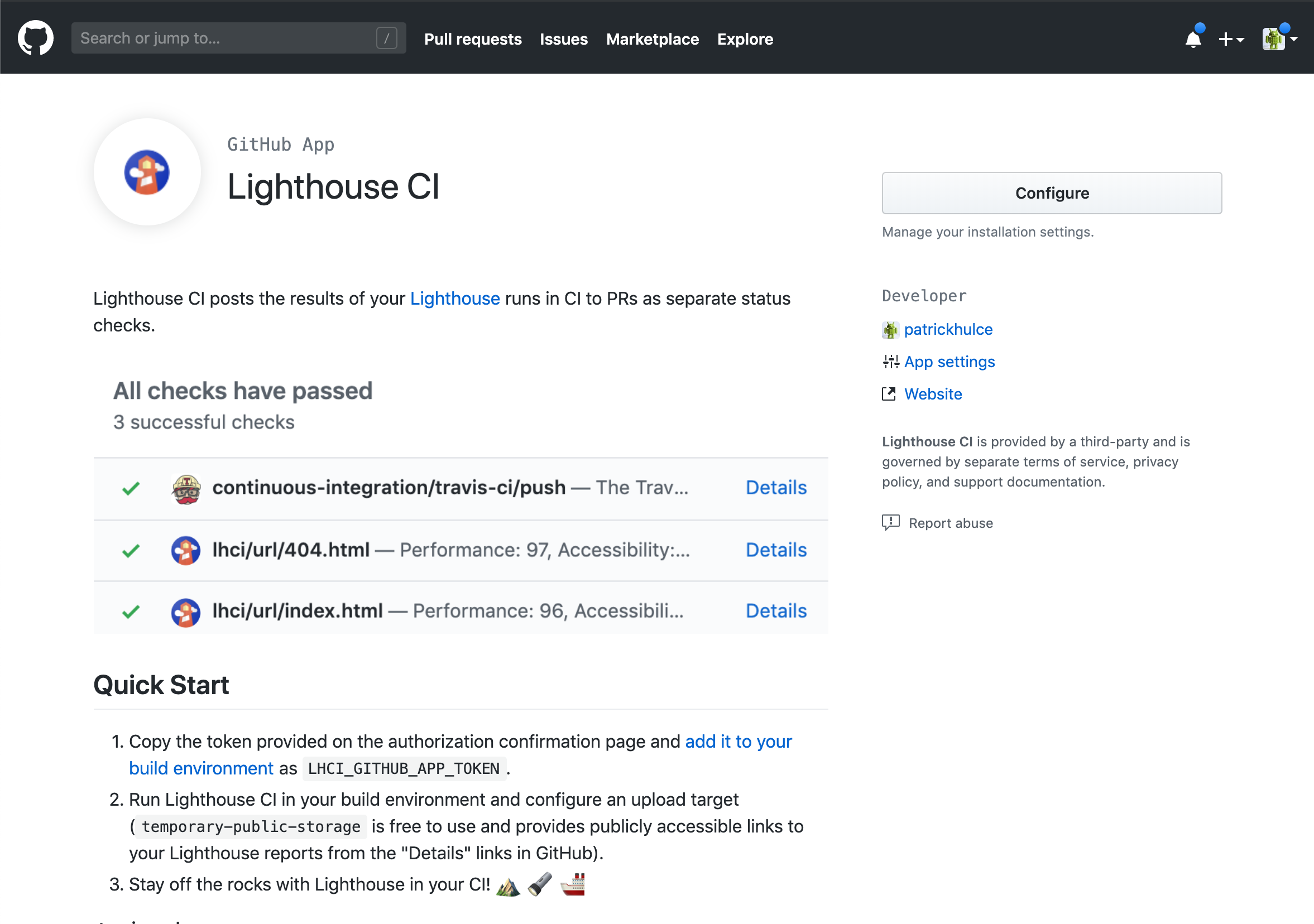
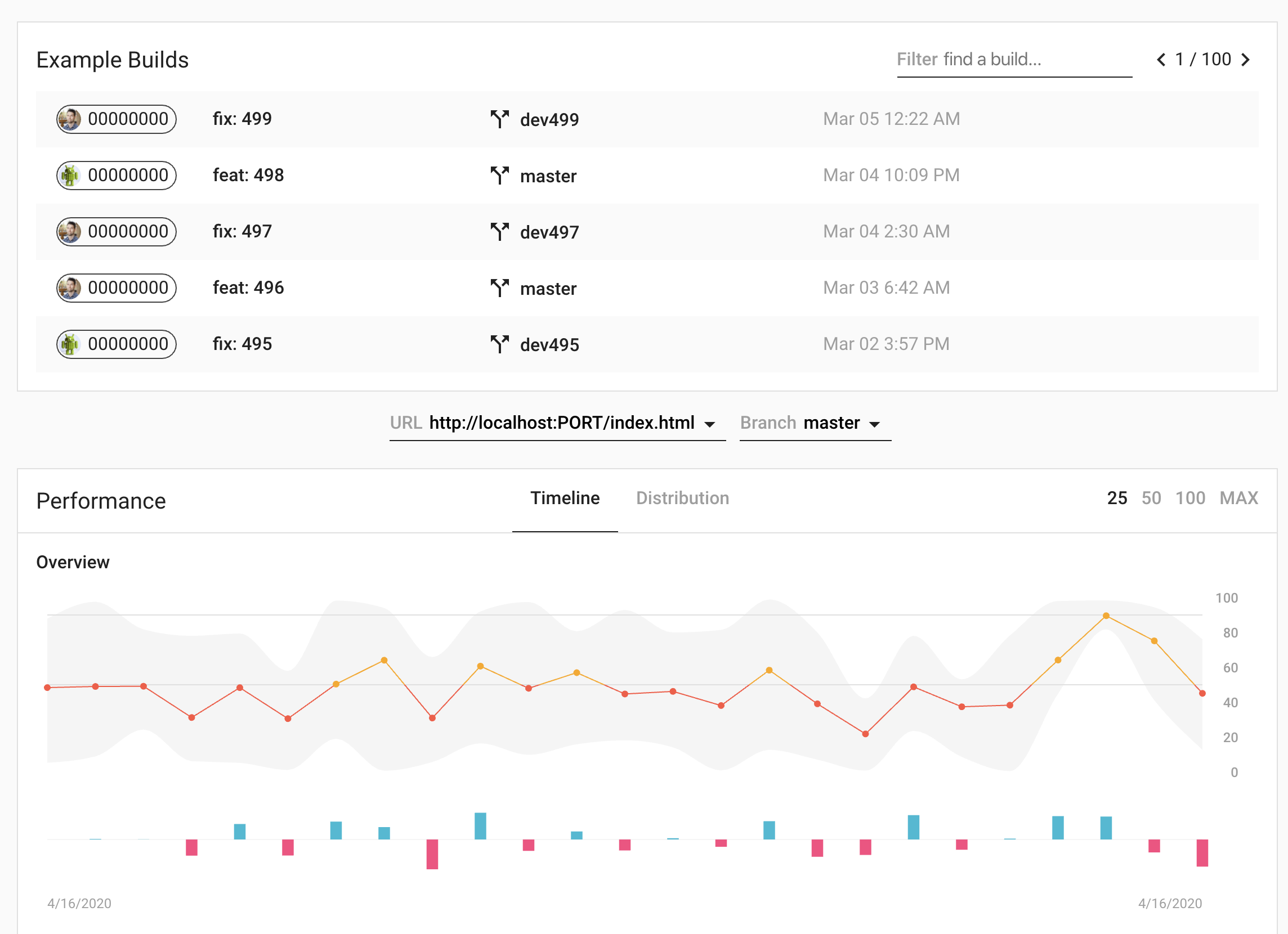
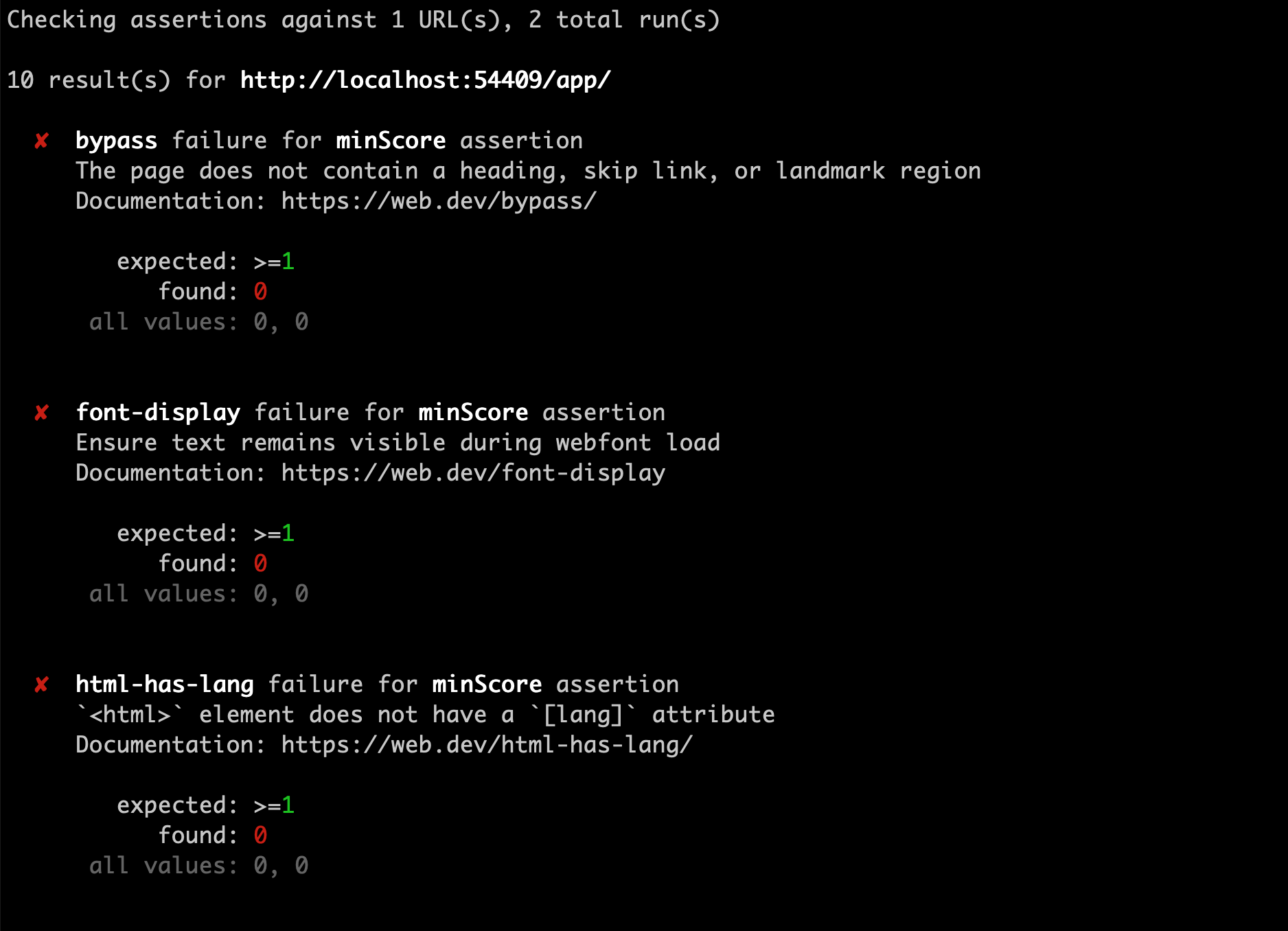
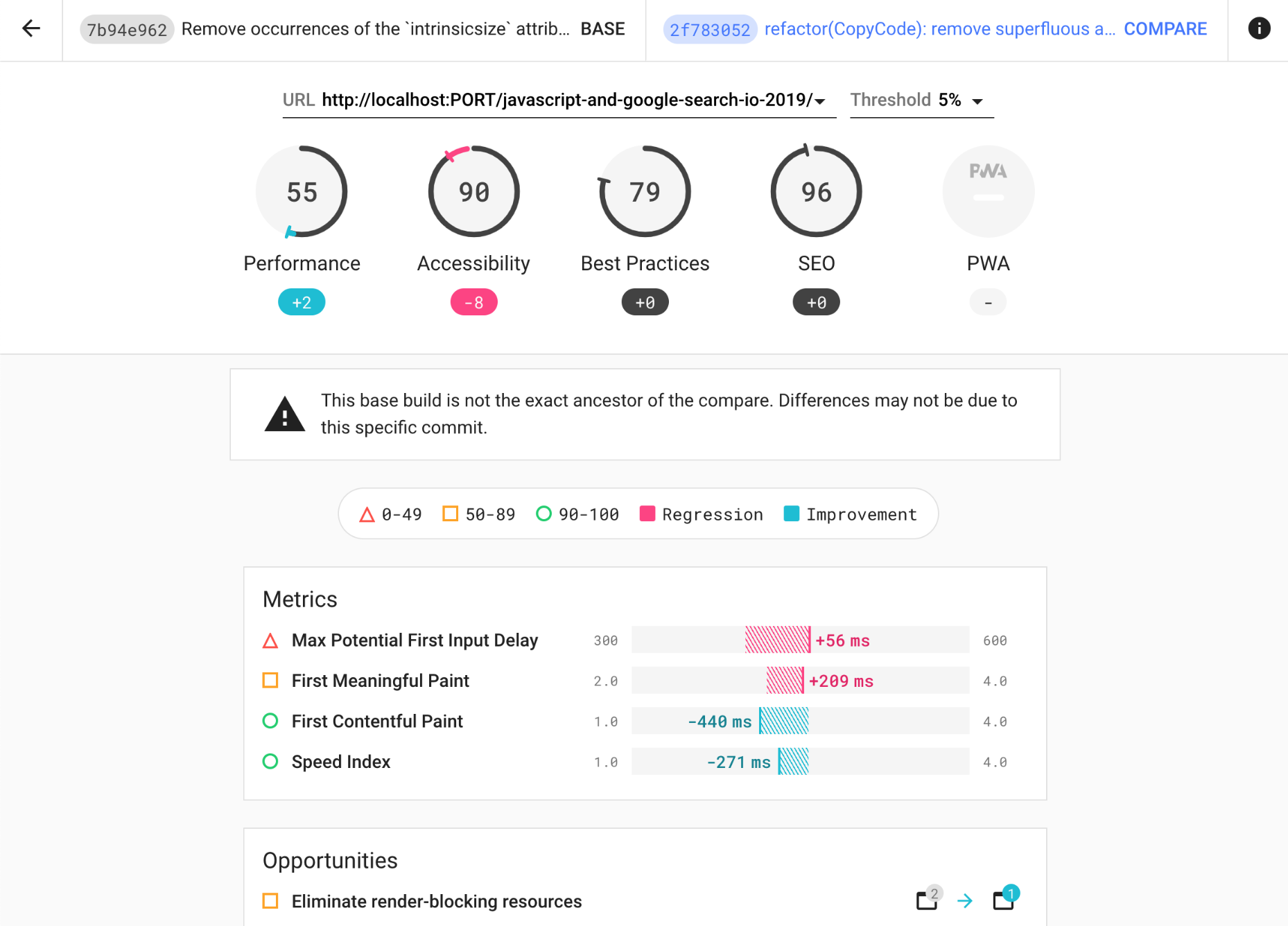
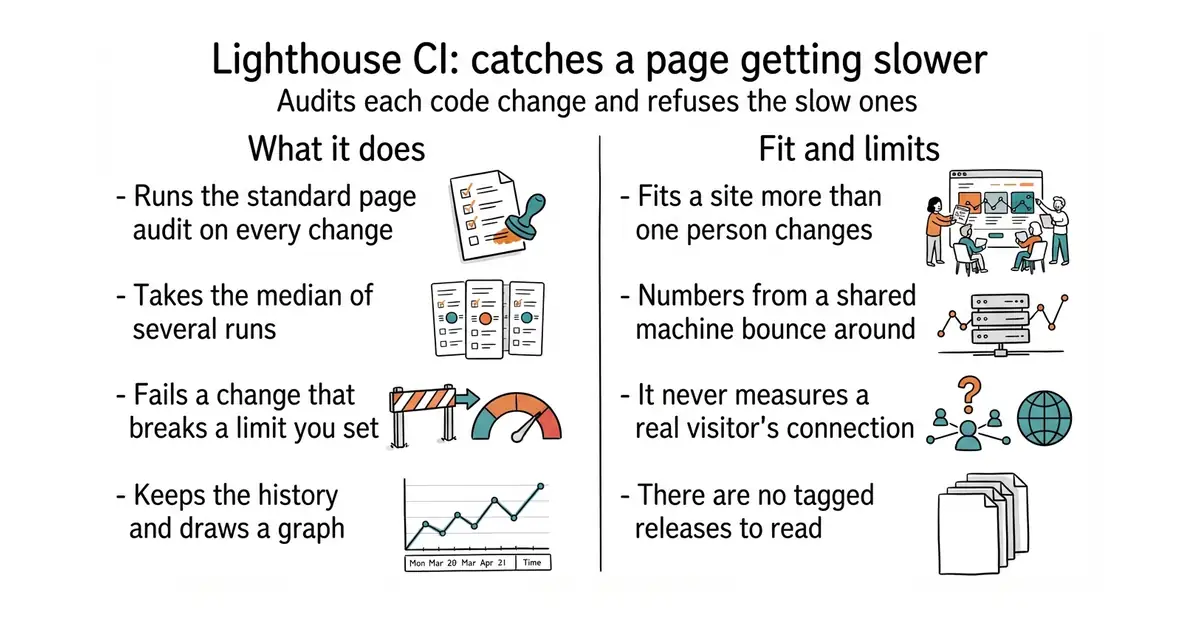
It builds the site, starts a local web server, and runs Lighthouse, the page auditing tool built into Chrome, against the addresses you name. It runs each page several times and takes the median, because a single run of a performance test is noise. It then compares the results with limits you declare, called assertions, and exits with an error if any limit is broken. Results can be uploaded to a small server it provides, which keeps the history and draws a graph per page per metric, or to temporary public storage if running a server is too much. It plugs into the common automation services, and the whole thing is driven by one command, lhci autorun. It does not test a page from real visitors' machines: every measurement comes from the machine running the job, so it tells you about changes rather than about what people actually experience.
Why it matters
Who it suits. Anyone with a site that matters and more than one person changing it, where "it feels slower lately" has already been said once. It suits a marketing or documentation site especially well, because the audit also checks accessibility and search-readiness, not only speed. Skip it if the site is one page that changes twice a year, because running the audit by hand is then simpler.
Verdict. Worth half an hour, and the second-easiest win in this edition. It is Apache-2.0, there are no GitHub releases at all, the npm package @lhci/cli sits at version 0.15.1, and code was pushed on 19 October 2026, four days before this edition. Two things to watch out for. The numbers from a shared build machine bounce around, so set the limits loosely at first and tighten them, or the job will cry wolf and be switched off within a week. And the history server is another small thing to run, so start with the temporary public storage and move to a server only once the graph is being looked at. The plain GoogleChrome/lighthouse from Edition 43 is the right tool for a one-off look at a single page.
- Takes the median of several runs, which is the difference between a useful number and noise.
- Checks accessibility and search-readiness in the same pass as speed.
- Can start with no server at all, using temporary public storage for the reports.
- Numbers from a shared build machine are unstable, so limits set too tightly produce false alarms.
- Measures from the build machine, never from a real visitor's phone on a real network.
- No tagged releases on GitHub, so the version has to be read from the package registry.
 GoogleChrome/lighthouse
Apache-2.0, covered in Edition 43; the audit itself, for looking at one page once, with none of the history, limits or automation around it.
Track this in Scout sitespeedio/sitespeed.io
MIT, covered in Edition 24; measures the same kind of thing with real browsers and is built for repeated monitoring over time rather than for failing a code change.
Track this in Scout
npm install -g @lhci/cli
lhci autorun