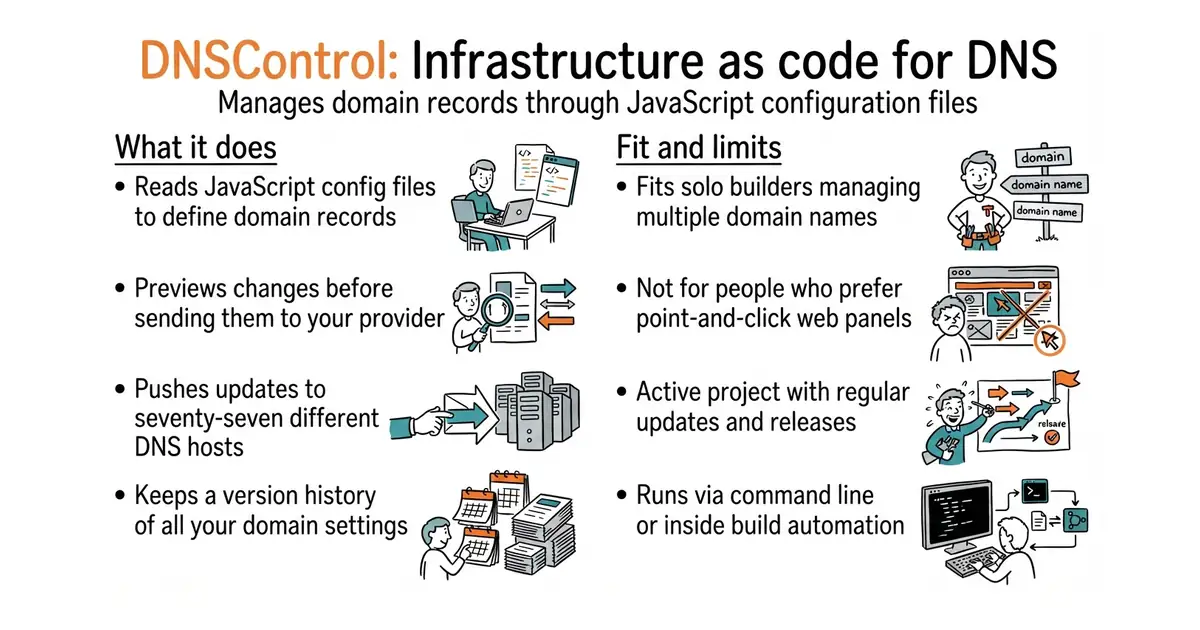
In simple English
Managing DNS records through web panels is slow and easy to mess up. This tool lets you write your domain records in a single text file using JavaScript. You run a command to preview changes, and another to send them to your DNS provider. If you want to move to a new host, your setup moves with you. It is free to use and runs on your own machine or in automated build scripts.
What it is
DNSControl is a command-line tool written in Go (a programming language built by Google for fast, reliable network services) that translates a JavaScript configuration file into API calls for seventy-seven different DNS hosts and registrars. It tracks your domain records as code so you can store them in version control and review updates before they go live.
What it is good for
Solo builders who manage multiple domains across different hosts and want a single source of truth without clicking through web dashboards.
- Keeps all your DNS records in a single text file under version control.
- Lets you switch between DNS providers without re-entering records manually.
- Supports variables and macros so you do not repeat the same settings for every domain.
- Requires learning a JavaScript-based configuration syntax instead of a standard web form.
- Mistakes in your text configuration can disrupt live traffic if pushed without previewing.
- Some niche provider integrations rely on community members and might lag behind API updates.
manual updates in web hosting panels
GitHub Actions
- DNSControl/dnscontrol4.0k stars
This is the original repository location before it moved to its own organization.
- octodns/octodns3.8k stars
Another tool for managing DNS across multiple providers, but written in Python instead of JavaScript.


- slok/sloth2.6k stars
Generates Prometheus alerting and recording rules from a short specification of a service level objective.
- nicolargo/glances34k stars
A live view of one computer's health, in a terminal, in a browser, or through an AI assistant.
- dokku/dokku32k stars
A small platform you install on one server, which builds and runs an app every time you push code to it.
docker run --rm -it -v "$(pwd):/dns" ghcr.io/dnscontrol/dnscontrol preview