In simple English
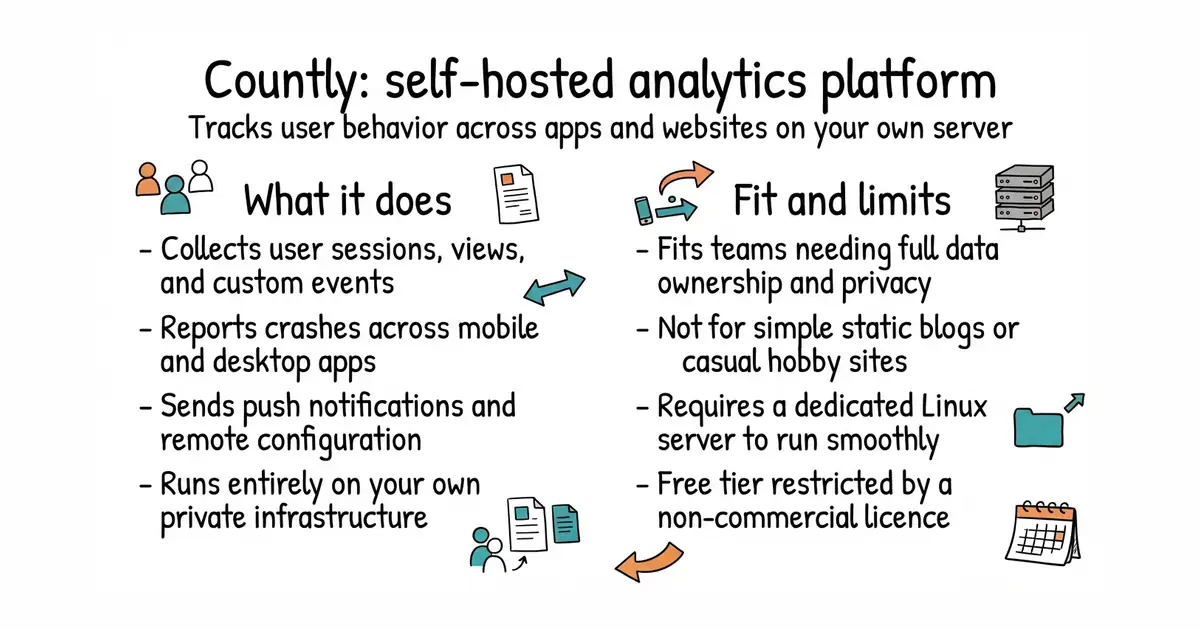
Countly is a dashboard for tracking what people do inside your app or website. It collects data about user actions, crashes, and push notifications. You run it on your own server instead of sending your user data to a third-party company. The basic version is free to use for non-commercial projects. Setting it up requires a dedicated Linux server and some technical skill.
What it is
Countly is a privacy-first, server-side analytics and customer engagement platform built on Node.js and MongoDB. It provides session tracking, crash reporting, push notifications, and customizable dashboards through a modular plugin architecture.
What it is good for
Solo builders and teams who want detailed product analytics without giving user data to external cloud services.
- Keeps all analytics data on your own infrastructure.
- Tracks mobile apps, web browsers, and desktop software in one place.
- Includes crash reporting, push notifications, and remote configuration out of the box.
- Requires a fresh Linux server with ports 80 and 443 free, which makes local testing tricky.
- Uses a custom AGPL licence that restricts commercial use on the free tier.
- Depends on MongoDB and Node.js, which need regular maintenance and security updates.
Google Analytics or Mixpanel
MongoDB
- PostHog/posthog40k stars
PostHog is an open-source product analytics and feature flagging platform that runs on your own infrastructure.
- umami-software/umami39k stars
Umami is a simpler, lightweight website analytics tool that focuses on privacy and ease of self-hosting.


- harlan-zw/nuxt-seo1.5k stars
Seven search-engine and answer-engine modules for Nuxt sites, installed as one package.
- Swetrix/swetrix1.2k stars
Website analytics with no cookies, plus performance monitoring and error tracking, which you can host yourself.
- plausible/analytics30k stars
Cookie-free website visitor counting that you run yourself, with a single-page report.
wget -qO- https://c.ly/install | bash