21.9k stars · AGPL-3.0 · cap-v0.5.9 (2026-08-11) · Track this in Rising ↗
Open-source Loom with automatic cursor-follow zoom — an amateur screencast that looks funded.
Radar check
What we found when we opened it. Every bar is one fact, with its date.
Last code pushed 25 Oct 2026, 2 days before this check.
Latest release cap-v0.6.1 on 20 Oct 2026.
Public since November 2023, a little over 2 years.
23,705 stars and 2,145 forks.
3,834 commits and 146 new issues in the last 90 days.
157 contributors. 712 pull requests merged in 90 days.
No security policy file says how to report a problem. No published security advisories.
How the bars are scored
- Alive. Days since the last code push: a week or less 100, a month 90, three months 70, six months 50, a year 30, eighteen months 15, older 0.
- Releases. Age of the latest GitHub release, on a similar scale; no bar when the project publishes no releases.
- Maturity. Age of the project: eight years 100, five 90, three 70, two 55, one 40, six months 25, younger 10.
- Adoption. Stars on a log scale: 100,000 stars is 100, 10,000 is 80, 1,000 is 60, 100 is 40.
- Activity. Commits in the last 90 days: 300 or more 100, 100 85, 30 65, 10 45, any 25.
- Community. People who have contributed: 100 or more 100, 30 80, 10 60, 5 40, 2 25, one 10.
- Security. A published security policy 80, none 40; published advisories are listed, not scored.
Checked by Repo Radar on 25 Oct 2026 from the repository on GitHub. Covered in Edition 3.
▶Repo detailsthe review · specs · pros & cons · install
What it does
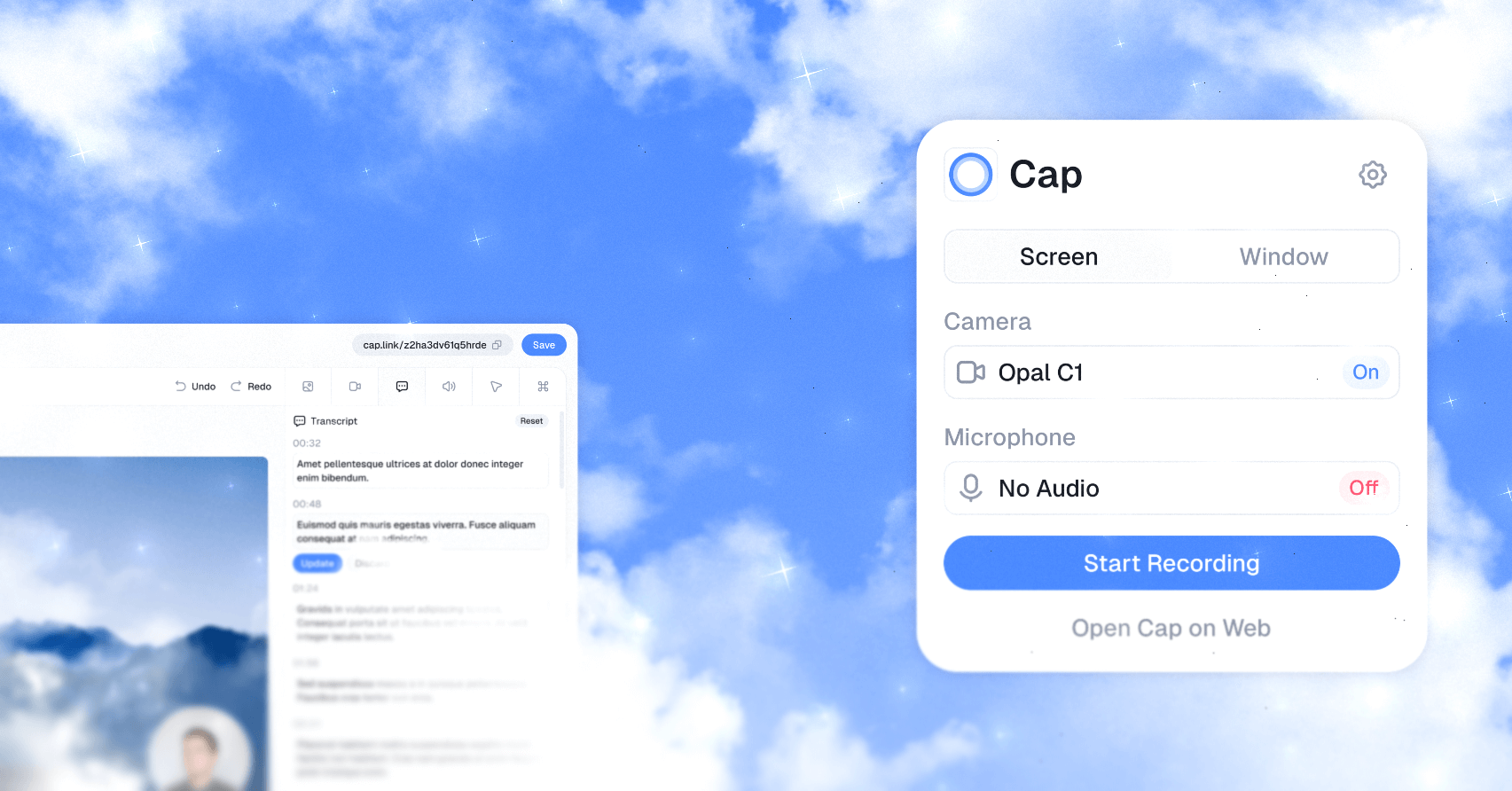
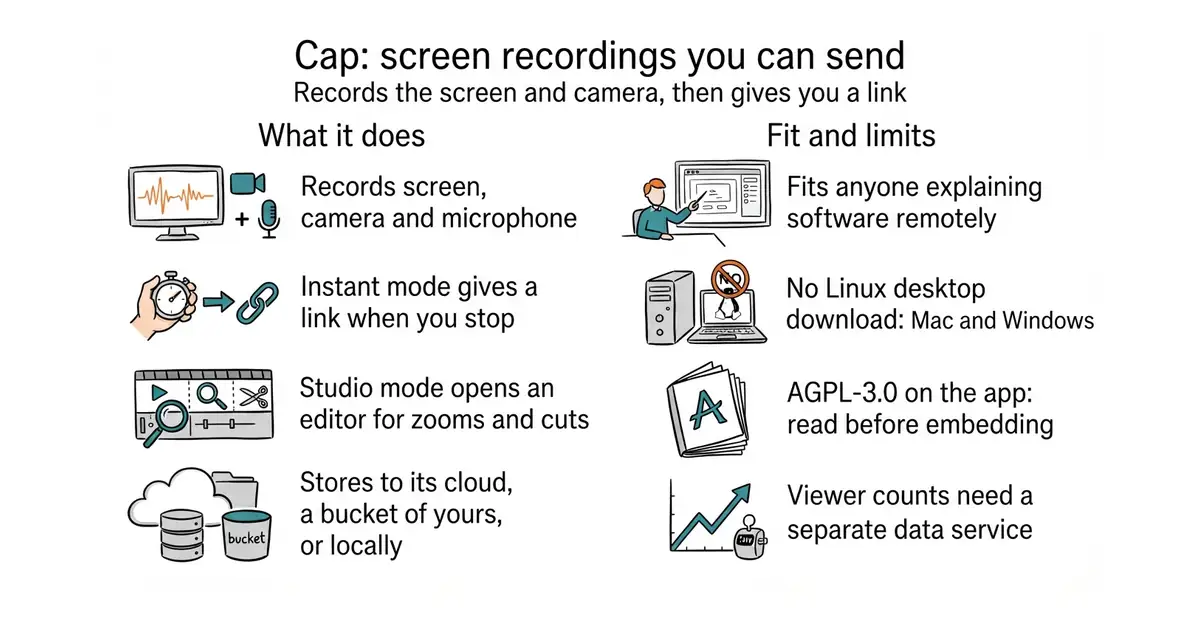
It records the screen, the camera and the microphone. It has two modes, named in its own documentation. Instant Mode uploads while you are still recording and gives you a link the moment you stop. Studio Mode records to the machine first and then opens an editor for backgrounds, zooms, trimming, captions and export. The share page takes comments and reactions and reports who watched. Recordings can live in the project's own cloud, in a storage bucket of your own (Amazon S3, Cloudflare R2, Backblaze B2, MinIO and Wasabi are all named), or only on the machine that made them. It can also run on a server you control: the README gives git clone followed by docker compose up -d, where Docker is a way of running a program inside its own sealed box so it cannot disturb anything else. What it does not do is run as a desktop program on Linux, because the downloads are Mac and Windows only, and the self-hosted build needs a token from a separate data service before it will report viewer counts at all.
Why it matters
Who it suits. Anyone who has to explain software to people who are not in the room, and who would rather send a two-minute recording than write four paragraphs. The automatic zoom is the part that earns its place: it follows the pointer and pushes in on whatever is being clicked, so an ordinary recording comes out looking deliberate with no editing work. Skip it if a recorder that does the job is already installed, because this adds one more rather than replacing three.
Verdict. Worth an afternoon. Download it, record one real explanation of something, and watch it back before you send it. Two things to settle first. The licence on the main application is AGPL-3.0, which is fine for a tool you use and a serious question if you ever want to build it into something you ship; only the cap-camera* and scap-* crate families are under the more permissive MIT licence. And the sharing half is where the paid service lives, so running the whole thing yourself is real work rather than a flag you set. The project is busy and current: release 0.6.0 on 15 September 2026, code landed on 10 October 2026, and 9,149 commits since November 2023. If you want the heavyweight free alternative, obsproject/obs-studio does far more and asks far more of you.
Summary (Key Points)from the README
Key features
- Instant Mode: Cap uploads while you record and gives you a share link as soon as recording stops.
- Studio Mode: Cap records locally, then opens an editor for backgrounds, zooms, trimming, captions and export.
- Storage choice: Use Cap Cloud, connect an S3-compatible bucket (AWS S3, Cloudflare R2, Backblaze B2, MinIO, Wasabi or another), or keep recordings local.
- Privacy controls: Share publicly or privately, add passwords, serve share pages from your own domain, or keep sensitive recordings off hosted infrastructure.
- Async feedback: Comments, reactions, transcripts and viewer analytics stay attached to each video.
- Cap AI: Generates titles, summaries, clickable chapters, captions and transcripts automatically.
- Loom import: Brings existing Loom videos into Cap so the library sits in one place.
- Self-hosting: Run Cap Web, the API, database, media server and object storage with Docker Compose, then point Cap Desktop at your instance under Settings > Cap Server URL.
Ways to install
| Platform or method | What it needs | Effort |
|---|---|---|
| Cap Desktop download | macOS or Windows | Not stated |
| Docker Compose | A VPS, home server or any Docker-capable host | Not stated |
| Railway | A Railway account | One-click managed hosting |
| Coolify | A Coolify host, using docker-compose.coolify.yml | Not stated |
Important
- Platform support: The desktop apps run on macOS and Windows only, according to the README.
- Default secrets: Replace the default secrets and set public URLs before exposing a deployment to the internet.
- Login links: When email is not configured, login links appear in the service logs instead of an inbox.
- Trusted-proxy auth: Single-owner instances behind an authenticating reverse proxy need a shared secret and proxy hardening, described in the README's trusted-proxy section.
- Analytics reset risk: `analytics:setup` can remove Tinybird resources outside the checked-in configuration, so run it only against a workspace you intend to manage from this repo.
- Analytics token: Set TINYBIRD_ADMIN_TOKEN or TINYBIRD_TOKEN before running analytics commands.
- Developer requirements: Local development needs Node.js 24 or newer, Bun 1.4.4, Rust 1.88 or newer, and Docker for MySQL, MinIO and local services.
- Licensing: Most content is AGPLv3, cap-camera* and scap-* crates are MIT, and third-party components keep their own licenses.
Written by an AI model from the project’s README; not part of the review, and it can be wrong.
- The zoom follows the pointer on its own, so a plain recording looks edited without any editing.
- Recordings can stay on the machine, go to a bucket you own, or go to the project's cloud, and that choice is yours per recording.
- The share page reports who watched and how far, which turns a video into a number rather than a file you hope landed.
- No Linux desktop download: Mac and Windows only.
- AGPL-3.0 on the application, which is a licence to read carefully before embedding any of it in something you distribute.
- 210 open issues and 204 open pull requests, and the viewer counts in a self-hosted install need an account with a separate data service.
Later it can run self-hosted alongside your other containers (see Coolify, 08) so demo links live on your own domain.
git clone https://github.com/CapSoftware/Cap.git
cd Cap
docker compose up -d
# the web application is then at http://localhost:3000