In simple English
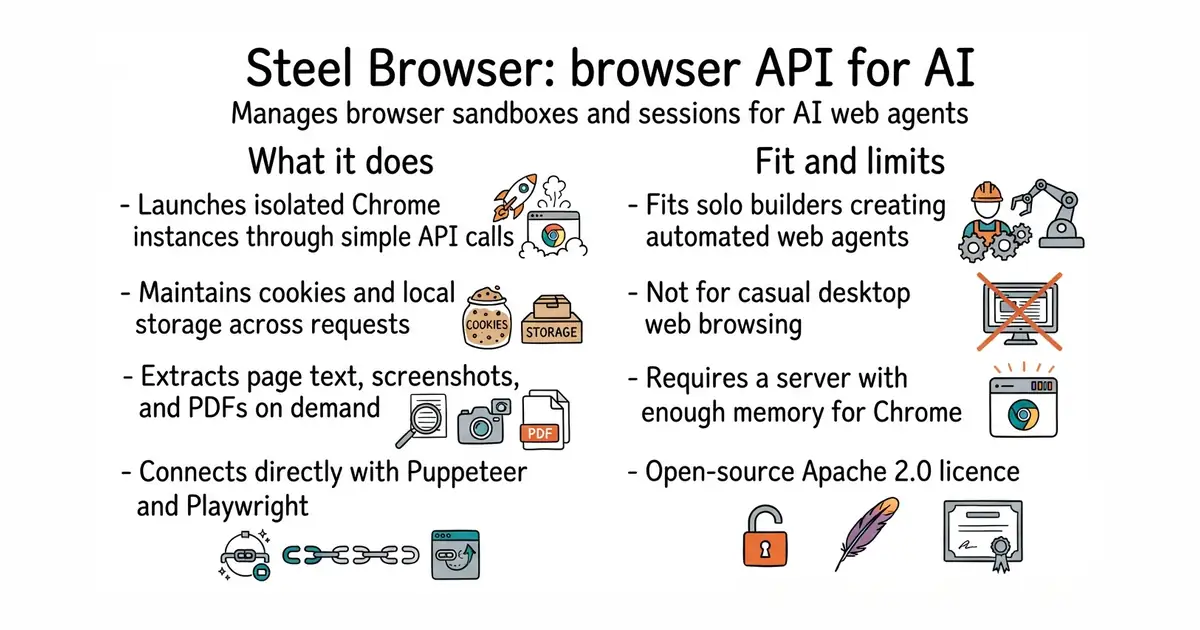
This tool lets an artificial intelligence program control a web browser without breaking. It handles tasks like opening pages, clicking buttons, and taking screenshots through simple commands. Instead of setting up complex browser software yourself, you run this server and connect to it. It is free to use under an open-source licence, but you need a computer or server with enough memory to run Chrome.
What it is
Steel Browser is a self-hosted API and web sandbox that manages browser sessions, proxies, and anti-detection settings for automated tasks. It exposes endpoints for scraping, taking screenshots, converting pages to PDF, and connecting via tools like Puppeteer or Playwright.
What it is good for
Solo builders creating AI agents that need to browse the live web, log into accounts, fill out forms, or extract data from complex web pages.
- Connects easily with standard automation libraries like Puppeteer, Playwright, and Selenium.
- Includes built-in session management to keep cookies and local storage across requests.
- Provides quick action endpoints to grab screenshots, scrape text, or save pages as PDFs.
- Requires running a local Docker container or a dedicated cloud server with Google Chrome installed.
- Consumes significant memory when multiple browser sessions run at the same time.
- Needs careful network configuration if you want to route traffic through rotating proxies.
Writing custom browser automation scripts with fragile WebDriver setups.
LangChain or custom AI agent scripts in Python or Node.js.
- PrefectHQ/prefect24k stars
Adds scheduling, retries and a run history to Python functions you already have.
- alirezamika/autoscraper8.1k stars
A Python scraper that learns what to extract from one example you give it.
docker run -p 3000:3000 -p 9223:9223 ghcr.io/steel-dev/steel-browser