In simple English
This tool lets you automate desktop tasks by looking at screenshots instead of reading hidden code elements. You take a picture of a button, and the program clicks it for you. It works on any operating system and runs old Sikuli scripts without changes. It is free to use under an open-source licence, but you need Java installed on your computer.
What it is
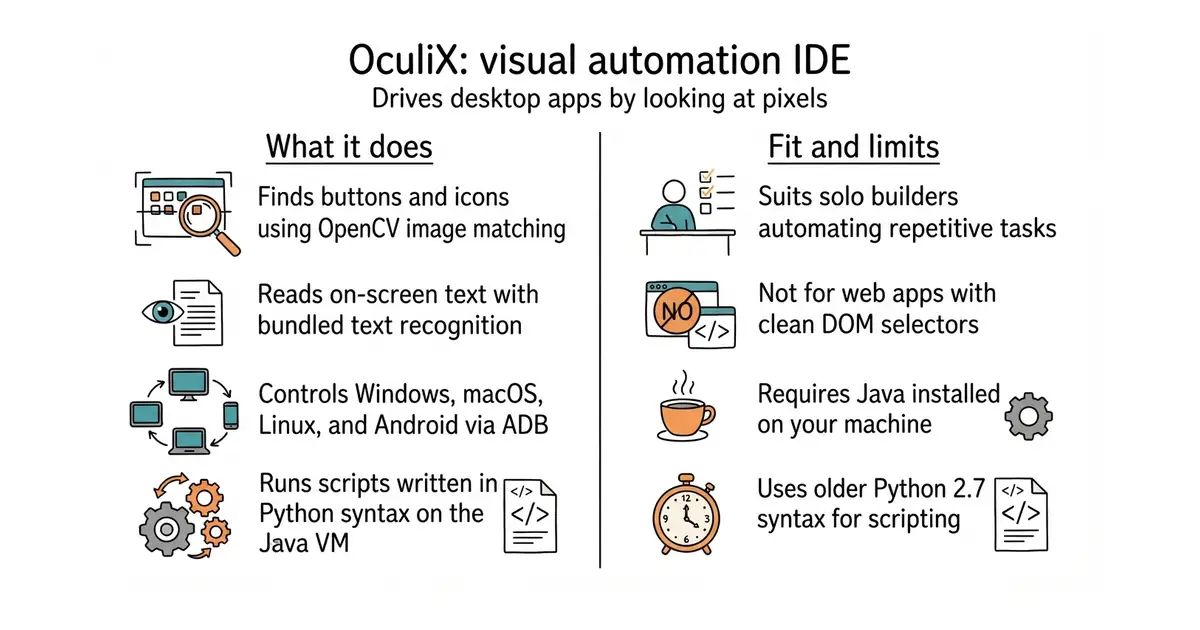
OculiX is an open-source visual automation environment derived from the Sikuli lineage. It combines OpenCV template matching, Tesseract text recognition, and a Jython scripting engine to control graphical user interfaces.
What it is good for
Solo builders who need to automate repetitive tasks across desktop apps, virtual machines, or mobile devices without relying on fragile web selectors or expensive commercial software.
- Drives any desktop app, remote session, or mobile screen using pixel matching.
- Bundles Tesseract text recognition out of the box so you can read on-screen text.
- Runs on Windows, macOS, and Linux with a familiar Python-like scripting syntax.
- Requires Java 11 or later installed on your system to run properly.
- Visual scripts can break if window themes, resolutions, or color schemes change.
- Uses Jython, which implements Python 2.7 syntax rather than modern Python 3.
Fragile browser scrapers or expensive commercial robotic process automation tools
VS Code for editing scripts and Tesseract for on-screen text reading
- sikuli/sikuli1.7k stars
The original visual automation research project that laid the foundation for this lineage.

- PrefectHQ/prefect24k stars
Adds scheduling, retries and a run history to Python functions you already have.
- alirezamika/autoscraper8.1k stars
A Python scraper that learns what to extract from one example you give it.
git clone https://github.com/oculix-org/Oculix.git
cd Oculix
mvn clean install -DskipTests