In simple English
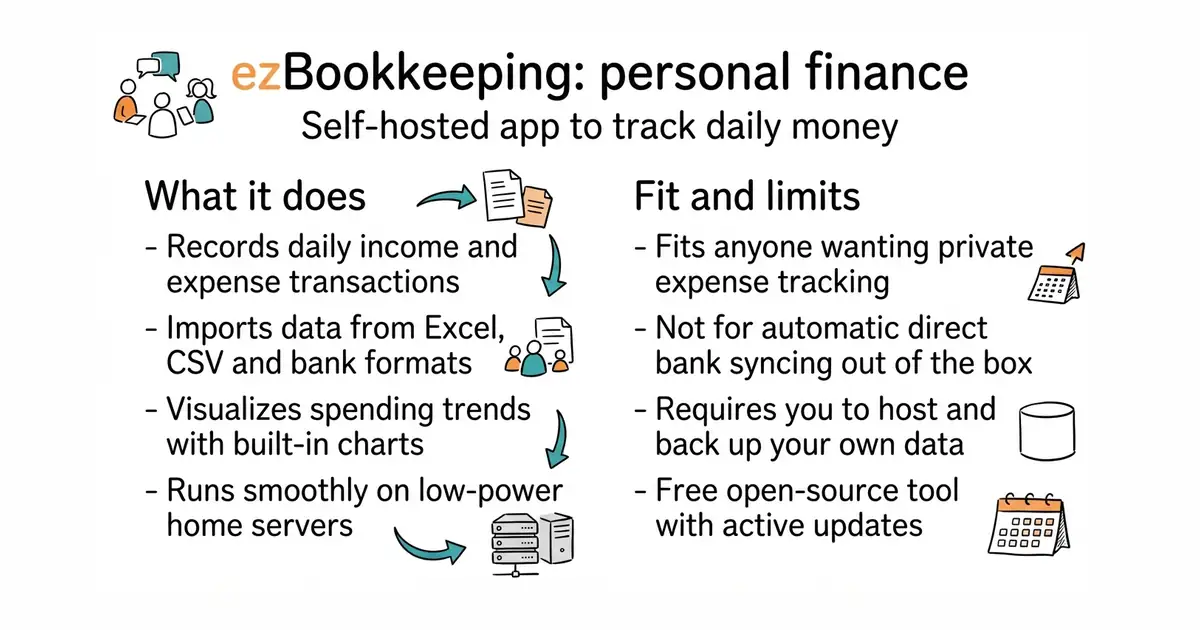
This tool lets you track where your money goes without giving your financial data to a big company. You run it on your own server or home computer so your records stay completely private. It helps you log daily spending, check past bills, and see charts of your financial habits. Setting it up takes basic technical knowledge and a server or a computer that stays turned on. It costs nothing in money because the code is free, but it takes your time to maintain and back up.
What it is
ezBookkeeping is a web-based personal finance tracker that you host yourself on your own hardware. It supports multiple accounts, categories, currencies, and data imports from various bank formats.
What it is good for
Solo builders and anyone who wants to track personal finances, expenses, and budgets with complete data privacy on a home server or NAS.
- Runs on low-power devices like a Raspberry Pi or a home server.
- Supports importing data from CSV, Excel, and various financial formats.
- Includes Progressive Web App (PWA) support for mobile use on your phone screen.
- Requires you to host, secure, and back up your own server data.
- Setup requires familiarity with Docker or running server command-line tools.
- If your home server goes offline, you cannot access your expense tracker.
Spreadsheets or commercial subscription-based budget apps
Docker
- firefly-iii/firefly-iii25k stars
Firefly III is another popular self-hosted personal finance manager with advanced budgeting features.

- hledgerorg/hledger4.8k stars
Double-entry accounting over plain text files, with command-line, terminal, web and editor interfaces.
- akaunting/akaunting10k stars
Self-hosted invoicing and expense tracking, with the double-entry accounting sold separately as an add-on.
- ledger/ledger6.1k stars
Double-entry accounting from a plain text file, run from the command line, with no database of any kind.
docker run -p8080:8080 mayswind/ezbookkeeping