91.1k stars · MIT · 2.5.3 (2026-08-22) · Track this in Rising ↗
Self-hosted uptime monitor with alerts and a status page — find out the site is down before a visitor does.
Radar check
What we found when we opened it. Every bar is one fact, with its date.
Last code pushed 26 Oct 2026, one day before this check.
Latest release 2.5.7 on 23 Oct 2026.
Public since July 2021, a little over 5 years.
92,949 stars and 8,616 forks.
211 commits and 168 new issues in the last 90 days.
1,152 contributors. 119 pull requests merged in 90 days.
A security policy says how to report a problem. 19 published security advisories.
How the bars are scored
- Alive. Days since the last code push: a week or less 100, a month 90, three months 70, six months 50, a year 30, eighteen months 15, older 0.
- Releases. Age of the latest GitHub release, on a similar scale; no bar when the project publishes no releases.
- Maturity. Age of the project: eight years 100, five 90, three 70, two 55, one 40, six months 25, younger 10.
- Adoption. Stars on a log scale: 100,000 stars is 100, 10,000 is 80, 1,000 is 60, 100 is 40.
- Activity. Commits in the last 90 days: 300 or more 100, 100 85, 30 65, 10 45, any 25.
- Community. People who have contributed: 100 or more 100, 30 80, 10 60, 5 40, 2 25, one 10.
- Security. A published security policy 80, none 40; published advisories are listed, not scored.
Checked by Repo Radar on 26 Oct 2026 from the repository on GitHub. Covered in Edition 7.
▶Repo detailsthe review · specs · pros & cons · install
What it does
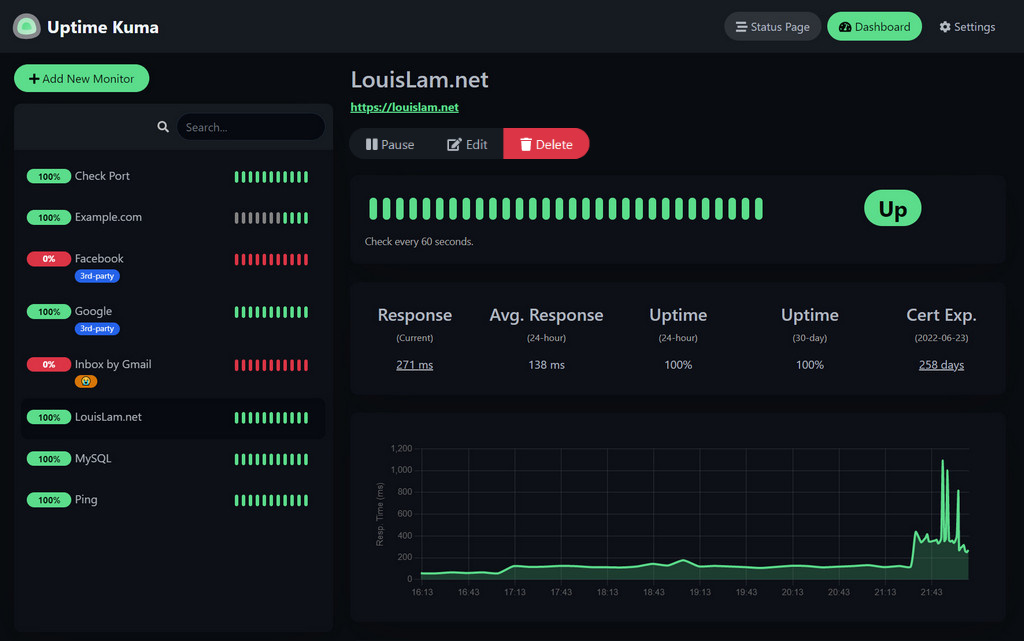
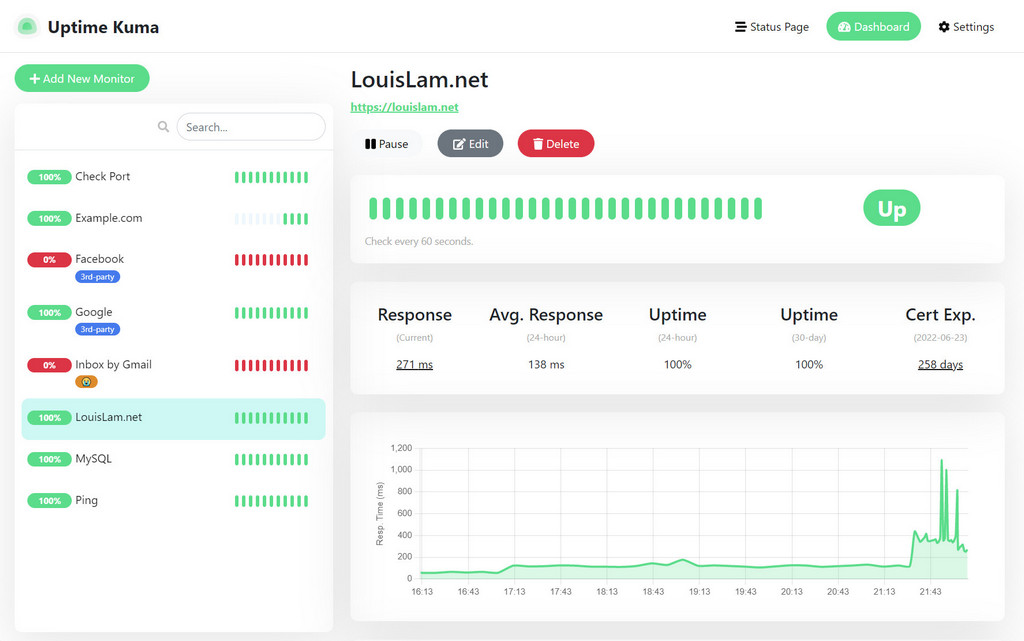
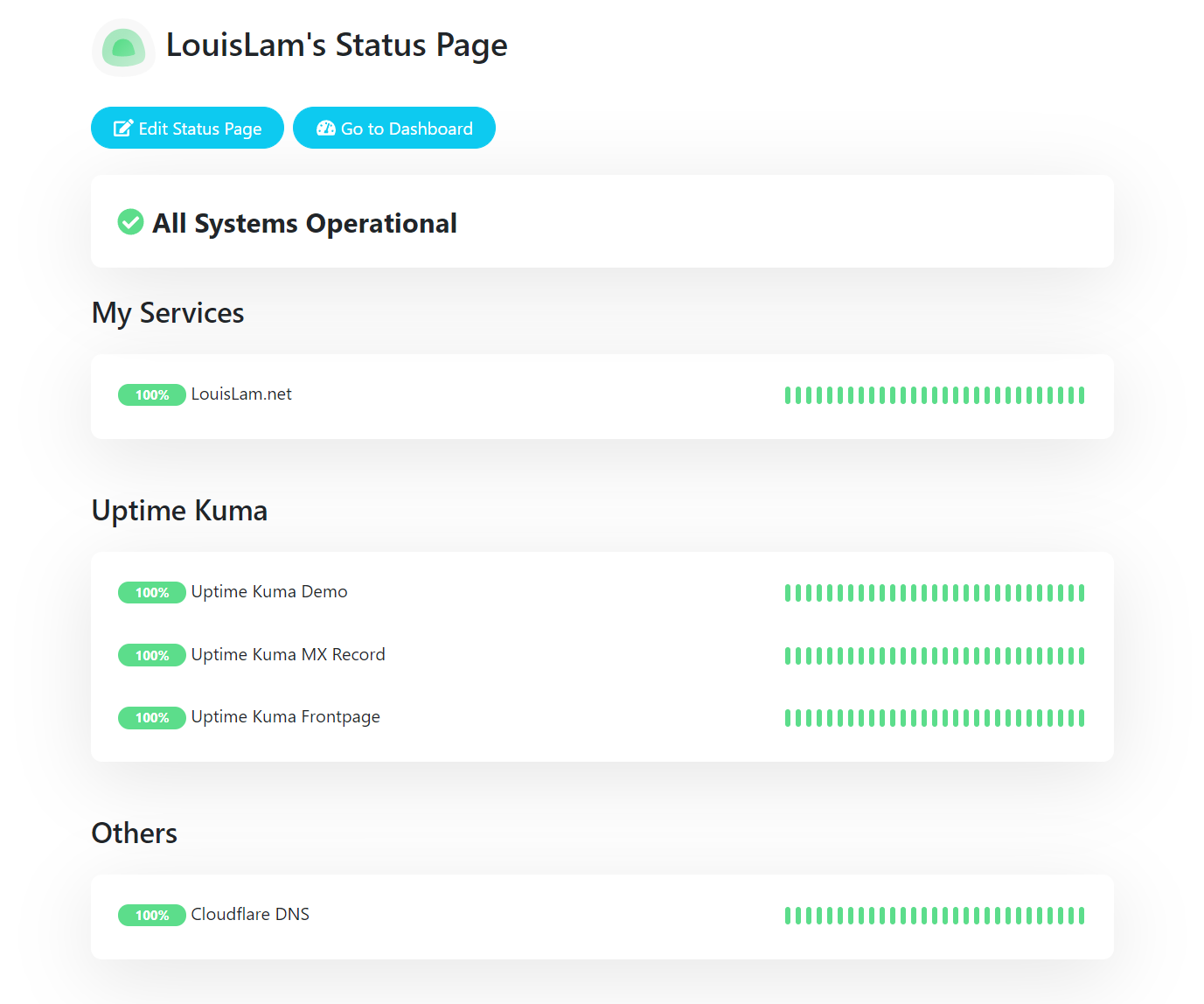
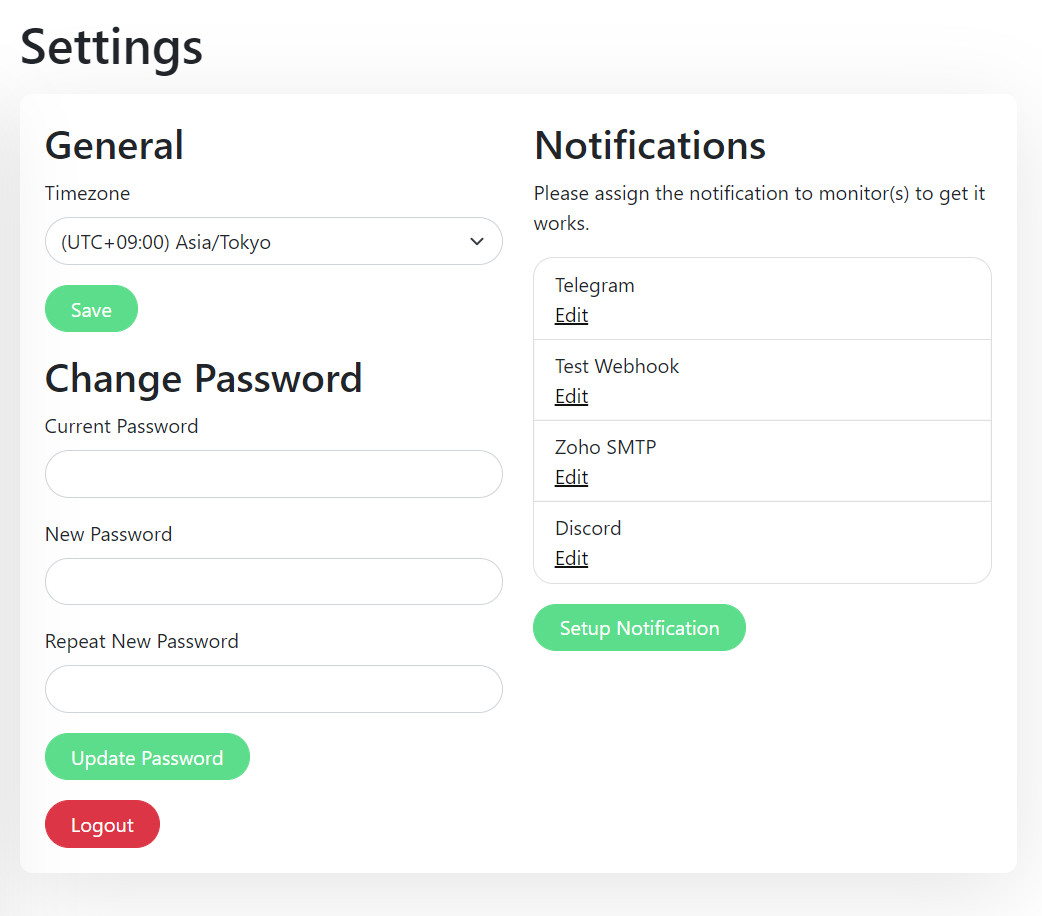
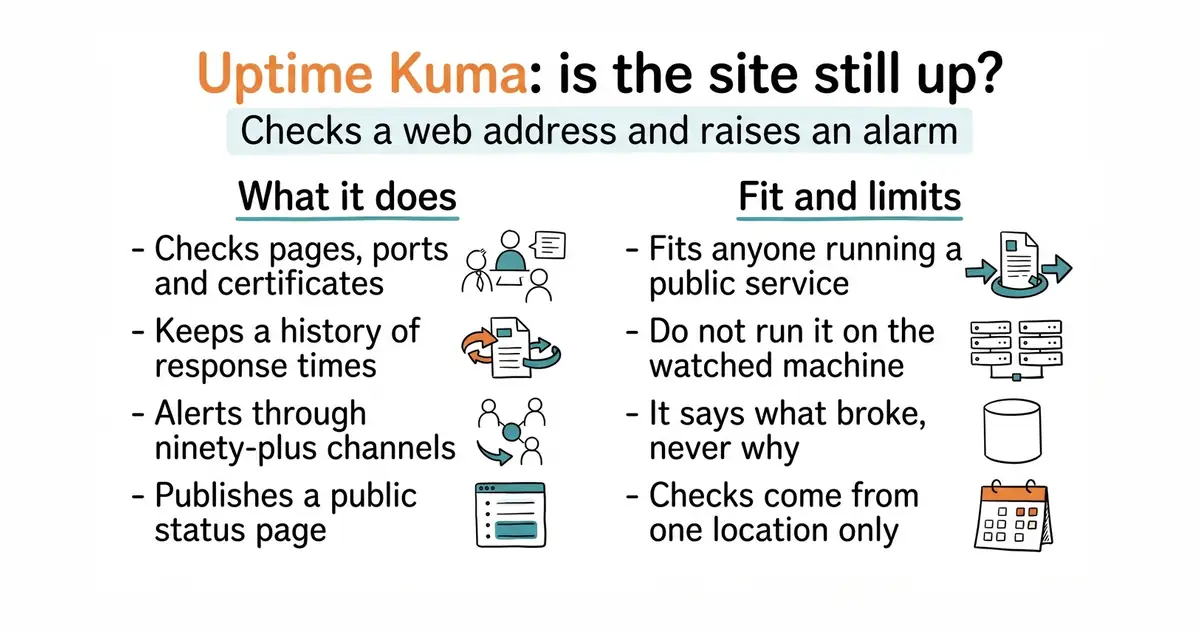
You run it as one container — a container is a way of running a program inside its own sealed box, so it cannot disturb anything else on the machine. You then add monitors through a web form. A monitor can be a web address, a plain network port, a DNS record, a database, a container, or a TLS certificate, which is the file that makes the padlock appear in a browser. Each monitor has its own interval, its own retry count and its own history of response times. When a check fails it sends a message through one of more than ninety channels, including Telegram, email, Slack and ntfy (#4). It also publishes a status page, which is a public page saying what is up and what is not. What it does not do is tell you why something broke: there are no logs, no traces and no measurements from inside the program being watched.
Why it matters
Who it suits. Anyone responsible for a site or a service that other people reach over the internet, and who currently finds out about an outage because somebody mentions it. It suits a small team especially well, because the whole setup is a form rather than a configuration language. It also suits anyone who has ever been caught by an expiring certificate, because it watches those too. Skip it if the service is already covered by a monitoring system that checks availability from outside, because this would be a second alarm for the same event.
Verdict. Worth fifteen minutes, and it is the easiest recommendation in this edition. Two things to settle on the first day. First, do not run it on the only machine it watches: if that machine dies, the monitor dies with it and nobody is told. A second small host, or the free tier of a hosted checker alongside it, is the honest answer. Second, set the retry count and the interval deliberately, because a monitor that cries wolf is ignored within a fortnight. Edition 5 covered henrygd/beszel, which measures processor, memory and disk on a machine; it will say the machine is at 92% memory and never that the page is returning an error, which is the gap this fills. TwiN/gatus is the better choice if you would rather keep the checks in a file in version control than in a web form.
Summary (Key Points)from the README
Key features
- Protocol coverage: Monitors HTTP(s), TCP, HTTP(s) Keyword, HTTP(s) JSON Query, Websocket, Ping, DNS Record, Push, Steam Game Server and Docker Containers.
- Notifications: Sends alerts via Telegram, Discord, Gotify, Slack, Pushover, Email (SMTP) and more than 90 other notification services.
- Check interval: Runs monitors at 20-second intervals.
- Status pages: Supports multiple status pages, and each can be mapped to a specific domain.
- Certificate and latency insight: Shows certificate info and a ping chart for monitored targets.
- Proxy and 2FA: Offers proxy support and two-factor authentication.
- Localization: Provides multiple UI languages, with translations managed through Weblate.
- Live demo: A temporary demo server (located in Frankfurt, Germany) lets you try the interface before installing.
Ways to install
| Platform or method | What it needs | Effort |
|---|---|---|
| Docker Compose | Docker with Compose | Low: a single compose file, after which the app runs on all network interfaces |
| Docker Command | Docker | Low: one docker run command, with an option to restrict access to localhost |
| Non-Docker | Node.js 20.4 or later, Git, and pm2 for background running | Medium: manual setup plus process management |
Important
- Network filesystems: NFS and similar file systems are not supported, so map data to a local directory or volume.
- Supported platforms: Major Linux distributions and Windows 10 (x64), Windows Server 2012 R2 (x64) or later are supported; FreeBSD, OpenBSD, NetBSD, Replit and Heroku are not.
- Demo data: The live demo is temporary and all data is deleted after 10 minutes.
- Support channels: The author does not answer general or technical questions by email; use GitHub Issues or the r/UptimeKuma subreddit instead.
- Beta builds: The README links to a latest beta release for testing, which may be less stable than the main release.
Written by an AI model from the project’s README; not part of the review, and it can be wrong.
- One container and a web form, with no configuration file to learn.
- More than ninety notification channels, so the alert reaches a person rather than a dashboard.
- It watches certificates and plain ports as well as web pages, which catches the expiry a week early.
- Run on the machine it monitors, it fails at the same moment as the thing it is watching.
- It checks from one place, so it cannot tell that a site is unreachable from another country.
- It says that something is down, never why; that needs a different tool.
There is a second use worth as much: watching your TLS certificates and your PostgreSQL port, which is how you find out about the expiring certificate a week early instead of on the morning it breaks.
docker run -d --restart=always -p 3001:3001 \
  -v uptime-kuma:/app/data --name uptime-kuma \
  louislam/uptime-kuma:2