Radar check
What we found when we opened it. Every bar is one fact, with its date.
Last code pushed 21 Jun 2026, 4 months before this check.
No releases published on GitHub; the code date above is the one to trust.
Public since September 2009, about 17 years.
5,761 stars and 505 forks.
0 commits and 3 new issues in the last 90 days.
52 contributors. No pull requests merged in 90 days; changes go in directly.
No security policy file says how to report a problem. No published security advisories.
How the bars are scored
- Alive. Days since the last code push: a week or less 100, a month 90, three months 70, six months 50, a year 30, eighteen months 15, older 0.
- Releases. Age of the latest GitHub release, on a similar scale; no bar when the project publishes no releases.
- Maturity. Age of the project: eight years 100, five 90, three 70, two 55, one 40, six months 25, younger 10.
- Adoption. Stars on a log scale: 100,000 stars is 100, 10,000 is 80, 1,000 is 60, 100 is 40.
- Activity. Commits in the last 90 days: 300 or more 100, 100 85, 30 65, 10 45, any 25.
- Community. People who have contributed: 100 or more 100, 30 80, 10 60, 5 40, 2 25, one 10.
- Security. A published security policy 80, none 40; published advisories are listed, not scored.
Checked by Repo Radar on 26 Oct 2026 from the repository on GitHub.
In simple English
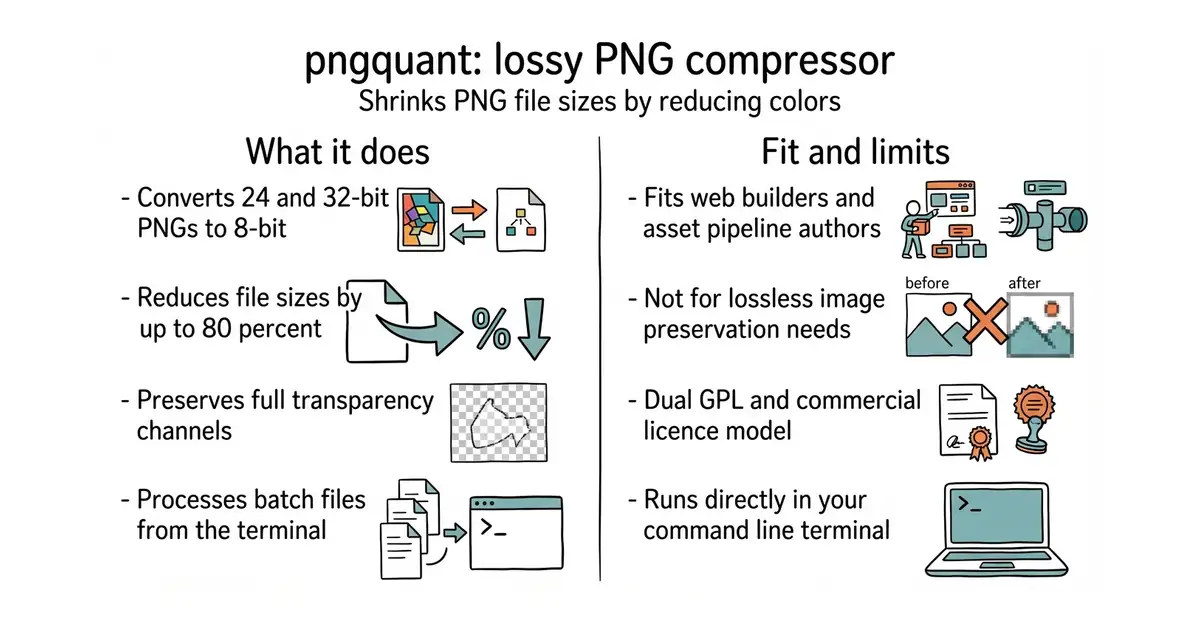
This tool makes picture files much smaller. It takes your image and throws away extra shades that human eyes cannot see. The picture looks almost the same, but the file size drops by up to eighty percent. You use it from your command line to shrink one file or a whole folder at once. It costs nothing to run, but you need a computer terminal to type the commands.
What it is
A command-line utility for lossy PNG compression based on the libimagequant library. It converts images to an efficient 8-bit format with an alpha channel.
What it is good for
Web builders who need to make site images load faster without losing visual quality.
- Cuts file sizes by 60 to 80 percent.
- Keeps transparency for transparent backgrounds.
- Processes multiple files in one batch command.
- Custom dual licence requires a commercial purchase if you distribute it inside closed-source software.
- No graphical user interface by default, so you must use the command line.
- Lossy compression means you permanently throw away image data.
manually saving images with lower quality settings in an editor
oxipng


- iconoir-icons/iconoir4.6k stars
1,671 hand-drawn icons, free for any use, packaged nine different ways.
- libvips/libvips12k stars
Resizes and converts images several times faster and with far less memory than the usual tool.
- ImageMagick/ImageMagick18k stars
Converts, resizes and edits images from one typed command, across more than two hundred formats.
brew install pngquant