In simple English
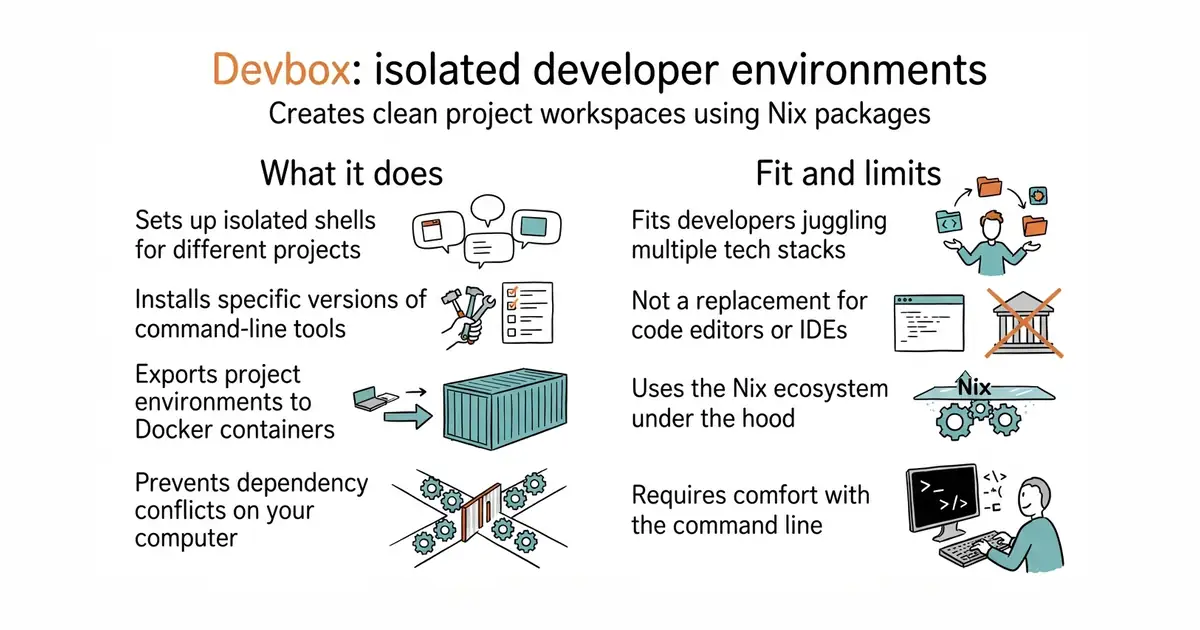
Different projects often need different versions of programming tools. Installing them directly on your computer causes conflicts and breaks things. This tool lets you set up a separate workspace for each project. You list the tools you need in a small configuration file. The program downloads and runs them inside an isolated shell.
What it is
Devbox (a command-line tool that lets you easily create isolated shells for development) is a CLI (a command-line interface, which is a text-based way to run programs by typing commands) utility powered by Nix (a package manager that builds software in isolated environments). It manages operating-system-level packages without requiring heavy virtual machines.
What it is good for
Solo builders who work on multiple projects with different language versions will find this useful. It stops your main computer from becoming cluttered with conflicting software tools.
- Keeps different project dependencies separate from your main operating system.
- Lets you install specific versions of programming languages and command-line utilities.
- Can turn your local development setup into a Docker container when you are ready to ship.
- Requires learning basic command-line workflows and configuration files.
- Downloads large package archives depending on what tools you add to your project.
- Depends on the Nix ecosystem under the hood, which can occasionally show complex error messages.
Manual installation of project tools using system package managers or virtual environments.
Docker (a way to run a program inside its own sealed box, so it cannot break anything else on your server).
- asdf-vm/asdf26k stars
Manages multiple runtime versions for various programming languages with shell plugins.


- unocss/unocss19k stars
A styling engine that reads the labels in your markup and generates only the CSS those labels need.
- HypothesisWorks/hypothesis9.1k stars
A Python library that generates test inputs and reduces any failure to the smallest example that still fails.
curl -fsSL https://get.jetify.com/devbox | bash