In simple English
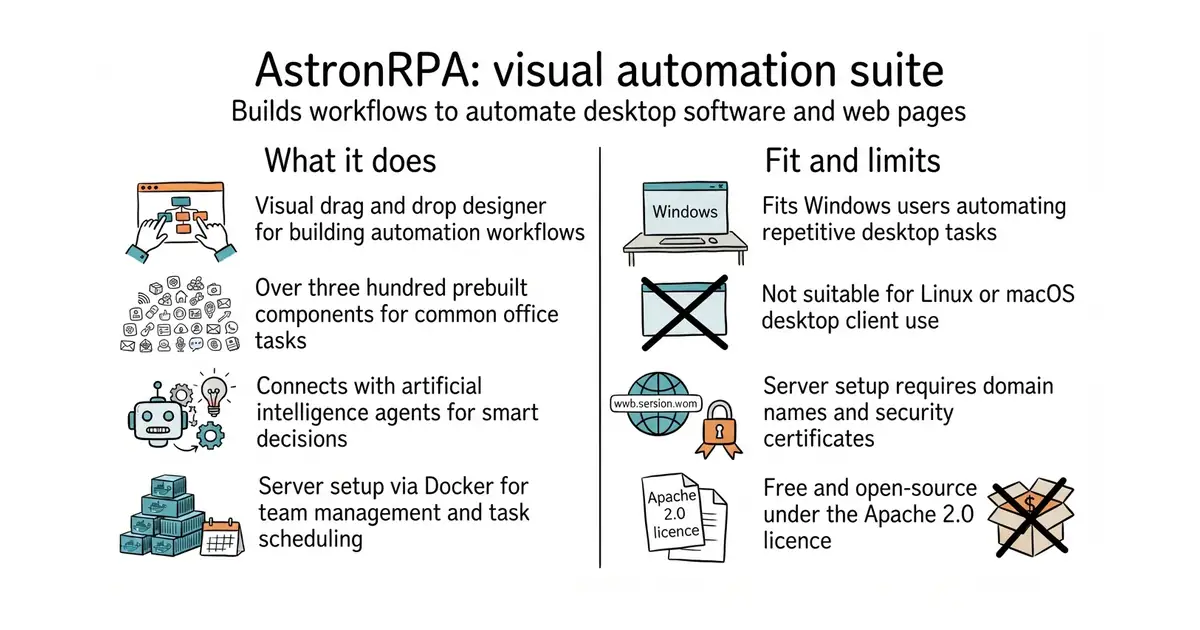
This program lets you automate repetitive tasks on your computer screen. You drag and drop visual blocks to make workflows that click buttons, fill forms, and read spreadsheets. It connects to AI agents so intelligent bots can trigger your automations. You can run it on your own server using Docker, or download the pre-built desktop client for Windows. It is free and open-source, but setting up the server requires a domain name and a security certificate.
What it is
AstronRPA is an enterprise robotic process automation suite that combines a Python execution engine with a desktop visual designer. It provides over 300 pre-built components for screen clicking, web scraping, document processing, and AI integration.
What it is good for
Solo builders and small teams who want to automate boring data entry, software testing, or report generation without writing thousands of lines of code.
- Includes over 300 pre-built visual blocks for common office tasks.
- Connects directly with AI agents for intelligent decision making.
- Provides a full server setup with Docker for team collaboration.
- Server deployment requires setting up HTTPS certificates and database credentials.
- Desktop app requires Windows 10 or 11 with at least 8 GB of memory.
- Building from source requires installing Node.js, Python, Java, and other tools.
Manual data entry and commercial robotic process automation software
Docker (a way to run a program inside its own sealed box, so it cannot break anything else on your server)

- PrefectHQ/prefect24k stars
Adds scheduling, retries and a run history to Python functions you already have.
- alirezamika/autoscraper8.1k stars
A Python scraper that learns what to extract from one example you give it.
git clone https://github.com/iflytek/astron-rpa.git
cd astron-rpa/docker
cp .env.example .env
docker compose up -d