25.2k stars · MIT · v0.19.0 (2026-09-03) · Track this in Rising ↗
Very light server monitoring with per-container Docker stats, history and alerts — the answer to 'can the box take one more container?'
Radar check
What we found when we opened it. Every bar is one fact, with its date.
Last code pushed 25 Oct 2026, 2 days before this check.
Latest release v0.21.1 on 22 Oct 2026.
Public since July 2024, a little over 2 years.
26,548 stars and 1,116 forks.
380 commits and 160 new issues in the last 90 days.
181 contributors. 237 pull requests merged in 90 days.
A security policy says how to report a problem. 4 published security advisories.
How the bars are scored
- Alive. Days since the last code push: a week or less 100, a month 90, three months 70, six months 50, a year 30, eighteen months 15, older 0.
- Releases. Age of the latest GitHub release, on a similar scale; no bar when the project publishes no releases.
- Maturity. Age of the project: eight years 100, five 90, three 70, two 55, one 40, six months 25, younger 10.
- Adoption. Stars on a log scale: 100,000 stars is 100, 10,000 is 80, 1,000 is 60, 100 is 40.
- Activity. Commits in the last 90 days: 300 or more 100, 100 85, 30 65, 10 45, any 25.
- Community. People who have contributed: 100 or more 100, 30 80, 10 60, 5 40, 2 25, one 10.
- Security. A published security policy 80, none 40; published advisories are listed, not scored.
Checked by Repo Radar on 26 Oct 2026 from the repository on GitHub. Covered in Edition 5.
▶Repo detailsthe review · specs · pros & cons · install
What it does
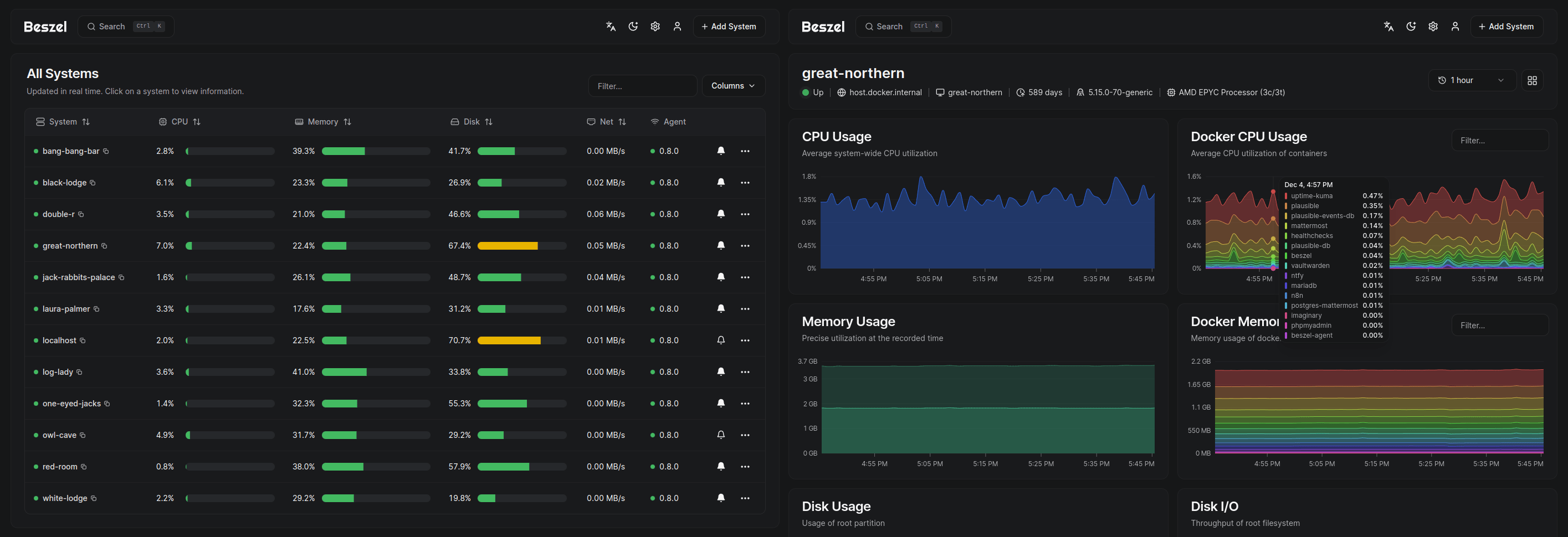
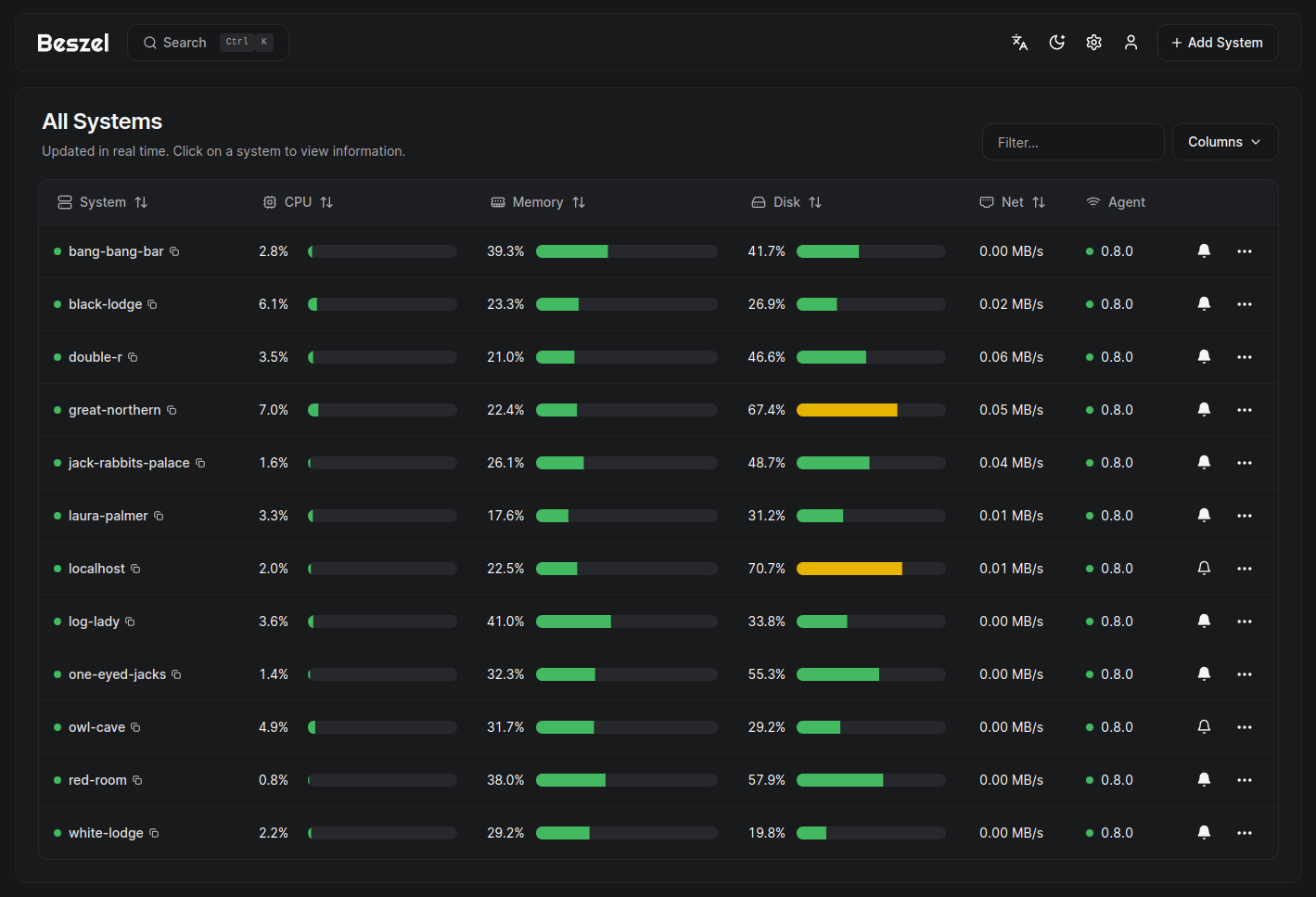
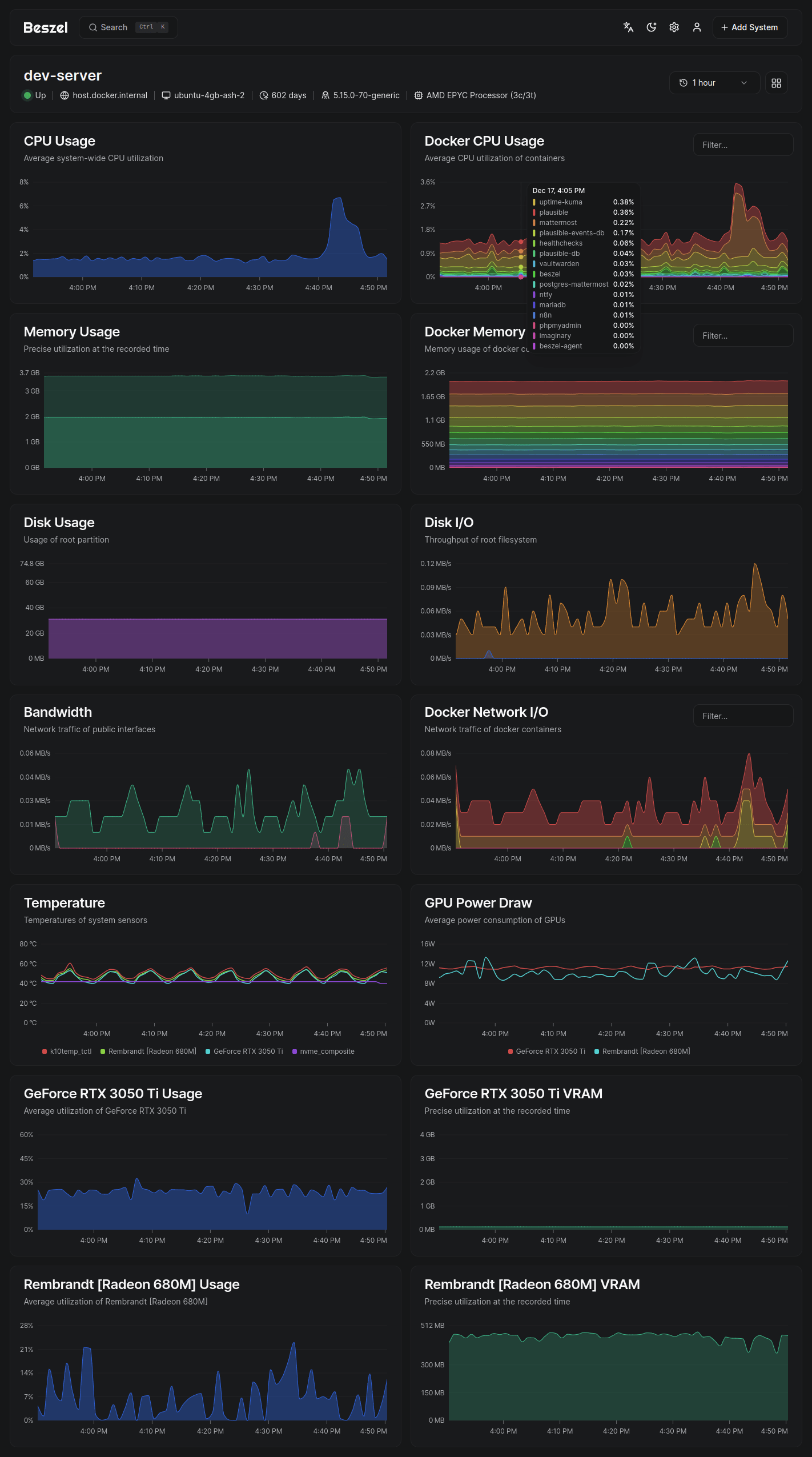
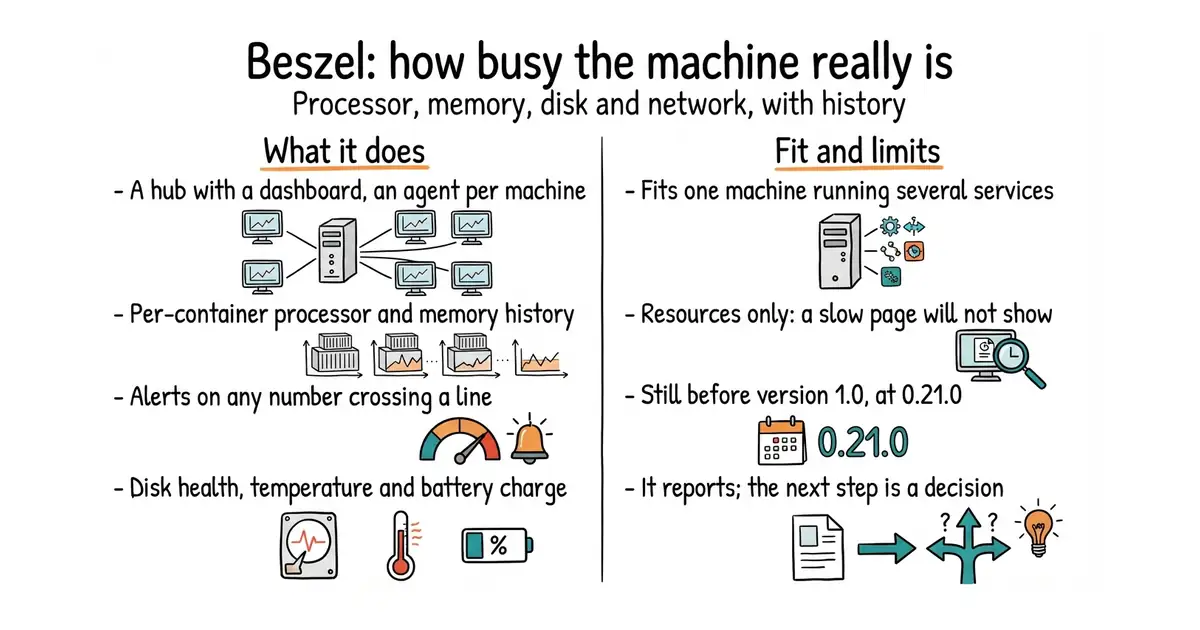
You run a hub, which holds the web dashboard and the history, and a small agent on each machine being watched. The agent reports processor use, memory including swap, disk space and disk activity, and network traffic. On the host it also reports load average, temperature, battery charge, graphics-card use and power draw, and S.M.A.R.T. disk health, which is the drive's own report on whether it is failing. Containers running under Docker or Podman are reported individually, with their own processor, memory and network history. Alerts can be set for each of those, and several people can have accounts with sign-in through an OAuth or OIDC provider. Backups can be written to disk or to S3-compatible storage. What it does not do is watch the application: it reports resources only, so a slow page or a failing request will not appear here, and some measurements are host-only rather than per container.
Why it matters
Who it suits. Anyone running several services on one small machine who currently guesses whether another one will fit. The per-container memory history is the number that turns that guess into a decision. It also suits anyone who would rather be told about a full disk than discover it, since alerts work without configuration. Skip it if the question is "why is this page slow", because that needs request-level monitoring instead. And skip it if a full metrics stack is already running, because this measures the same things with less depth.
Verdict. Worth an hour, and the easiest honest answer to "can this machine take one more service". It is small enough not to consume the memory it is measuring, which is exactly the failing of the heavier alternatives. In good health too: 26,125 stars, a release on 2 October 2026 and code on 11 October 2026. Three cautions. It is still before version 1.0, at 0.21.0, so settings can move between releases — read the notes before upgrading. There are 262 open issues and the maintainer says in the README that he cannot always find time to reply. And it reports; it does not repair. Knowing memory is at 92 per cent is progress, and the next step is still a decision. For checking that a site is answering at all rather than how loaded it is, louislam/uptime-kuma is the companion rather than the competitor.
Summary (Key Points)from the README
Key features
- Docker and Podman stats: Tracks CPU, memory, and network usage history for each running container.
- Historical data: Keeps metric history so you can review past behaviour, not just current values.
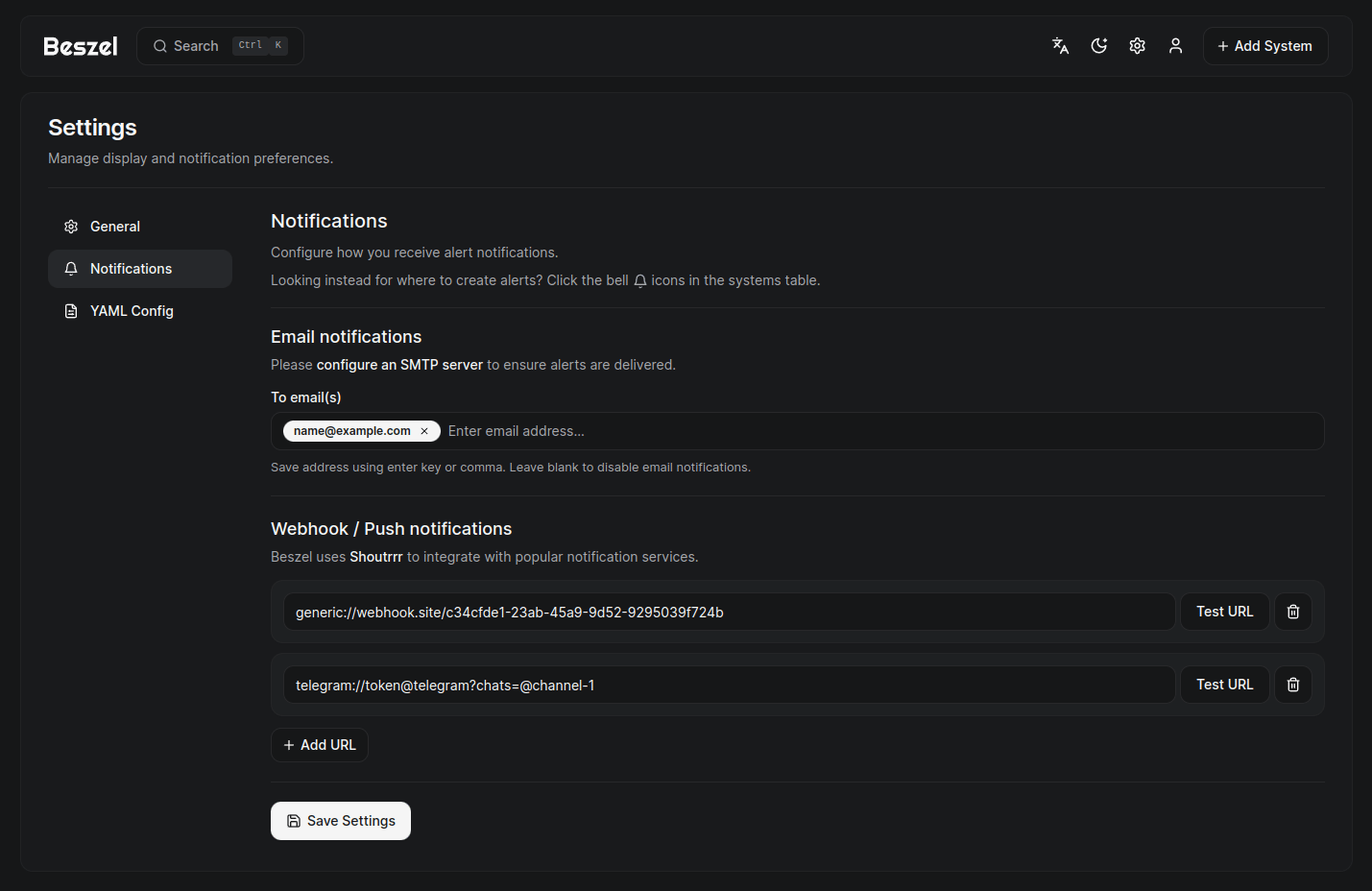
- Alerts: Configurable alerts for most metrics, with support for many notification services.
- Network monitoring: Measures response time and interruptions directly from agents.
- S.M.A.R.T. disk health: Reports disk health and sends notifications on drive failure.
- Multi-user access: Users manage their own systems, and admins can share systems across users.
- OAuth / OIDC login: Supports many OAuth2 providers, and password authentication can be disabled.
- Automatic backups: Saves to and restores from disk or S3-compatible storage.
- ZFS monitoring: Covers pool capacity, health, I/O throughput, scrub status, and per-dataset usage.
Important
- Two components required: The hub is a PocketBase web app, and you must run an agent on each system you want to monitor.
- Setup guide is external: The quick start and other documentation are on beszel.dev, not in the README.
- Platform-limited metrics: Fan speed is Linux only, read via /sys/class/hwmon.
- Hardware-dependent metrics: GPU data covers Nvidia, AMD, and Intel, and battery data covers the host and some peripherals only.
- Support is not guaranteed: The maintainer says they try to respond but may not always have time, so search existing issues and discussions first.
- Community chat is unofficial: The Matrix room is community-run rather than maintained by the project.
Written by an AI model from the project’s README; not part of the review, and it can be wrong.
- Very light: two small programs, which matters when the thing being measured is short of memory.
- Per-container processor, memory and network history, which is the right level of detail for install decisions.
- MIT licence, alerts that work without configuration, a release on 2 October 2026 and code on 11 October 2026.
- Resources only. A slow page, a failing request or a stuck queue will not show up here.
- Still before version 1.0, at 0.21.0, so settings can change between releases.
- 262 open issues, and the README says plainly that the maintainer cannot always reply.
Hub as a Docker container on the VPS behind your reverse proxy, agent alongside it on the same machine.
# The hub, which holds the dashboard and the history
docker run -d --name beszel \
  -p 8090:8090 \
  -v ./beszel_data:/beszel_data \
  henrygd/beszel:latest