In simple English
Playing sound on web pages is surprisingly hard. Different web browsers support different file formats and have different rules for when sound can start. This library hides all those messy details behind one clean command. It plays sound effects, loops background music, and handles mobile phone restrictions automatically. You do not need to pay anything or install heavy software to use it.
What it is
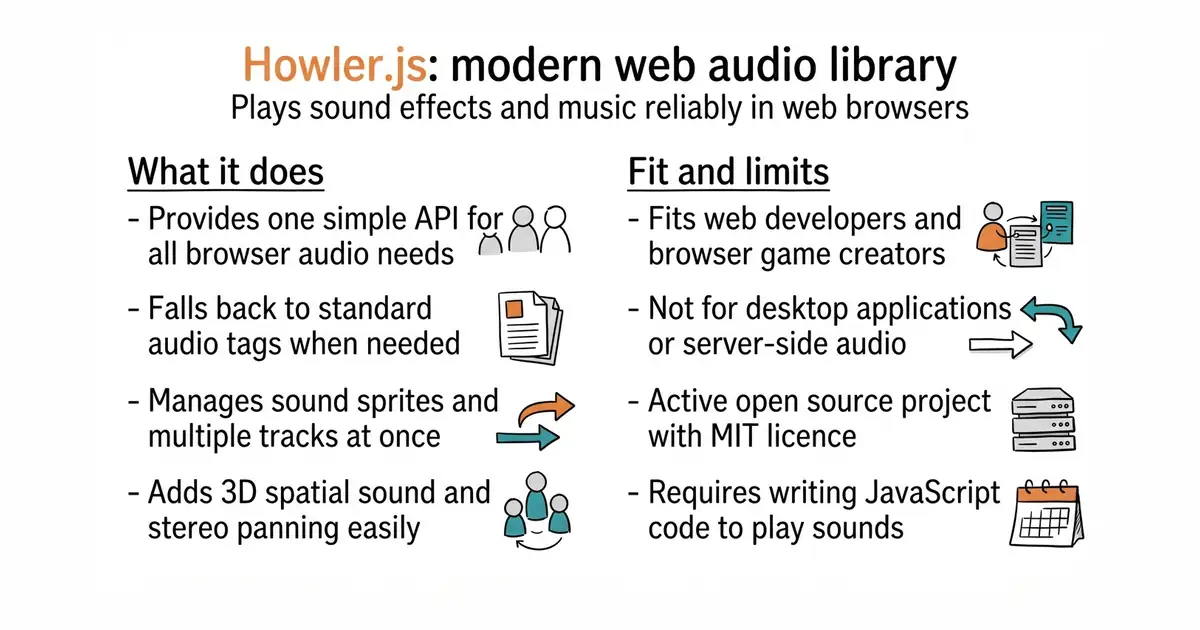
Howler.js is an open-source JavaScript audio library for web browsers. It uses the Web Audio API (a modern browser tool for playing and changing sounds) by default and falls back to HTML5 Audio (the standard web tag for playing sound) when needed.
What it is good for
Web developers and game creators who want to add sound effects or background music to their sites without writing custom browser compatibility code.
- Works across all major web browsers without extra setup.
- Supports sound sprites so you can pack multiple audio clips into one file.
- Includes 3D spatial audio and stereo panning out of the box.
- Requires writing JavaScript code to load and play audio.
- Mobile browsers block audio until a person taps the screen.
- Very large audio files can take time to download before playing.
Writing raw HTML5 audio elements and browser compatibility checks
Vite or Webpack for building web applications
- Tonejs/Tone.js15k stars
A framework for creating interactive music in the browser, built on top of the Web Audio API.

- unocss/unocss19k stars
A styling engine that reads the labels in your markup and generates only the CSS those labels need.
- HypothesisWorks/hypothesis9.1k stars
A Python library that generates test inputs and reduces any failure to the smallest example that still fails.
npm install howler