In simple English
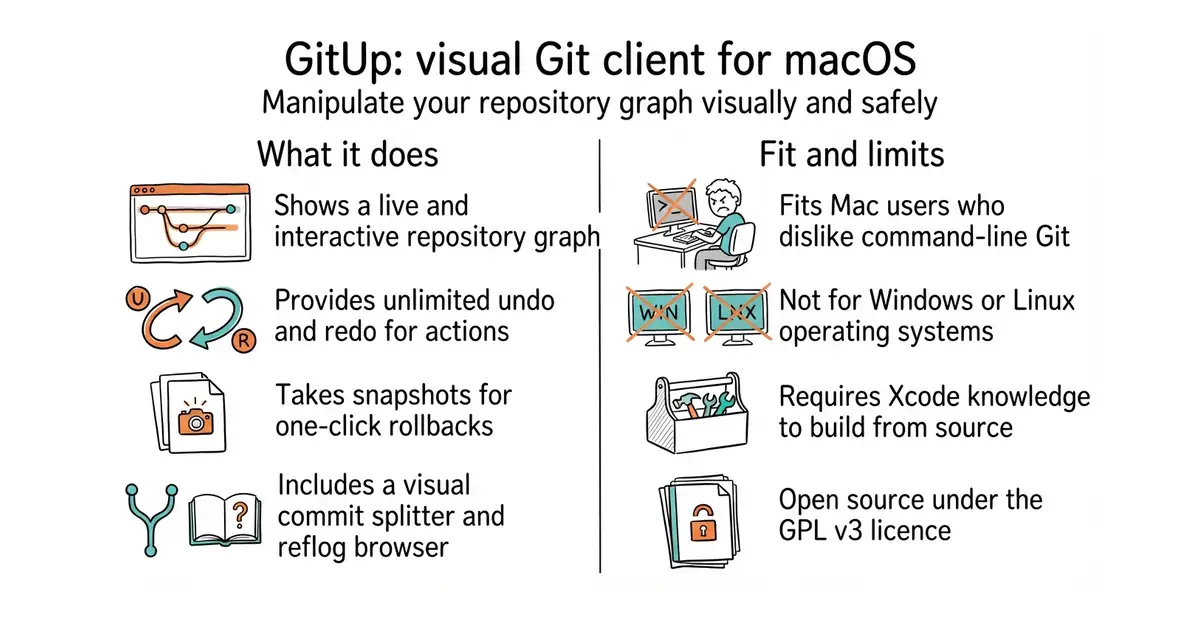
Git is a tool to track changes in code. Most people find Git hard to learn and easy to break. This app gives you a visual map of your project. You can click and drag to fix mistakes or undo actions. It costs nothing to download and use.
What it is
GitUp is a native desktop application for macOS that replaces the command line with an interactive graph of your repository. It interacts directly with the Git database on disk to let you manipulate your project structure visually.
What it is good for
Solo builders who want to manage code branches and undo mistakes without memorising obscure command-line instructions.
- Live and interactive repository graph that lets you edit commits directly.
- Unlimited undo and redo for almost all operations, including rebasing and merging.
- Snapshot feature allows one-click rollbacks to previous states.
- Only works on macOS, leaving Windows and Linux users out.
- Building from source requires Xcode and a paid Apple developer account for code signing unless you tweak settings.
- Maintained with occasional updates rather than active daily development.
The standard command-line Git tool
Xcode
- jesseduffield/lazygit83k stars
A terminal-based interface for managing Git commands in a text user interface.
- gitextensions/gitextensions8.6k stars
A desktop graphical user interface for Git that runs on multiple operating systems.


- alecthomas/kong3.2k stars
Builds the whole command-line interface of a Go program from a description of its commands.
- unocss/unocss19k stars
A styling engine that reads the labels in your markup and generates only the CSS those labels need.
git clone --recursive https://github.com/git-up/GitUp.git