In simple English
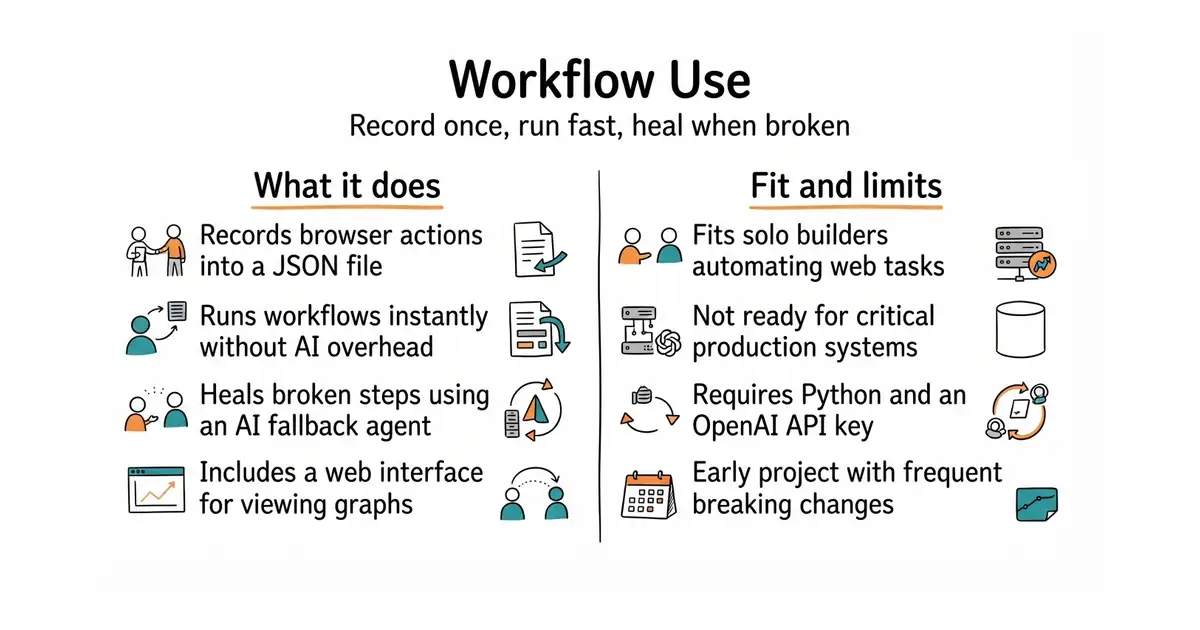
This tool records what you do in a web browser. It saves your actions into a file so you can run them again with one command. If a website changes its layout, the tool can use artificial intelligence to fix the broken step. You do not need to rewrite your script by hand when a button moves. It saves time on repetitive tasks, but it is still in early development and can break without warning.
What it is
Workflow Use is an open-source command-line tool that turns browser recordings into structured JSON workflow files. It combines fast, deterministic script execution with an AI fallback agent for self-healing web steps.
What it is good for
Solo builders who want to automate boring web tasks like form filling or data gathering without writing browser scripts from scratch.
- Records browser actions once and replays them instantly without using an expensive language model.
- Falls back to an AI agent when a website changes so your automation does not break.
- Includes a web-based graphical interface for viewing and editing your workflow steps.
- Requires an OpenAI API key and uses paid language models for generating and healing workflows.
- Project is in early development with frequent changes and no guaranteed release schedule.
- Setup requires installing Python, Node.js, and browser automation drivers.
Writing custom Playwright scripts by hand or running slow AI browser agents for every single run.
OpenAI API for running the generation and healing models.
- browser-use/browser-use119k stars
The underlying AI browser agent that this project uses to record and heal workflows.
- microsoft/playwright98k stars
A standard browser automation library for developers who prefer writing code by hand.


- PrefectHQ/prefect24k stars
Adds scheduling, retries and a run history to Python functions you already have.
- alirezamika/autoscraper8.1k stars
A Python scraper that learns what to extract from one example you give it.
git clone https://github.com/browser-use/workflow-use
cd workflows
uv sync
source .venv/bin/activate
playwright install chromium