In simple English
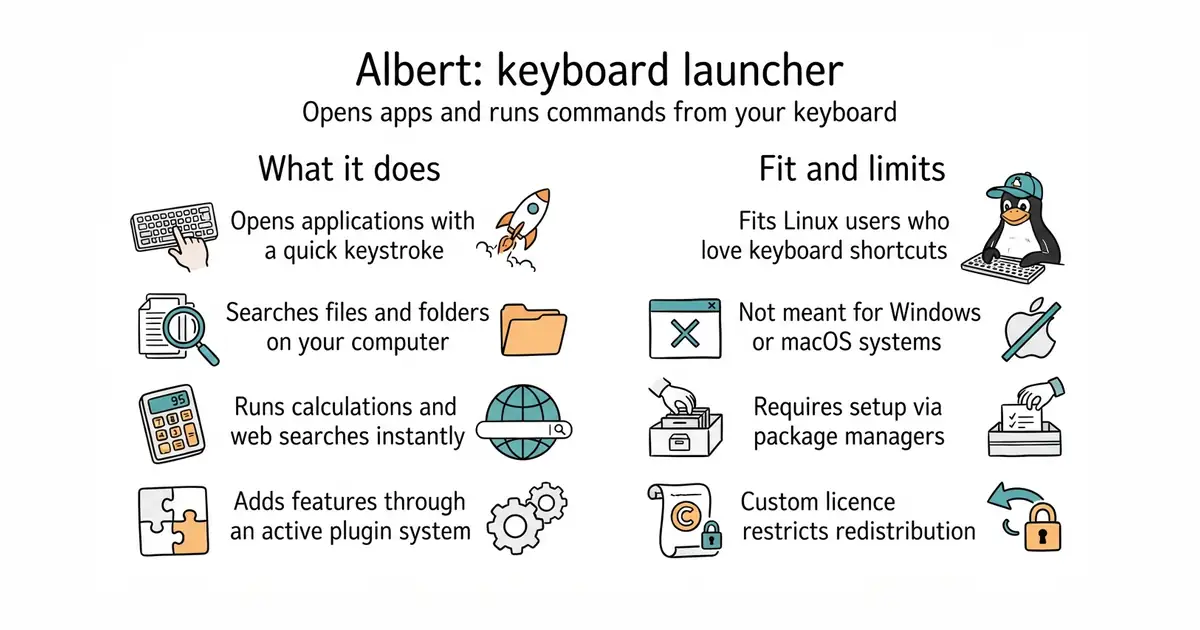
This tool lets you open apps, search files and run commands by pressing a few keys. You press a shortcut, type what you want and hit enter. It saves you time by keeping your hands on the keyboard. It is free to use and runs on your own computer. It needs some comfort with the Linux command line to install and set up.
What it is
Albert is a keyboard launcher built in C++ (a programming language used to build fast computer programs) using Qt (a software toolkit for making graphical user interfaces). It lets you add plugins to search files, calculate sums and launch apps.
What it is good for
Linux users who want a fast way to open programs and find files without reaching for the mouse.
- Runs fast on low memory.
- Plugins let you add search tools and calculators.
- Works across different desktop environments.
- Custom licence limits how you share modified versions.
- Setup requires compiling or adding third-party package repositories.
- Mainly built for Linux systems.
The built-in desktop search menu or manual terminal commands.
A Linux window manager like i3 or Sway.
- helix-editor/helix47k stars
Another keyboard-first tool, though it is a text editor rather than a launcher.


sudo add-apt-repository ppa:flexiondotorg/albert
sudo apt update
sudo apt install albert