In simple English
Planify is a to-do list app for Linux computers. It helps you track tasks, set reminders, and plan your days. You can use it by itself, or connect it to your existing accounts like Todoist or Nextcloud. It is free to download and use on your desktop. It runs best on the GNOME desktop environment.
What it is
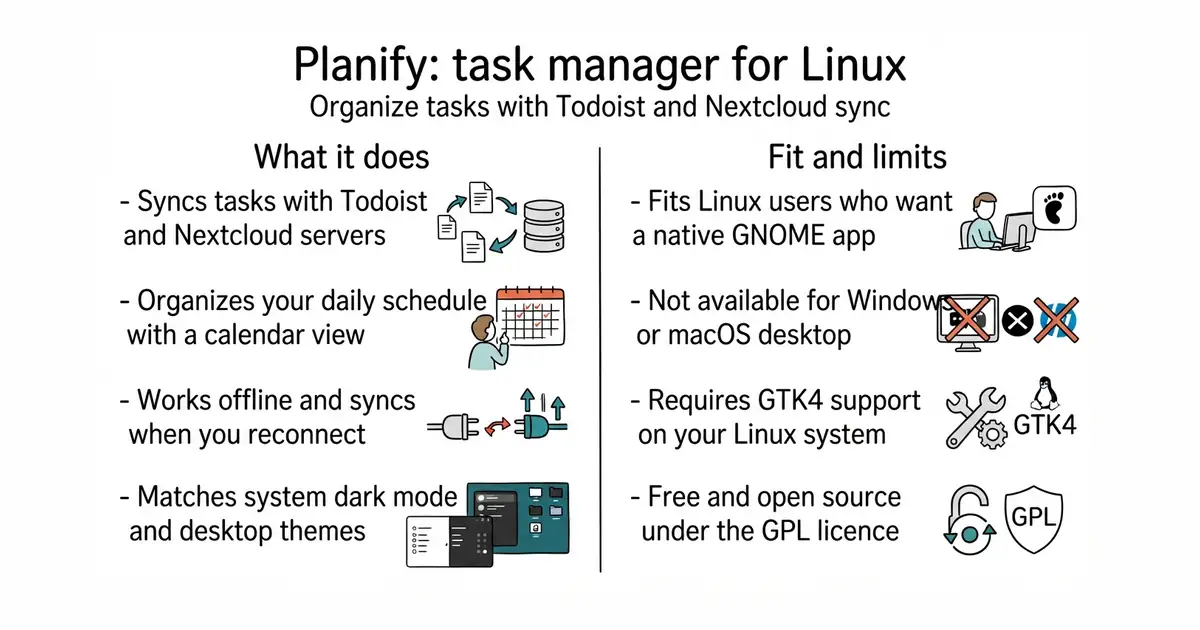
Planify is a native task manager designed for Linux systems using the GTK4 toolkit and libadwaita (a library of building blocks for GNOME apps). It supports offline work and syncs your lists when you reconnect to the internet.
What it is good for
Linux users who want a clean, native task manager that connects to Todoist or a private Nextcloud calendar without running inside a web browser.
Stars5.8k
LicenceGPL-3.0
Latestv4.20.0 (2026-09-10)checked 24 Oct 2026
Last code change2026-10-21
Written inVala
Setup effort
1 / 5
Payoff
4 / 5
Good
- Works offline and syncs your tasks later.
- Connects directly with Todoist and CalDAV servers.
- Clean interface that matches modern Linux desktop themes.
Watch for
- Built specifically for Linux, so it does not run on Windows or macOS.
- Requires compiling from source code or installing via Flathub.
- Needs 2 GB of memory and GTK4 support on your system.
Replaces
Todoist web app or manual text files
Works well with
Nextcloud
Install
flatpak install flathub io.github.alainm23.planify