37519 stars · MIT (named in the About sidebar) · v8.2.8 (2026-06-30), shown on /releases/latest as '30 Jun' with no year and settled from the Python package index, which also lists 8.2.7 of 19 May 2026 and 8.2.6 of 13 May 2026 · Track this in Scout
Lets a Python program draw a real interface inside a terminal, and serve the same thing to a browser.
Radar check
What we found when we opened it. Every bar is one fact, with its date.
Last code pushed 9 Oct 2026, 15 days before this check.
Latest release v8.2.8 on 30 Jun 2026.
Public since April 2021, a little over 5 years.
37,519 stars and 1,372 forks.
1 commits and 29 new issues in the last 90 days.
192 contributors. No pull requests merged in 90 days; changes go in directly.
No security policy file says how to report a problem. No published security advisories.
How the bars are scored
- Alive. Days since the last code push: a week or less 100, a month 90, three months 70, six months 50, a year 30, eighteen months 15, older 0.
- Releases. Age of the latest GitHub release, on a similar scale; no bar when the project publishes no releases.
- Maturity. Age of the project: eight years 100, five 90, three 70, two 55, one 40, six months 25, younger 10.
- Adoption. Stars on a log scale: 100,000 stars is 100, 10,000 is 80, 1,000 is 60, 100 is 40.
- Activity. Commits in the last 90 days: 300 or more 100, 100 85, 30 65, 10 45, any 25.
- Community. People who have contributed: 100 or more 100, 30 80, 10 60, 5 40, 2 25, one 10.
- Security. A published security policy 80, none 40; published advisories are listed, not scored.
Checked by Repo Radar on 25 Oct 2026 from the repository on GitHub. Covered in Edition 61.
▶Repo detailsthe review · specs · pros & cons · install
What it does
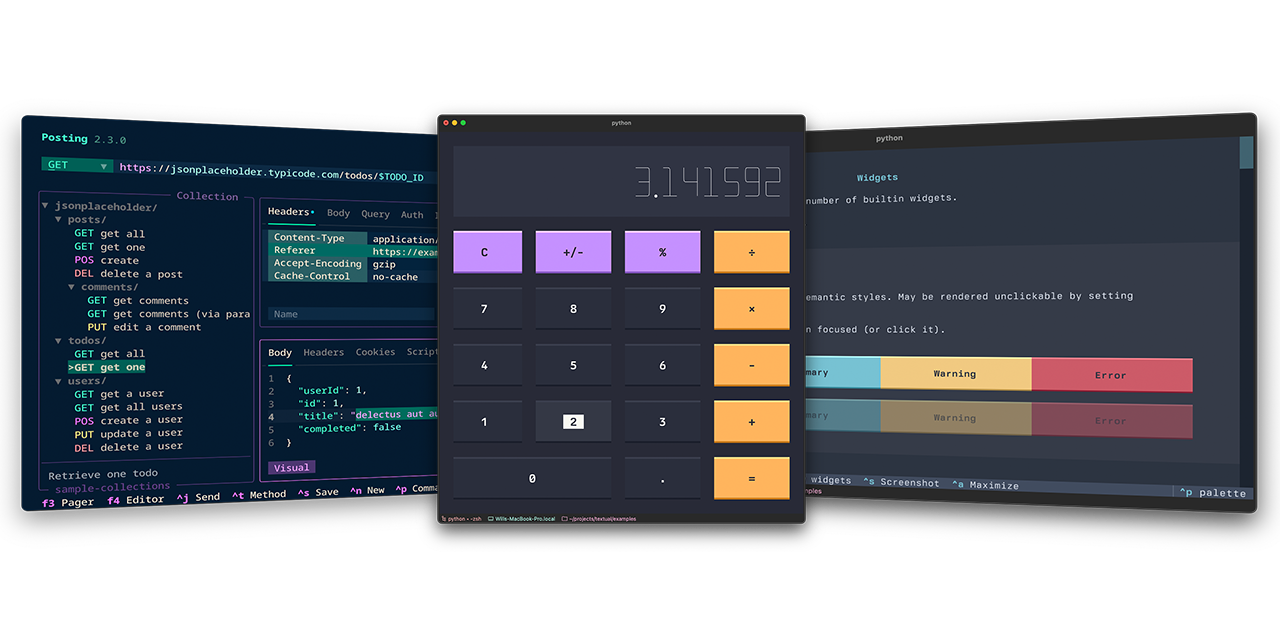
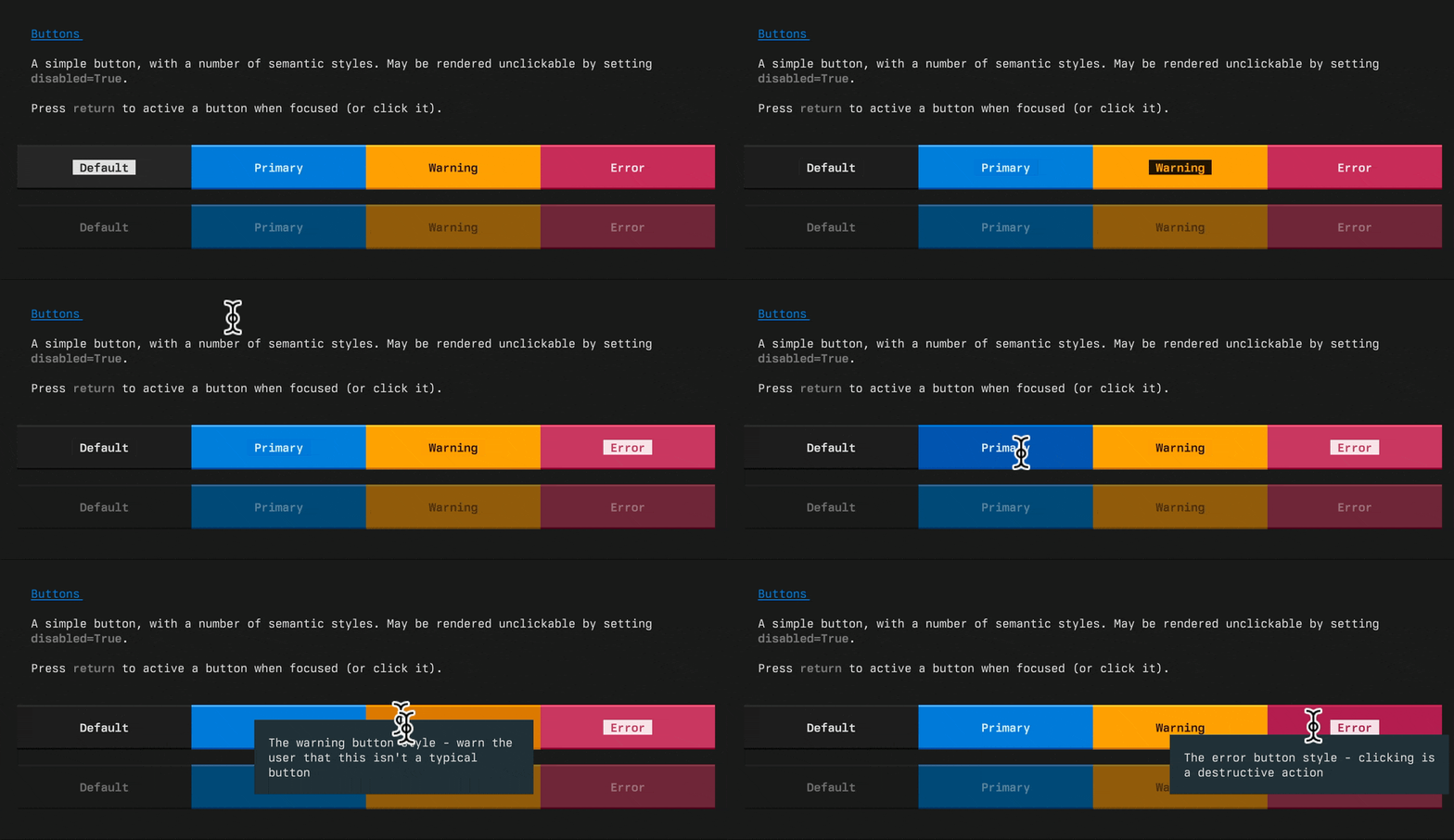
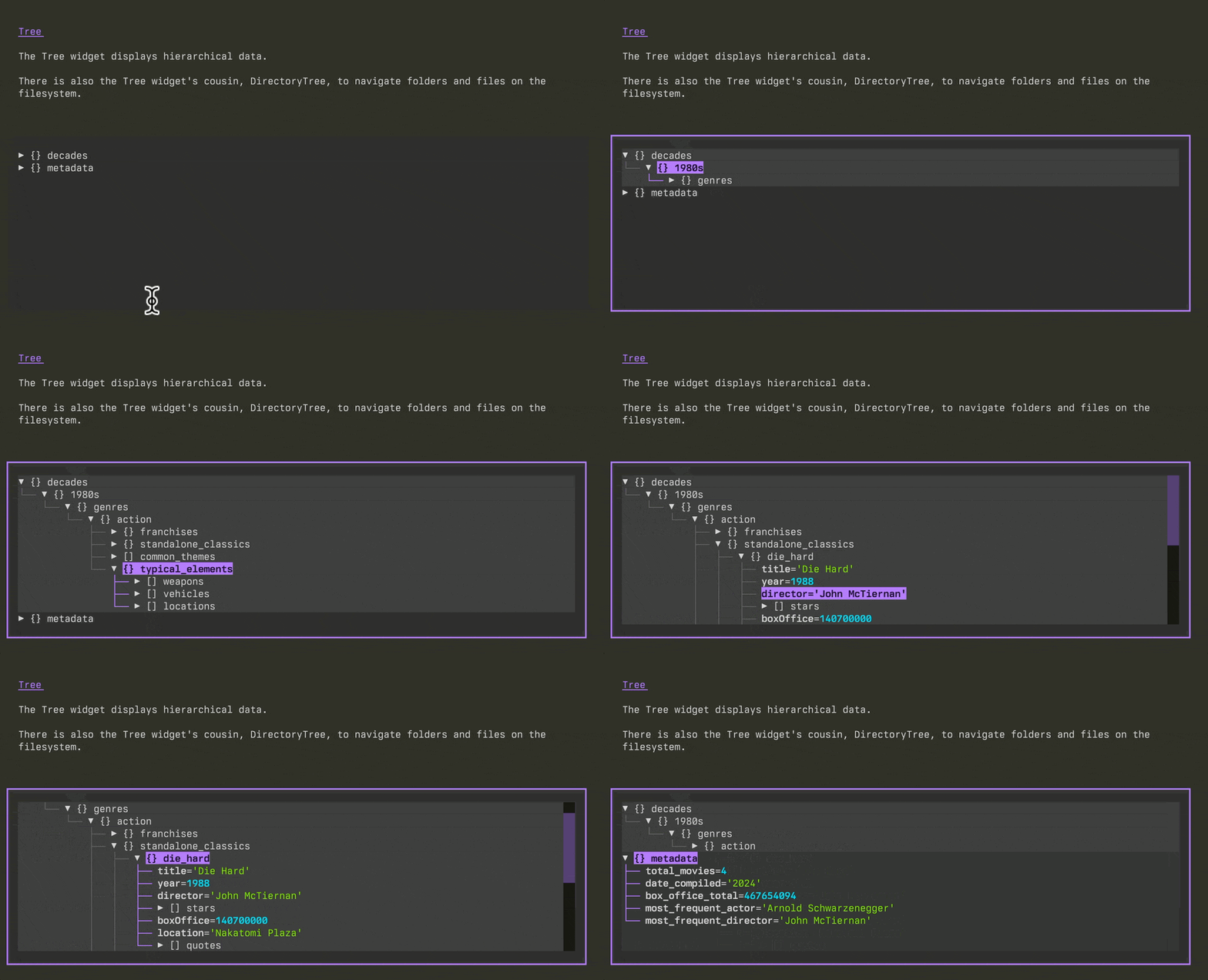
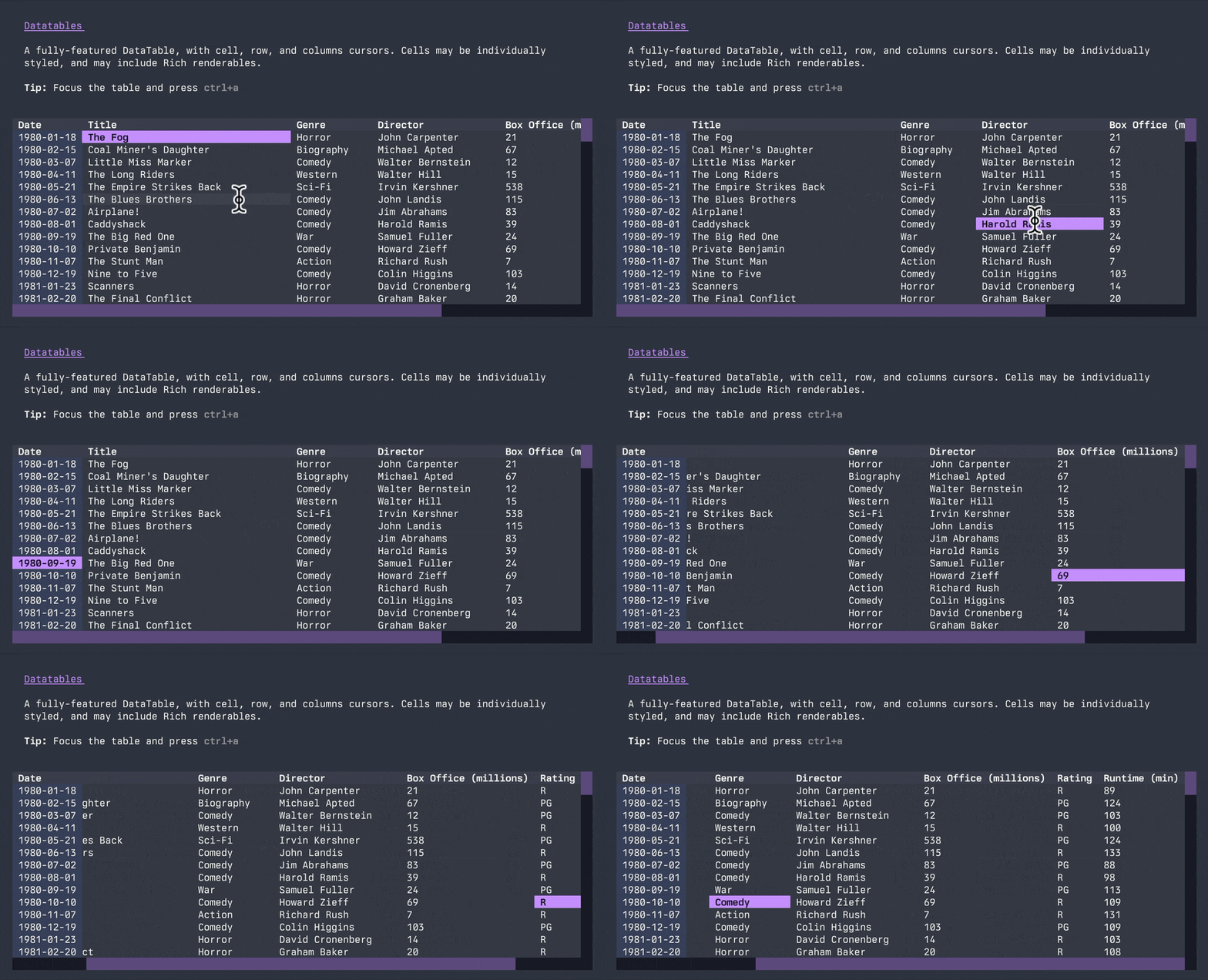
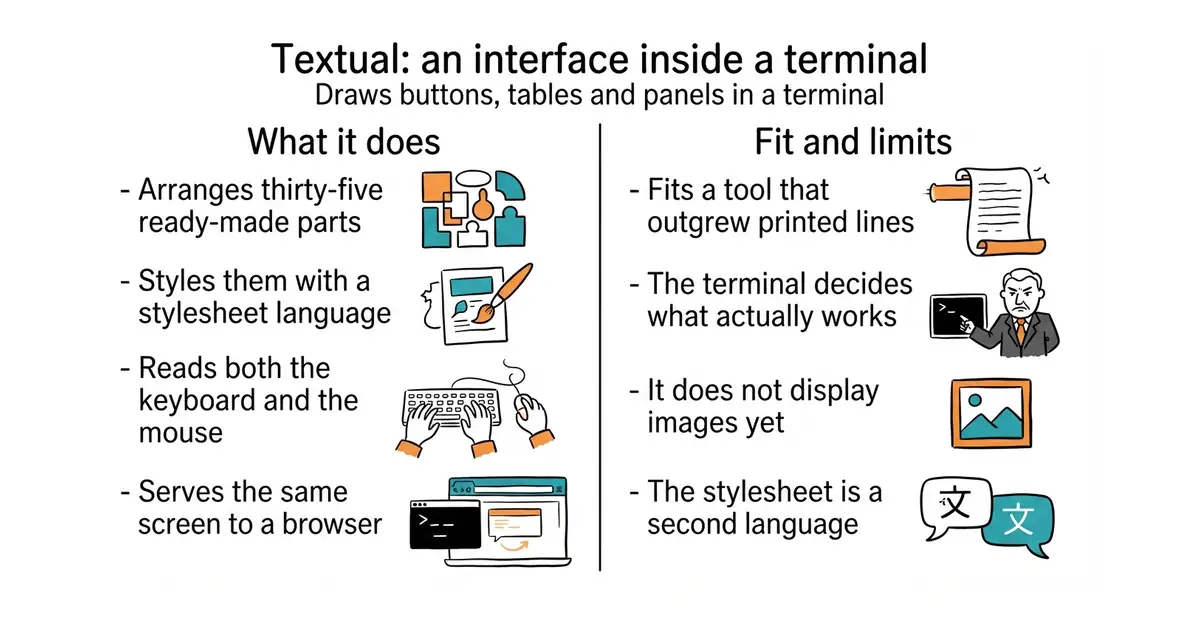
You write a Python class, list the parts it contains, and style them in a stylesheet language that looks like the one used for web pages. It reads your code and that stylesheet, and watches the keyboard and the mouse. It produces a running interface, either in a terminal window or — with textual serve — the same interface in a browser. The widget gallery documents 35 parts, including buttons, data tables, trees, a text editor, a Markdown viewer and small inline charts. It ships themes, a built-in command palette on ctrl+P, a separate developer console, and a test framework so interfaces can be checked automatically. It needs Python 3.9 or newer. There are things it has decided not to do: it does not display images, and it will not use the sixteen colours a terminal's own theme controls, because its own effects depend on knowing the exact colour it painted.
Why it matters
Who it suits. Anyone writing a Python tool whose output has outgrown printed lines — a log viewer, a queue inspector, a small admin screen. The browser mode is the strongest reason to pick it: one program can be run over SSH by one person and opened in a browser by another. Skip it if the interface needs to show pictures, and skip it if the audience is on Windows and expects a window with a title bar, because this is a terminal first.
Verdict. Twenty minutes very well spent, and the limits are all in one place, which is unusual and helpful. Version 8.2.8 was published on 30 June 2026 and code was pushed on 9 October, so it is active. The honest warnings are about the terminal rather than the library. What works depends on which terminal is open: the stock macOS Terminal shows only 256 colours and is slow, the Command and Option keys are often not passed through at all, and click-and-drag text selection works in most parts but not yet all of them. The project names iTerm2, Ghostty, Kitty and WezTerm as the ones it is happy in, and that recommendation should be taken literally. The other cost is a second language: layout is done in a stylesheet dialect that resembles web CSS without being it. For the same job in Go rather than Python, charmbracelet/bubbletea is the equivalent, built on a different idea — a single update loop instead of widgets and styles.
- 35 ready-made parts, so most screens are assembled rather than drawn.
textual serveputs the same program in a browser with no second version to maintain.- A test framework and a developer console, which almost nothing else in this niche ships.
- What works depends on the reader's terminal, and no code change can fix that.
- No image support yet, and the terminal's own sixteen theme colours are deliberately ignored.
- Layout is a second language to learn, close enough to web CSS to mislead.
- charmbracelet/bubbletea
MIT, 44.3k stars; the same job in Go, built on one update loop rather than widgets and stylesheets, which is less to learn and more to write.
Track this in Scout - prompt-toolkit/python-prompt-toolkit
BSD-3-Clause, 10.6k stars; also builds interactive terminal programs in Python, but aimed at prompts and line editing with completion rather than whole screens, and with no browser mode.
Track this in Scout - urwid/urwid
LGPL-2.1, 3.0k stars; a much older Python library for the same purpose, plainer in appearance, with no stylesheet layer and a weaker-copyleft licence rather than a permissive one.
Track this in Scout
python3 -m venv venv
source venv/bin/activate
pip install textual textual-dev