In simple English
This is a calendar app that you control using your keyboard instead of your mouse. It connects to your existing Google or Outlook calendar to show your schedule. You can quickly add events, jump between days, and book meetings without touching your trackpad. It costs nothing to use the hosted version or to run the code yourself on your own computer.
What it is
Compass Calendar is an open-source scheduling tool built with TypeScript (a programming language that adds safety rules to JavaScript) and React (a library for building user interfaces). It lets you manage your time using quick keyboard commands and features a minimalist design with a built-in booking page.
What it is good for
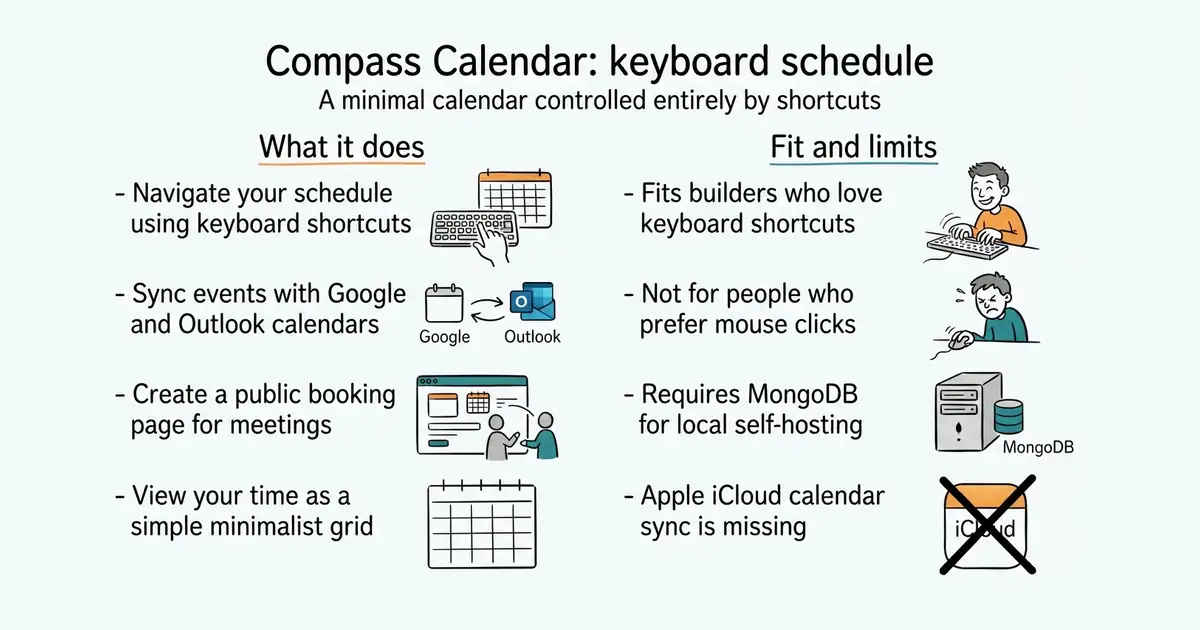
Solo builders and developers who hate taking their hands off the keyboard to schedule meetings or check their daily plans.
- Controls entirely by keyboard shortcuts so you never need to touch a mouse.
- Syncs smoothly with Google and Outlook calendars.
- Includes a public booking page to let others schedule time with you.
- Requires Node (a program that lets you run JavaScript on your computer) and Bun (a fast toolkit for running JavaScript apps) to set up locally.
- Lacks support for Apple iCloud calendars for now.
- Relies on MongoDB (a database program that stores data in flexible documents) for self-hosting.
The standard Google Calendar website
Google Calendar
- calcom/cal.diy49k stars
An open-source scheduling platform with extensive booking features and calendar integrations.

bun install
cp compass.example.yaml compass.yaml
bun run dev:web
bun run dev:backend