In simple English
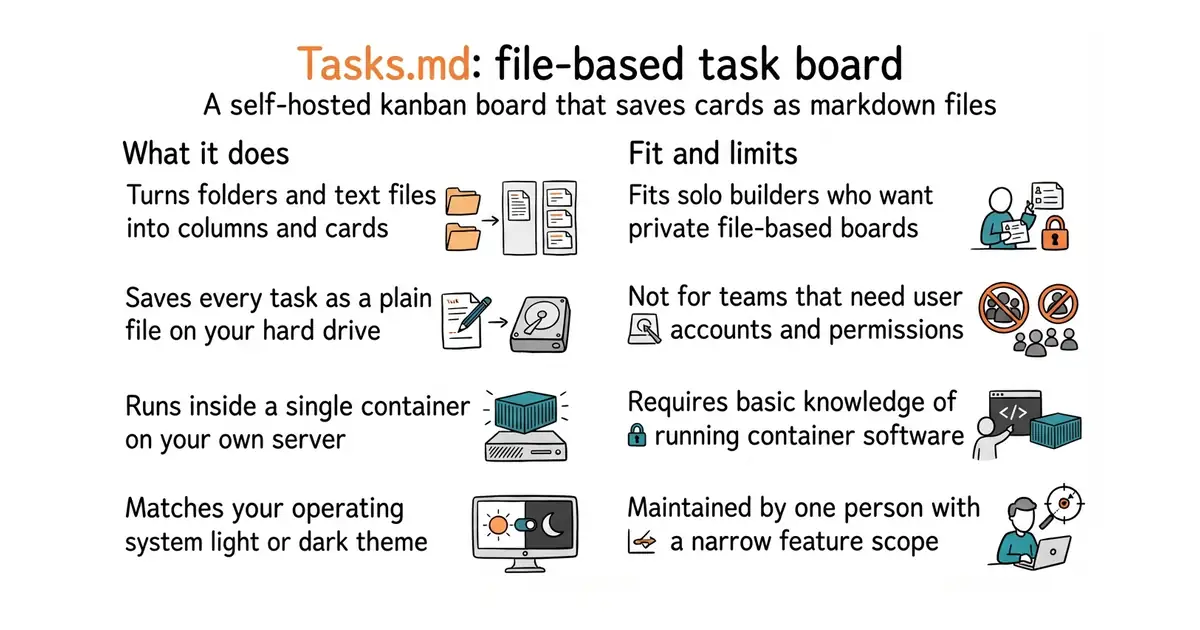
This tool gives you a visual board to manage tasks in columns. Every card on the board is a plain text file saved directly in your own folders. You do not need an account on a third-party service to run it. It costs nothing to run on your own hardware, and takes a few minutes to start up. If your server goes down, your task files remain safe on your hard drive.
What it is
Tasks.md is an open-source task board that organises markdown files (a simple way to write formatted text using normal keyboard symbols) into columns on a web interface. It runs as a Docker container (a way to run a program inside its own sealed box, so it cannot break anything else on your server) and reads your local directory structure directly.
What it is good for
Solo builders who want a private project board that works with Obsidian (a desktop note-taking app that reads local markdown folders) or a local file folder without sending data to outside companies.
- Saves every task as a normal text file on your disk.
- Runs easily with a single container command.
- Matches your computer light or dark mode automatically.
- Requires a machine that can run container software.
- Lacks built-in user accounts or multi-user login security.
- Maintained by one person, so large new features are unlikely.
Trello or Notion
Obsidian
- go-task/task16k stars
Runs command-line tasks from a simple file instead of providing a visual board.
- LibreChat-AI/LibreChat46k stars
Provides a self-hosted web interface with user authentication, but focuses on chat rather than task boards.


docker run -d \
  --name tasks.md \
  -p 8080:8080 \
  -v /path/to/tasks:/tasks \
  -v /path/to/config:/config \
  baldissaramatheus/tasks.md