In simple English
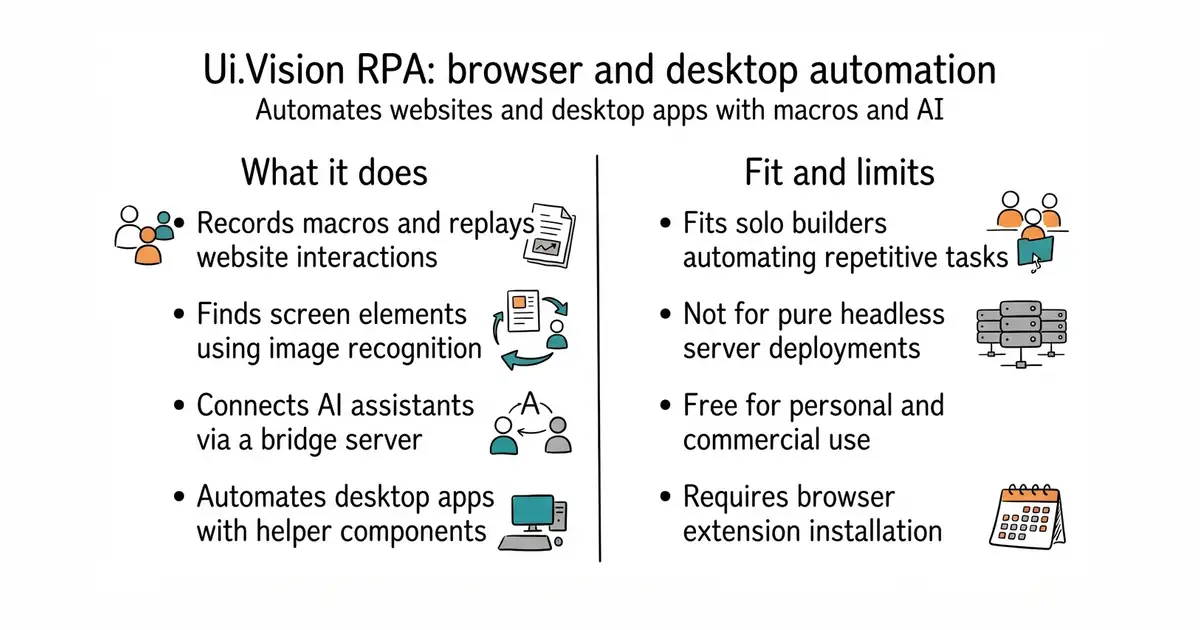
This tool automates tasks inside your web browser and on your computer. You can record your clicks, write small scripts, or let an AI assistant do the work for you. It reads text from images and finds buttons visually when standard web code fails. You can install it directly from your browser store without building anything. It costs nothing for personal and commercial use.
What it is
A browser extension and desktop automation suite with a built-in Model Context Protocol server. It combines visual recognition, optical character recognition, and macro recording to control web pages and native applications.
What it is good for
Solo builders who want to automate repetitive data entry, test web forms, or let an AI coding assistant control a live browser session.
- Installs directly from your browser store as a ready-to-use extension.
- Includes an MCP server so AI assistants can write and run macros.
- Supports visual image recognition and optical character recognition for tricky pages.
- Uses a custom licence rather than a standard open source licence.
- Desktop automation requires installing separate native helper components.
- Building the extension from source requires specific Node and npm versions.
manual browser clicking and repetitive data entry
Claude Code or Cursor
- puppeteer/puppeteer96k stars
A programmatic library for controlling browsers with code rather than visual macros.
- microsoft/playwright98k stars
A modern testing and automation framework for web applications across multiple browsers.
- SeleniumHQ/selenium35k stars
The classic browser automation framework that inspired many macro recording tools.


- PrefectHQ/prefect24k stars
Adds scheduling, retries and a run history to Python functions you already have.
- alirezamika/autoscraper8.1k stars
A Python scraper that learns what to extract from one example you give it.
npx uivision-mcp-bridge --setup